
Home / Motion Blur / DUKE Motion Blur
7 effects
DUKE Motion Blur
Real motion blur for DaVinci Resolve, including Speed Ramp Blur for 1000% speed ramps. Drop one on a clip. Tested in DaVinci Resolve Studio 21 on a Mac.
$5all 7, one time
All sales finalWatch all 7 below before you decide. Hover a tile on desktop, or scroll on your phone.
- DUKE Motion Blur and Motion Blur Strong require DaVinci Resolve Studio (optical flow). Everything else works in the free version.
- Speed Ramp Blur: speed a clip up, drop it on, it finds the speed by itself.
- Smooth playback tip: right-click the clip and choose Render in Place, or turn on Render Cache Fusion Output. Exports are always full quality.
How it works
Motion Blur effects are Edit page clip effects. You drop one on a video clip and it blurs that clip.
- Drop it on. Drag a DUKE Motion Blur effect from Effects, Toolbox, Effects onto a clip, or select the clip and double-click the effect.
- Speed ramps. Speed the clip up as usual, then drop DUKE Speed Ramp Blur on it. It finds the speed by itself. Shutter Angle 360 is strong and smooth, 180 is more natural.
- Blur that follows the picture. DUKE Motion Blur measures how every part of the picture moves and blurs each part along its own direction. It needs DaVinci Resolve Studio.
- Shutter AngleSpeed Ramp Blur starts at 360, strong and smooth. 180 is more natural.
- QualityDraft while editing, Final for export. Motion Blur also has a faster Fast setting.
- Speed OverrideType the speed only if Auto ever looks wrong.
Speed Ramp + Motion Blur
3 effectsReal motion blur for 1000% speed ramps and fast moves
-
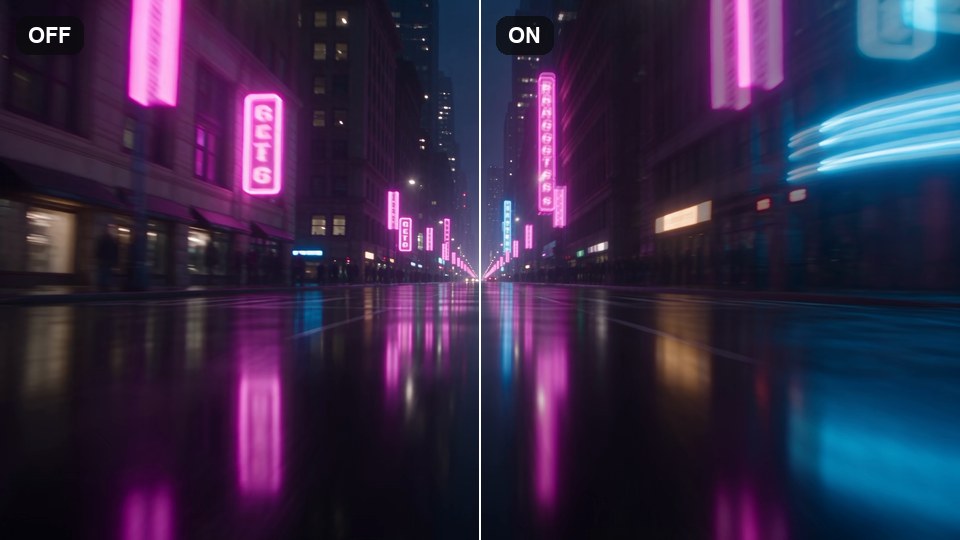
Speed Ramp Blur
-
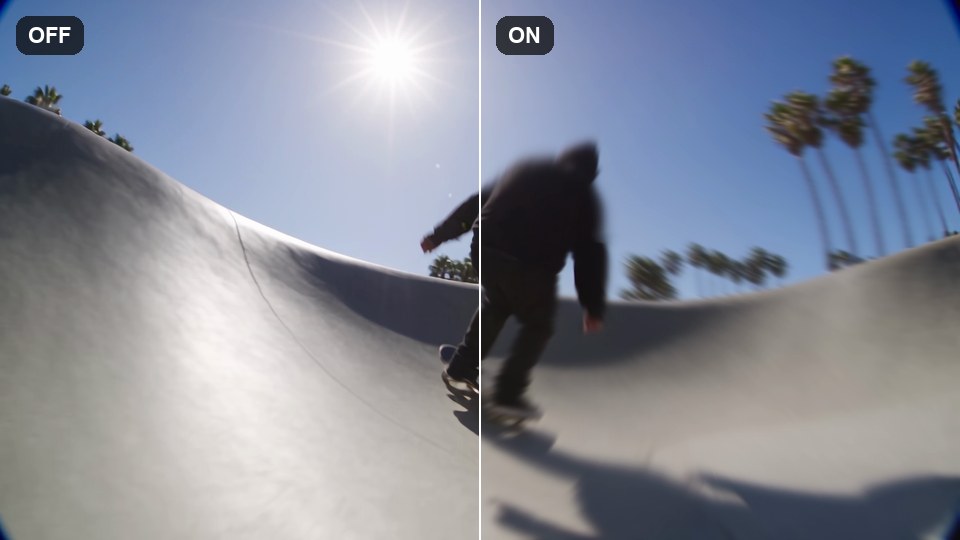
Motion Blur
-
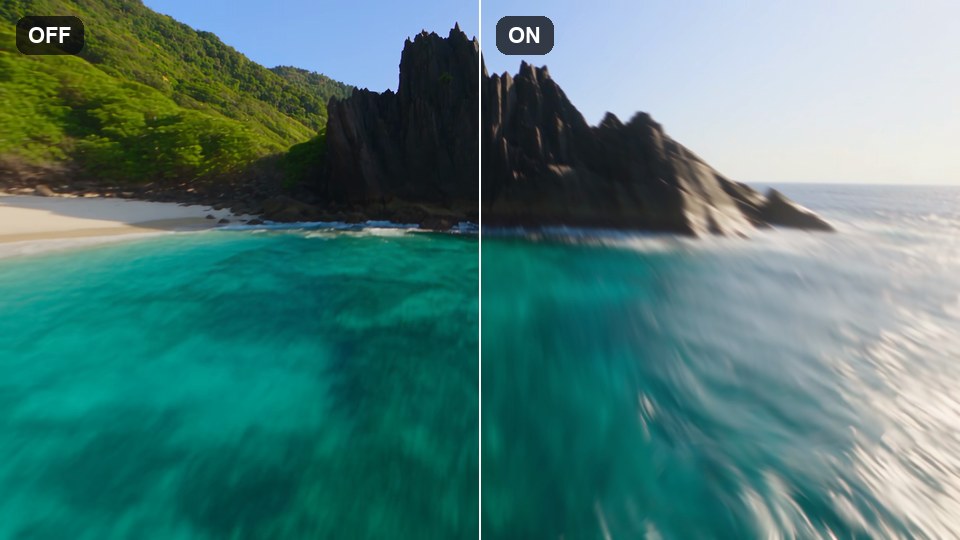
Motion Blur Strong
Stylised Blur
4 effectsGhost trails, streaks and a zoom punch
-
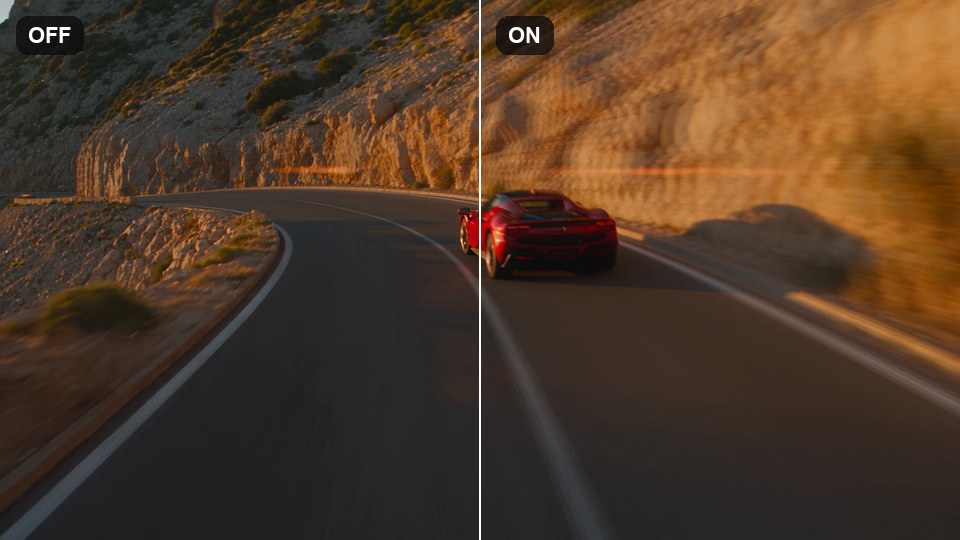
Echo Blur
-
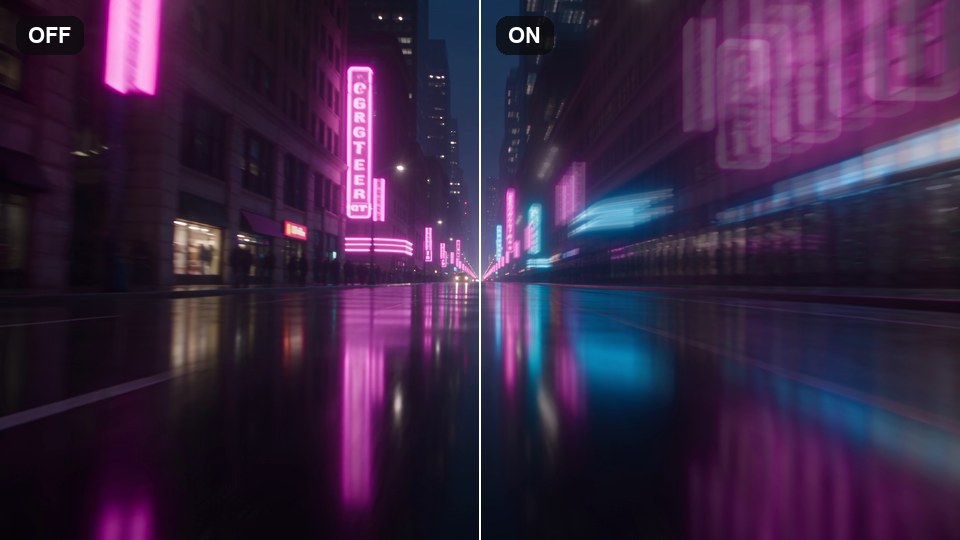
Echo Blur Strong
-
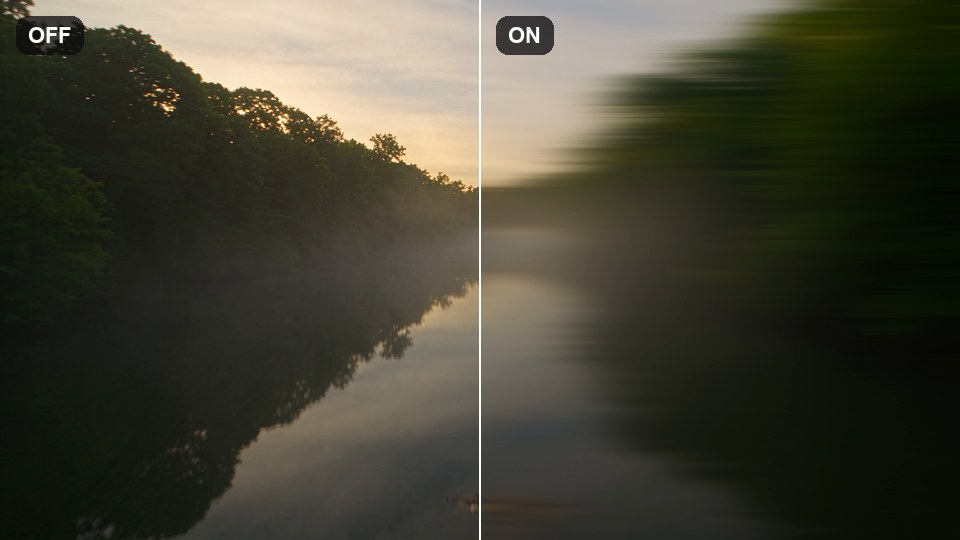
Speed Blur
-
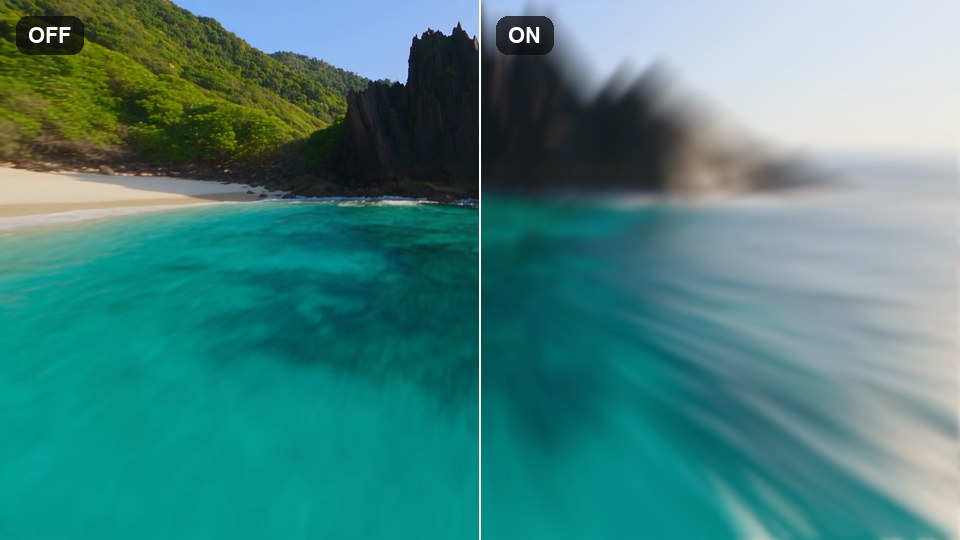
Zoom Blur Pulse