
Free: 41 transitions, drop-ins and captions for DaVinci Resolve and Premiere Pro. No card needed.
Get all 5 free packs
Pro effects for DaVinci Resolve and Premiere Pro. Drag, drop, done.
$49.99 $64.99 Launch price
The DUKE FX Master Bundle: every effect for DaVinci Resolve in one payment. 290 transitions, 60 Drop-Ins, Auto Captions, 57 Titles and 7 Motion Blur.
On your phone? These run on a computer. Get the link by email:
No spam. One email.
DUKE FX in 21 seconds
Every DUKE effect in one short video. Sound on.
DUKE Transitions
$29.99 $49.99 Launch price
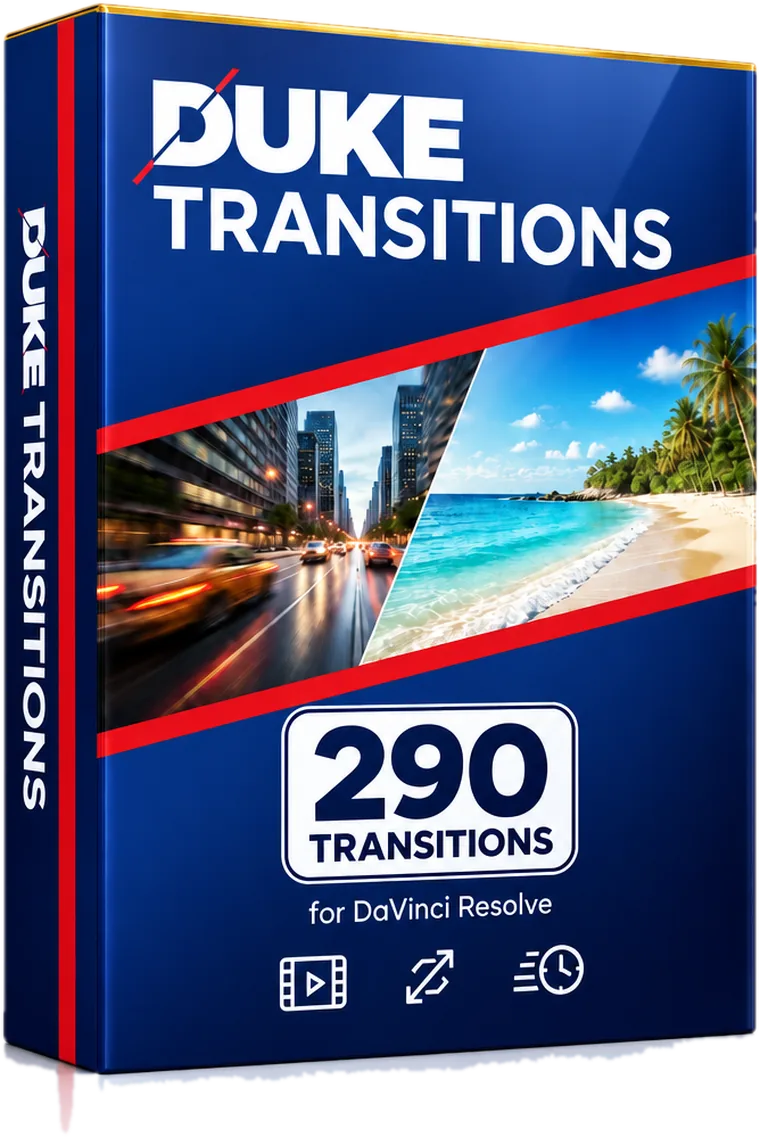
Whips, zooms, glitches and light leaks. Drag one onto a cut and you are done. Watch every one before you buy.
All 290 in the TRANSITIONS MASTER PACK. Single packs from $5.
On your phone? These run on a computer. Get the link by email:
No spam. One email.
DUKE Drop-Ins
$10 $19.99 Launch price
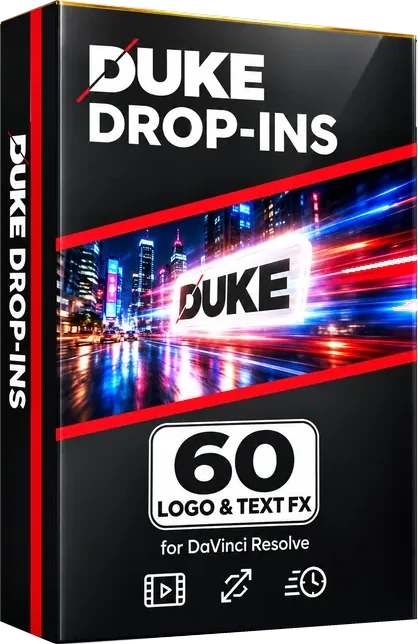
Logo and text animations. Drop one on a logo, PNG or title and it animates in and out.
Entrances, exits and loops.
On your phone? These run on a computer. Get the link by email:
No spam. One email.
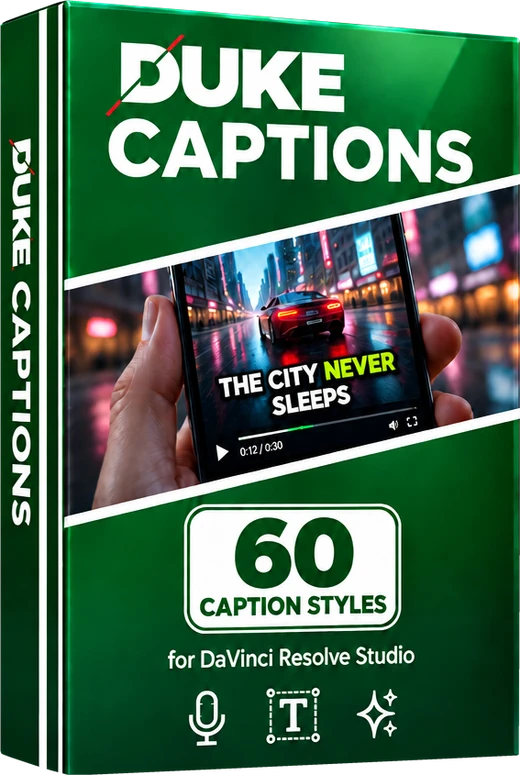
Auto Captions
$20 $39.99 Launch price
One click writes, times and styles every word on a new track. No typing.
Needs DaVinci Resolve Studio 20 or newer. Not for the free version.
On your phone? These run on a computer. Get the link by email:
No spam. One email.
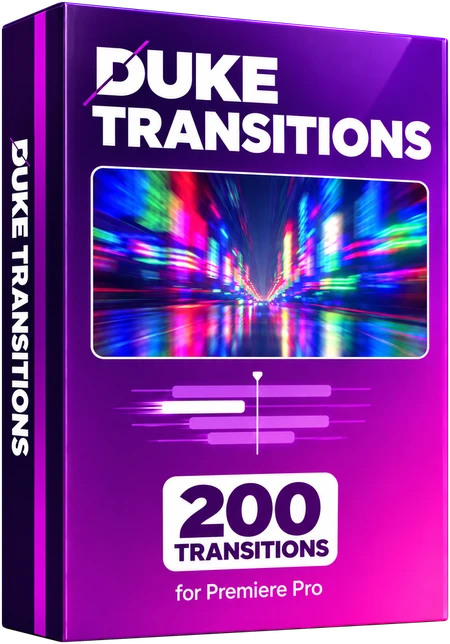
Premiere Pro
From $10
Transitions and logo and text animations for Adobe Premiere Pro. Drag one onto an adjustment layer and you are done. Watch every one before you buy.
200 transitions and 60 Drop-Ins, from $10.
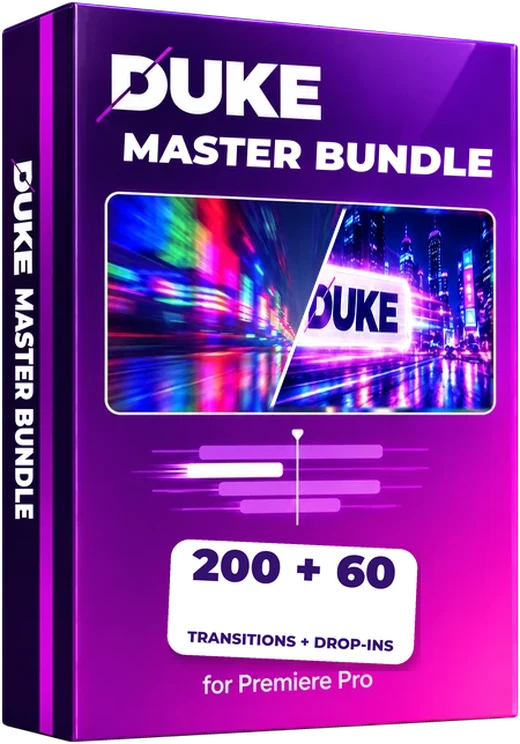
On your phone? These run on a computer. Get the link by email:
No spam. One email.
And there is more
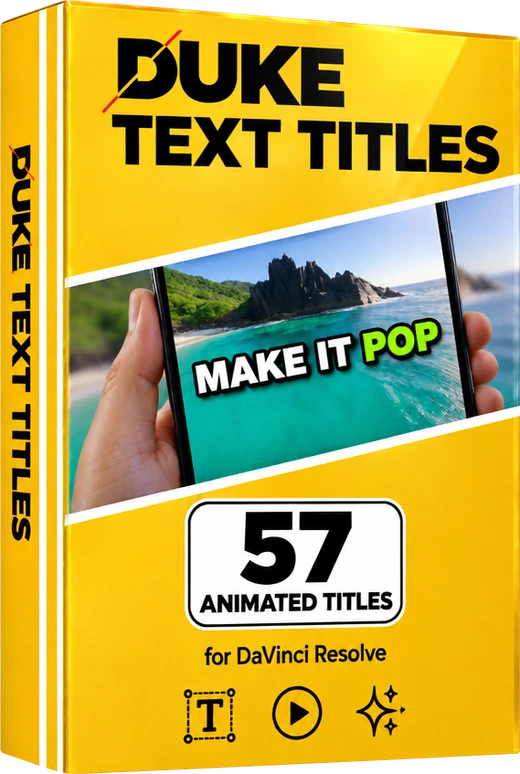

Not sure yet? Start free.
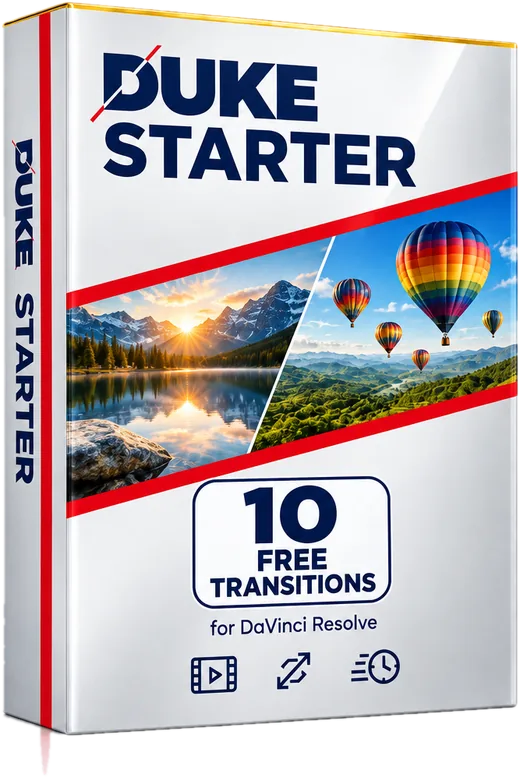
The free Starter has 10 transitions, one from 10 different packs. No card needed.
Questions
How do I install DUKE?
Quit DaVinci Resolve, copy the .drfx file from your download into the Resolve Templates folder, and open Resolve again. Then find the transitions under Effects, Toolbox, Video Transitions, and the Drop-Ins under Effects, Toolbox, Effects. It takes about a minute.
The exact folder for Mac and Windows is on the install guide, and the same guide is inside every download.
What is the Curve tab?
Every DUKE transition has a Curve tab in the Inspector next to the usual sliders. Leave it on Original DUKE for the transition as designed, pick an Ease Preset (Expo, Back for overshoot, Bounce and more), or choose Custom Curve and drag the graph to shape the motion yourself.
How do I update to a new version?
Download the newest version (paid packs from your order page, free packs from this site), quit Resolve, copy the new .drfx file into the same Templates folder and choose Replace, then open Resolve. Names stay the same, so nothing shows up twice. Step by step: updating guide.
Which version of DaVinci Resolve do I need?
DUKE was tested in DaVinci Resolve Studio 21 on a Mac and is built for Windows too. We have not yet tested the free version of Resolve or Windows ourselves, but both should work. If something does not work on your setup, email us and we will help you get it working.
What is the TRANSITIONS MASTER PACK?
The DUKE TRANSITIONS MASTER PACK is the one download that contains all 7 packs, all 290 transitions, so you never need to buy the packs separately. It also includes the Starter picks and 9 bonus project folders.
What is the difference between Transitions and Drop-Ins?
Transitions go on a cut between two clips and change one shot into the next. Drop-Ins go on a logo, PNG, title or clip and animate it in and out, so they sit on a clip instead of on a cut.
How do I size my logo with a Drop-In?
Use the effect's Size slider in the Inspector. Keep Inspector Zoom at 100%. Sizing with Zoom fights the effect and can make the animation look wrong.
Does Motion Blur work in the free version of Resolve?
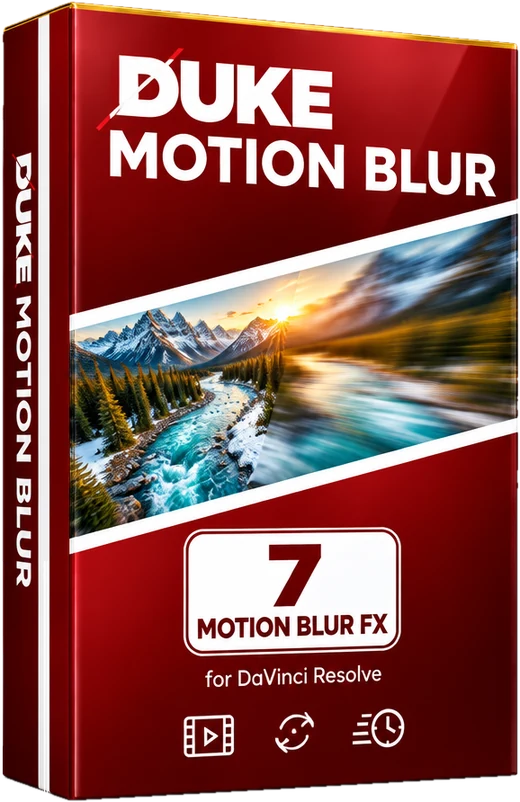
Most of it does. DUKE Motion Blur and DUKE Motion Blur Strong require DaVinci Resolve Studio because they use its optical flow. Everything else works in the free version, including Speed Ramp Blur and the DUKE Echo Blur pair. DUKE Motion Blur was tested in DaVinci Resolve Studio 21 on a Mac.
How do I use Speed Ramp Blur?
Speed the clip up as usual (Change Clip Speed, or speed points and the retime curve), then drop DUKE Speed Ramp Blur on the clip. It finds the speed by itself and blends the frames a real camera shutter would have caught, so a 1000% speed ramp looks like natural motion. At normal speed it leaves the picture untouched. Shutter Angle 360 (the default) is strong and smooth, 180 is more natural. It works best with footage shot at 60 fps or higher.
If playback stutters, right-click the clip and choose Render in Place, or turn on Render Cache Fusion Output. Exports are always full quality.
Does DUKE Captions work in the free version of DaVinci Resolve?
No. DUKE Captions needs DaVinci Resolve Studio 20 or newer. It uses Resolve's built-in AI transcription to turn your speech into words with timing, and that feature is part of Studio, so the free version of Resolve cannot generate the captions. DUKE Captions was tested on a Mac with DaVinci Resolve Studio 21.
Do they work on vertical video?
Yes. Every transition works on 16:9 and 9:16 timelines with no black borders.
Can I see the transitions before I buy?
Yes. Each pack has its own page with a preview of every transition inside it. Start from the Transitions page.
How do I get my download after paying?
Right after payment you land on a confirmation page with your download button. Bookmark that page: opening it again gives you a fresh download link any time.
Can I get a refund?
All sales are final. Because these are digital downloads, we do not offer refunds. If a pack will not install or work, email us and we will help you get it working. Try the free Starter first if you want to test DUKE on your setup.
What can I use them for?
Use DUKE in your own projects, including client work and monetized videos. Please do not resell, share or redistribute the files themselves. Full details are in the terms.
I need help or something looks wrong
Email bobby@quantosmedia.com and tell us which transition and which version of Resolve you are using.