
Home / Auto Captions / DUKE Captions Lite
Free auto captions for DaVinci Resolve Studio
The free version of DUKE Captions. Click one button and Resolve's AI transcribes your voice while the plugin writes, times and styles every word on a new track. 11 caption styles are unlocked, the rest are shown locked. Unlock the others from inside the plugin in about 30 seconds. No reinstall.
Want every style? Get the full version for $20
Needs DaVinci Resolve Studio 20 or newer (uses Resolve's built-in AI transcription). It does not work in the free version of Resolve.
Tested on a Mac with DaVinci Resolve Studio 21. Windows is not tested yet.
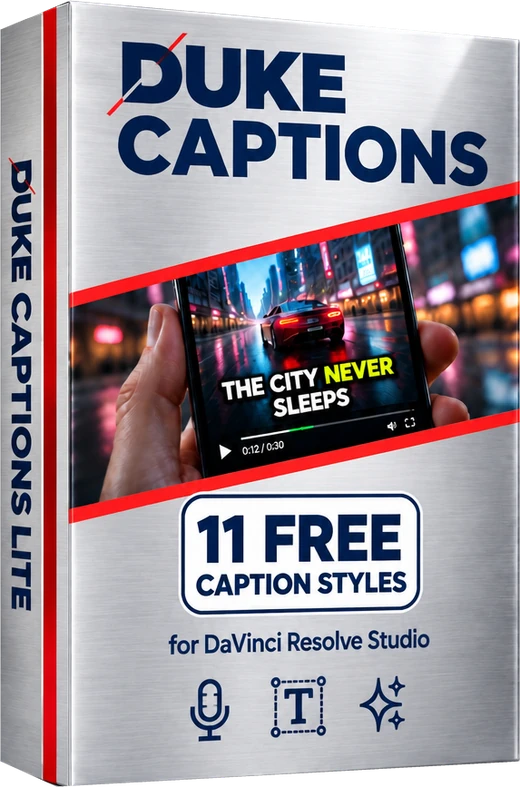 DUKE Captions Lite
11 free caption styles
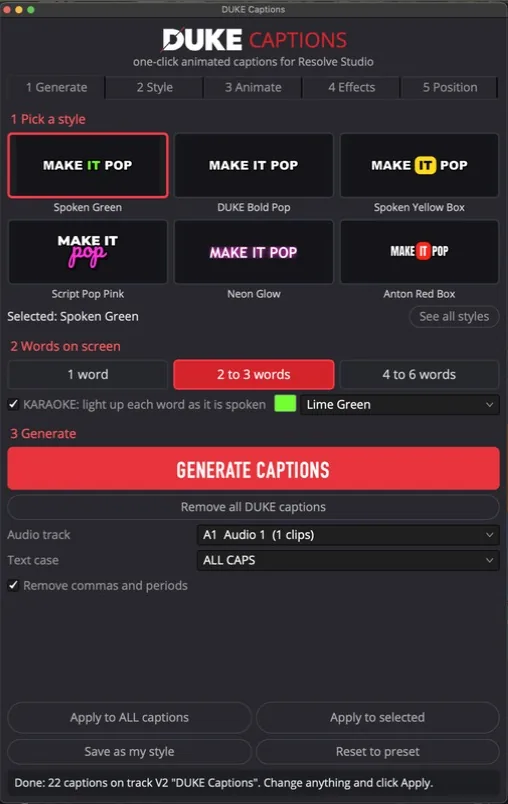
How it works: 4 steps, fully automatic
One plugin for everyone. Lite and the full version are the same script, so upgrading never needs a new download.
- Open it. Install it once with the guide in the zip (about 2 minutes). Then in Resolve choose Workspace, Scripts, DUKE Captions.
- Pick one of the 11 free styles and how many words on screen. The other styles are greyed out with a lock until you unlock them.
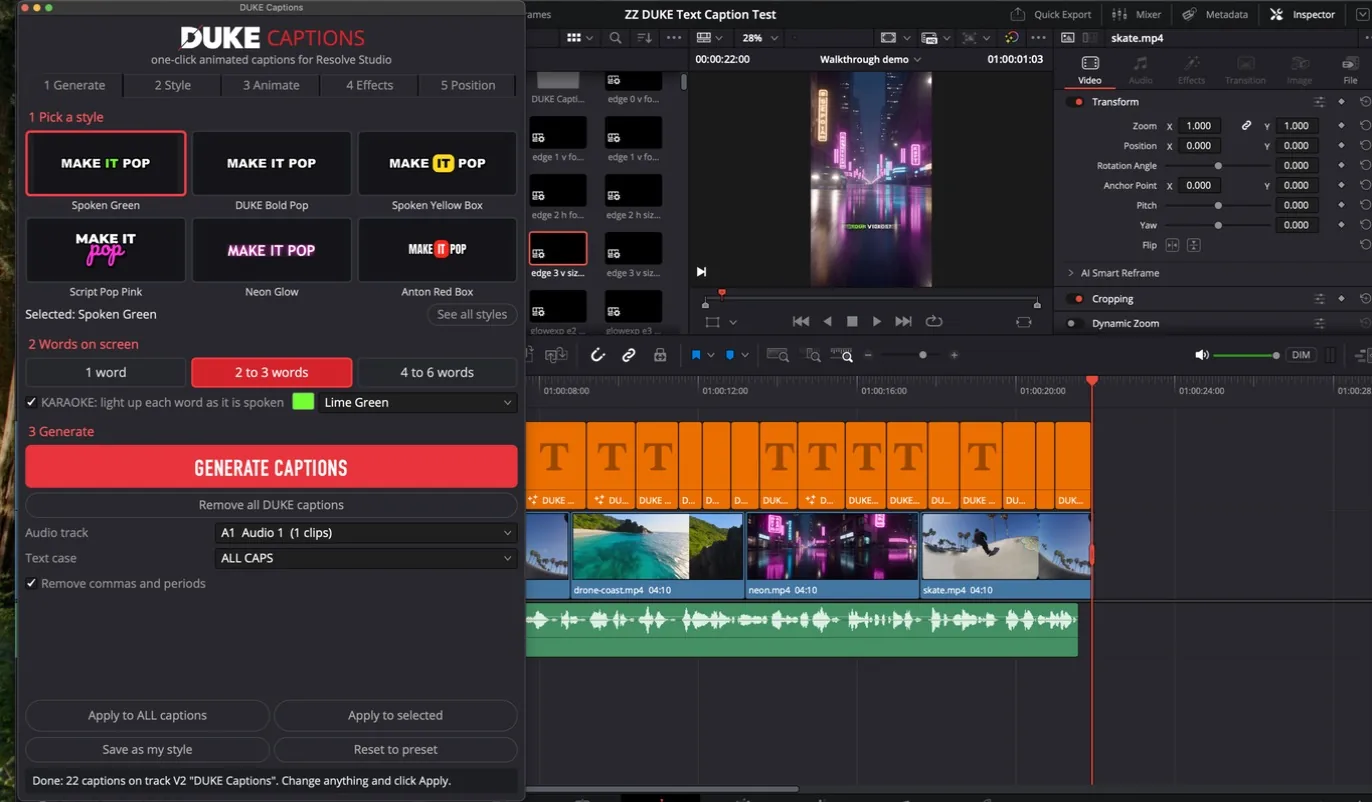
- Click Generate Captions. It is fully automatic. Resolve's AI transcribes your voice, and DUKE Captions times every word and places the captions on a new track.
- Change the look, or unlock every style. Apply a style to all captions in one click. For all styles, buy the full version, paste the code into the panel and click Unlock. No reinstall.
The 11 styles in Lite
11 of 60 styles, shown as they look in the panel. See all 60 and watch the walkthrough on the full version page.
 Spoken Green
 Spoken Yellow Box
 DUKE Bold Pop
 Anton Red Box
 Script Pop Pink
 Neon Glow
 DIN Clean White
 Quiet Lowercase
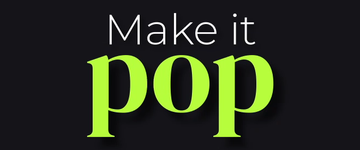 Hero Serif Lime
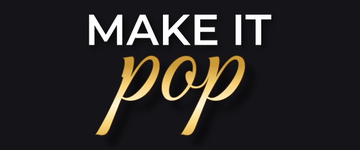 Gold Metallic Script
 Big Clean White
Want every style?
Needs DaVinci Resolve Studio 20 or newer. It does not work in the free version of Resolve.