
Home / Premiere Pro / Premiere Pro Master Bundle
Premiere Pro Master Bundle
Both DUKE packs for Adobe Premiere Pro in one payment: all 200 transitions and all 60 Drop-Ins. Built and tested in Premiere Pro 2026 on a Mac.
On your phone? These run on a computer. Get the link by email:
No spam. One email.
Bought one by one these cost $59.99. You save $10 and get both in one payment.
Want to try first? Get the 10 free transitions or the 5 free Drop-Ins
What's inside
Both DUKE packs for Premiere Pro. Click a name to see all of it on its own page.
- DUKE Transitions for Premiere Pro 200 transitions $39.99
- DUKE Drop-Ins for Premiere Pro 60 effects $20.00
Bought separately $59.99 Bundle $49.99 You save $10
The 200 transitions already include everything in the six single packs (Whip, Zoom, Spin + Shake, Glitch, Light and Blur + Liquid), so nothing is counted twice.
200 transitions
8 previewsHover a tile to play it. Every one of the 200 has its own preview on the Transitions page.
-

Whip Slingshot Right
Pulls back, then whips right and settles.
-

Zoom Corner Bottom Left
Punches in toward the bottom left corner.
-
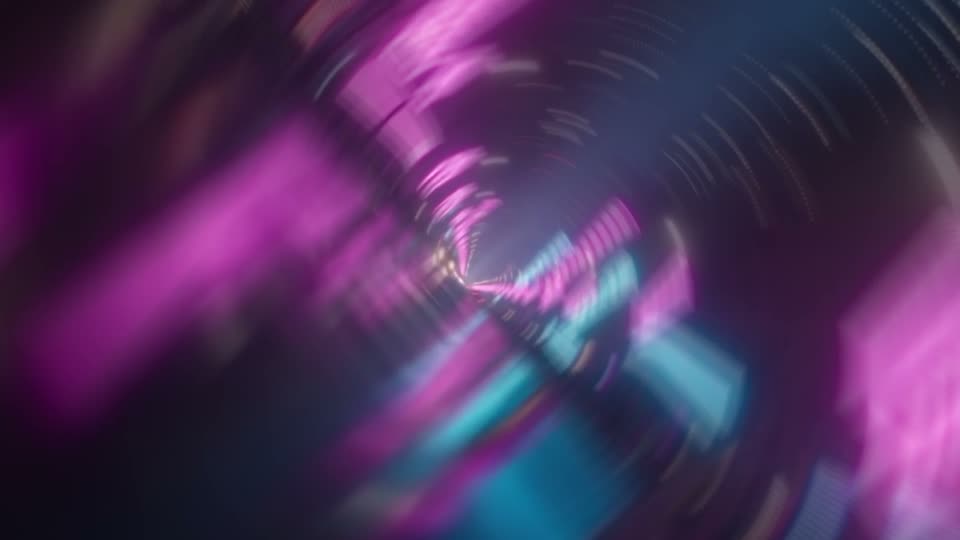
Spin Counter
Turns one way, then comes back.
-

Shake Glitch
Shake with RGB colour fringes.
-
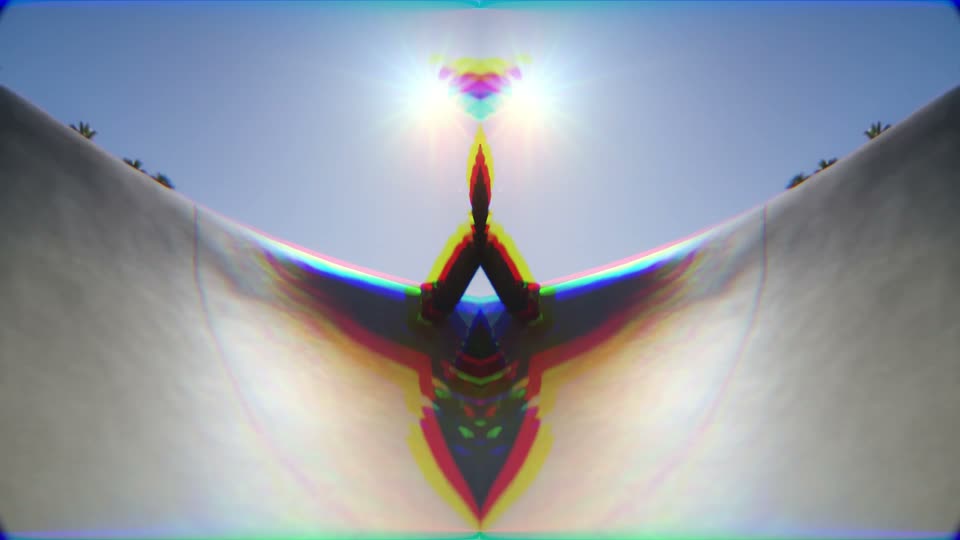
Glitch Mirror Split
The picture mirrors itself on the cut.
-

Light Night Fall
Drops into cold blue night.
-
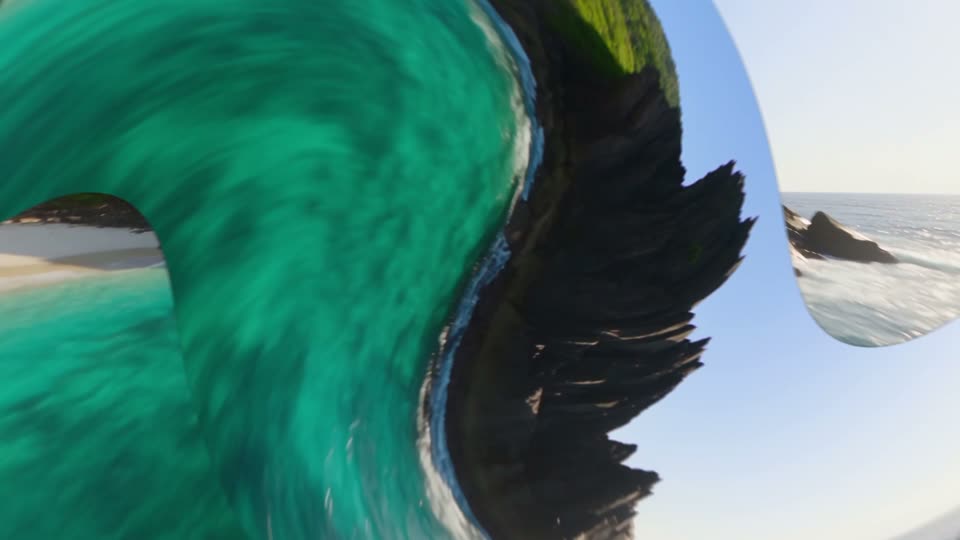
Liquid Twirl Right
Twirls right through the cut.
-

Whip Left
Whip pan left.
60 Drop-Ins
8 previewsHover a tile to play it. Every one of the 60 has its own preview on the Drop-Ins page.
-
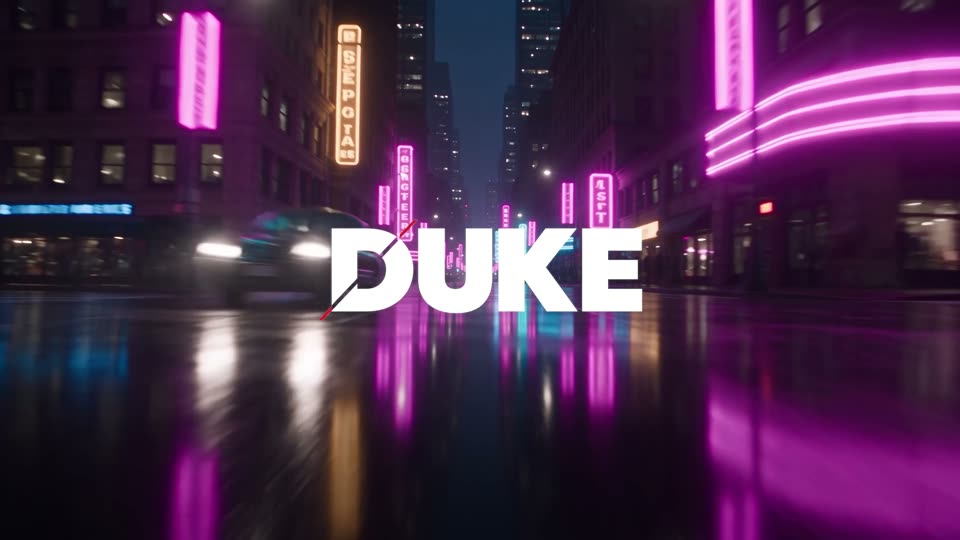
Drop Slam Down
-

Drop Glitch In
-

Drop Shockwave
-
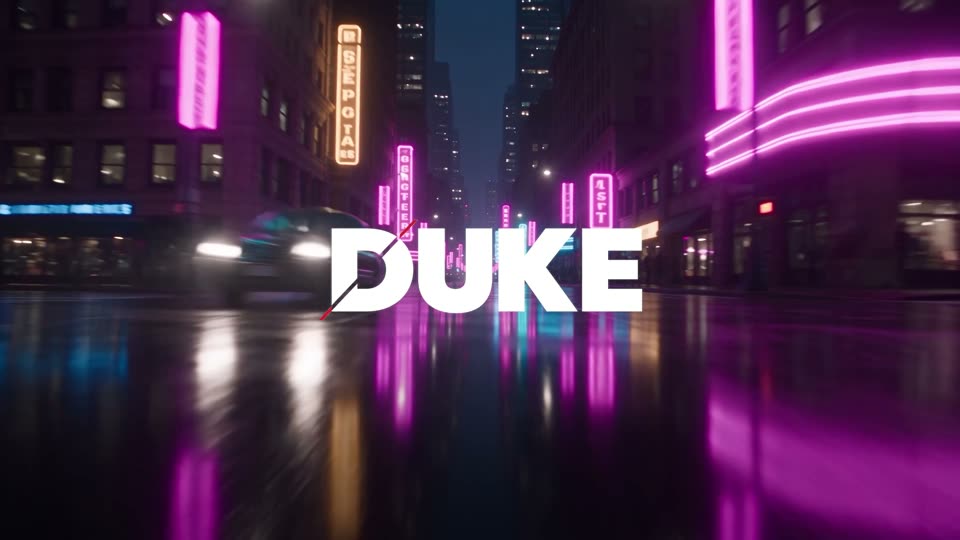
Drop Cut Reveal
-

Drop Neon Flicker In
-

Drop Bass Hit
-

Loop Glow Pulse
-
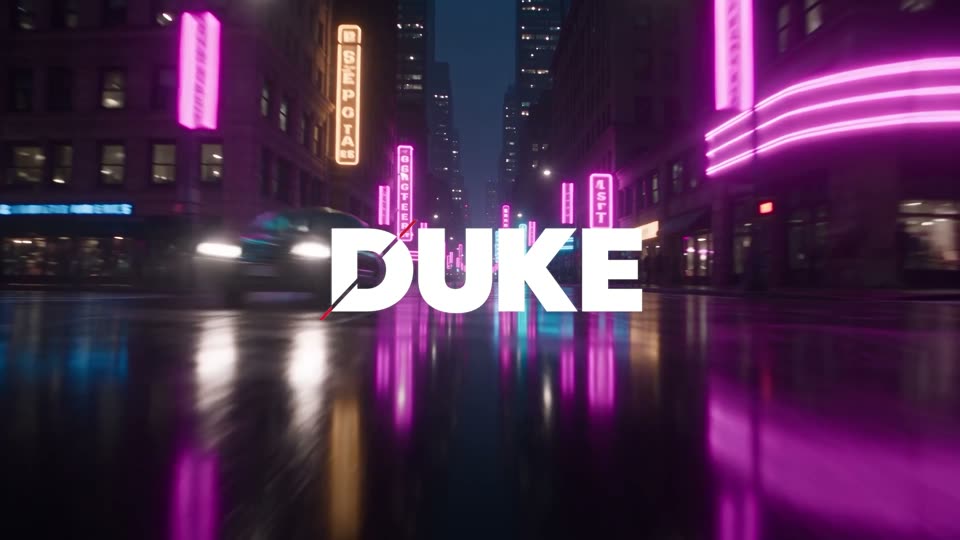
Drop Swing In
How you get it
After you pay, your confirmation page and your receipt email show 2 download buttons, one for each pack. Built and tested in Premiere Pro 2026 on a Mac.
- Download both. Unzip each download.
- Import the transitions. In Premiere Pro, right-click Presets in the Effects panel, choose Import Presets and pick the file from DUKE Transitions for Premiere Pro. It takes about one minute.
- Import the Drop-Ins. In Premiere Pro, open the Effects panel menu, choose Import Presets and pick the file from DUKE Drop-Ins for Premiere Pro.
- Use them. A transition goes on an adjustment layer over a cut and stretches to the length of the layer. A Drop-In goes on a logo, PNG, title or clip.
Full guide: install, use and how many frames
- Nothing else to installBuilt only with effects that come with Premiere Pro.
- One preset eachOne preset per transition. No nesting, no extra clips, no keyframing.
- Change anythingEvery transition can be changed in Effect Controls. Its effects and keyframes are listed by name.
Questions
What is in the Premiere Pro Master Bundle?
Both DUKE packs for Adobe Premiere Pro: DUKE Transitions for Premiere Pro (200 transitions) and DUKE Drop-Ins for Premiere Pro (60 logo and text animations). You get 2 downloads, one for each pack.
Are the single transition packs inside?
Yes. The 200 transitions include every transition in the six single packs: Whip, Zoom, Spin + Shake, Glitch, Light and Blur + Liquid.
How do I install it?
Unzip each download. In Premiere Pro, right-click Presets in the Effects panel and choose Import Presets for the transitions. For the Drop-Ins, open the Effects panel menu and choose Import Presets. Then pick the file from each download. Each one takes about one minute.
What was it built and tested in?
Built and tested in Premiere Pro 2026 on a Mac. Nothing else to install: the presets use only effects that come with Premiere Pro.
How is the bundle different from buying both packs?
It is the same two downloads. The bundle is $49.99, and the two packs bought one by one are $59.99, so you save $10.
Can I see them before I buy?
Yes. Every transition and every Drop-In has a preview on its own page. You can also try free samples first: 10 free transitions and 5 free Drop-Ins.
What can I use them for?
Use DUKE in your own projects, including client work and monetized videos. Please do not resell, share or redistribute the files themselves. Full details are in the terms.