
Home / Premiere Pro / DUKE Transitions for Premiere Pro
DUKE Transitions for Premiere Pro
200 transitions for Adobe Premiere Pro. Whips, zooms, spins, shakes, glitches, light and blur. Built and tested in Premiere Pro 2026 on a Mac.
Want to try first? Get the 10 free ones
Watch all 200 below before you decide. Hover a tile on desktop, or scroll on your phone.
How it works
These are Premiere Pro presets. Each one goes on an adjustment layer over a cut.
- Install it once. Unzip the download. In Premiere Pro, right-click Presets in the Effects panel, choose Import Presets and pick the file. It takes about one minute.
- Put an adjustment layer over the cut. Choose File > New > Adjustment Layer, then place it over the cut, centred on the cut and 1 second long, which is 24 frames at 24 frames a second (12 before the cut, 12 after). Shortest 12 frames, longest 48.
- Drag a DUKE transition onto it. That is it.
- Shorter is faster, longer is slower. The transition stretches to the length of the adjustment layer.
Full guide: install, use and how many frames
- One preset eachOne preset per transition. No nesting, no extra clips, no keyframing.
- Nothing else to installBuilt only with effects that come with Premiere Pro.
- Change anythingEvery transition can be changed in Effect Controls. Its effects and keyframes are listed by name.
- Frame sizeMade at 1920 x 1080 in 16:9. Moves, zooms and spins scale with any frame size. Blur and wave amounts are set in pixels.
-
Whip LeftFree
Whip pan left.
-
Whip RightFree
Whip pan right.
-
Whip UpFree
Whip pan up.
-
Whip Down
Whip pan down.
-
Whip Diagonal Up Left
Diagonal whip pan, up left.
-
Whip Diagonal Up Right
Diagonal whip pan, up right.
-
Whip Diagonal Down Left
Diagonal whip pan, down left.
-
Whip Diagonal Down Right
Diagonal whip pan, down right.
-
Whip Micro Left
Short, snappy whip left.
-
Whip Double Left
Double-speed whip left: the picture passes twice.
-
Whip Flash Left
Whip left with a white flash on the cut.
-
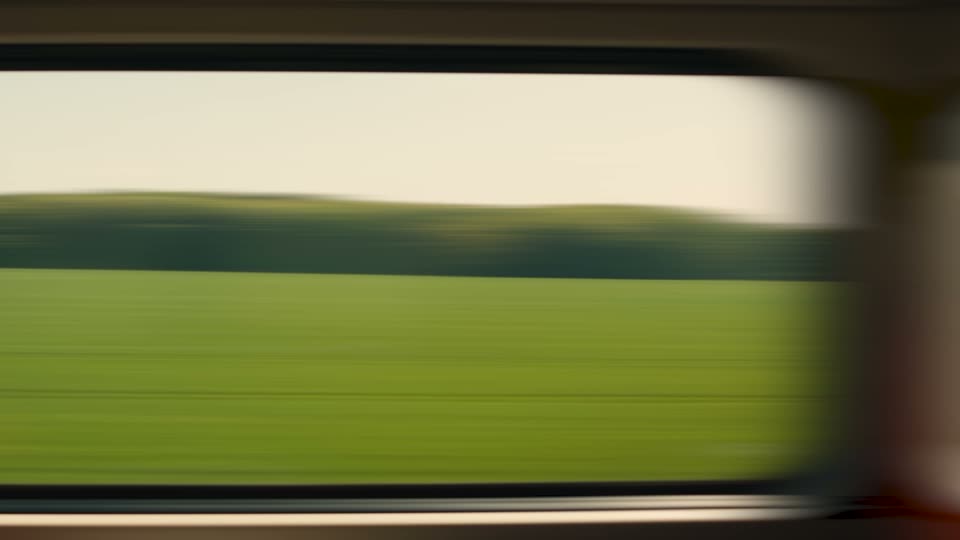
Whip Stretch Left
Whip left that stretches the picture sideways.
-
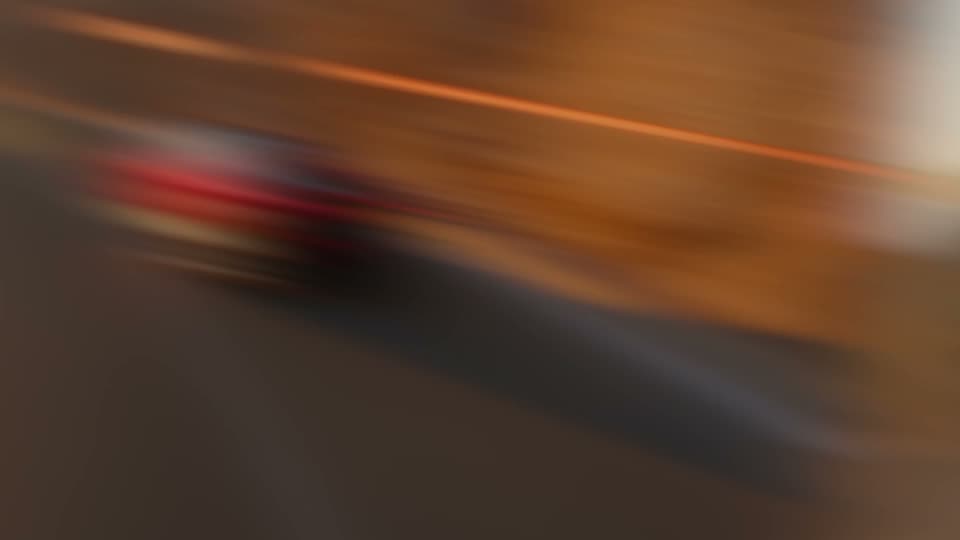
Whip Spin Left
Whip left with a tilt through the cut.
-
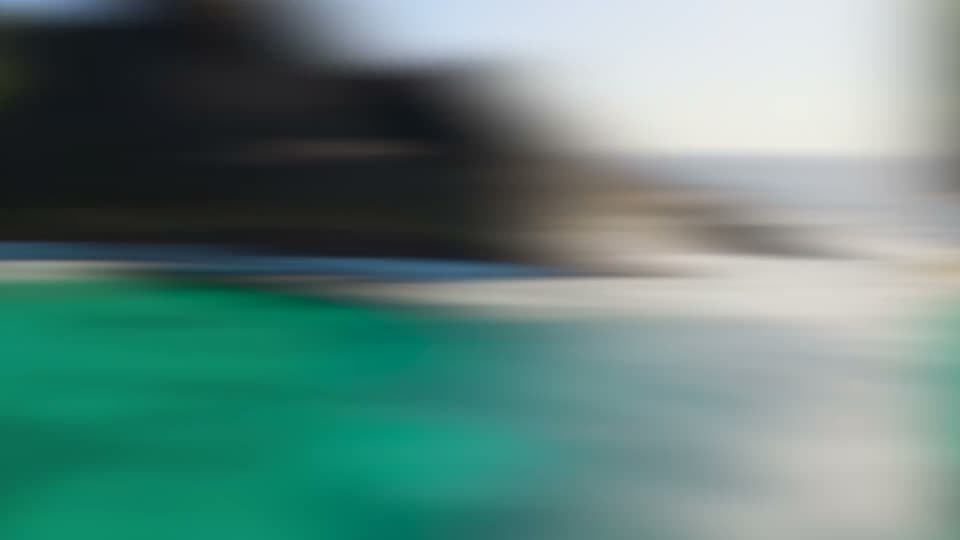
Whip Zoom Left
Whip left with a zoom punch.
-
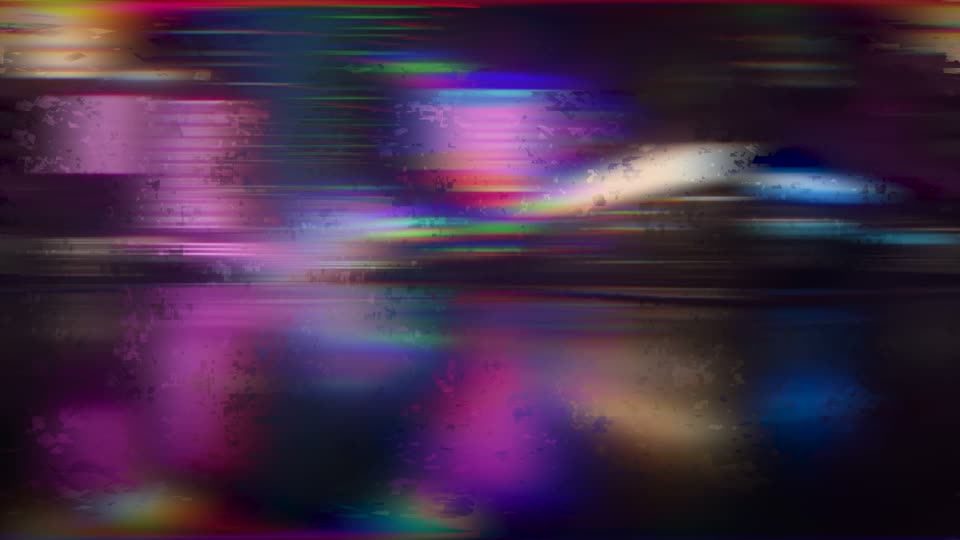
Whip Glitch Left
Whip left with an RGB glitch burst.
-

Whip Micro Right
Short, snappy whip right.
-
Whip Double Right
Double-speed whip right: the picture passes twice.
-
Whip Flash Right
Whip right with a white flash on the cut.
-
Whip Stretch Right
Whip right that stretches the picture sideways.
-
Whip Spin Right
Whip right with a tilt through the cut.
-
Whip Zoom Right
Whip right with a zoom punch.
-
Whip Glitch Right
Whip right with an RGB glitch burst.
-
Whip Slingshot Left
Pulls back, then whips left and settles.
-
Whip Slingshot Right
Pulls back, then whips right and settles.
-
Whip Zoom Up
Whip up with a zoom punch.
-
Whip Zoom Down
Whip down with a zoom punch.
-
Whip Analog
Whip left with colour fringes and a soft wobble.
-
Whip Bounce Down
Drops down and bounces to rest.
-
Whip Shake Left
Whip left that lands with a shake.
-
Whip Micro Up
Short, snappy whip up.
-
Whip Double Up
Double-speed whip up: the picture passes twice.
-
Whip Flash Up
Whip up with a white flash on the cut.
-
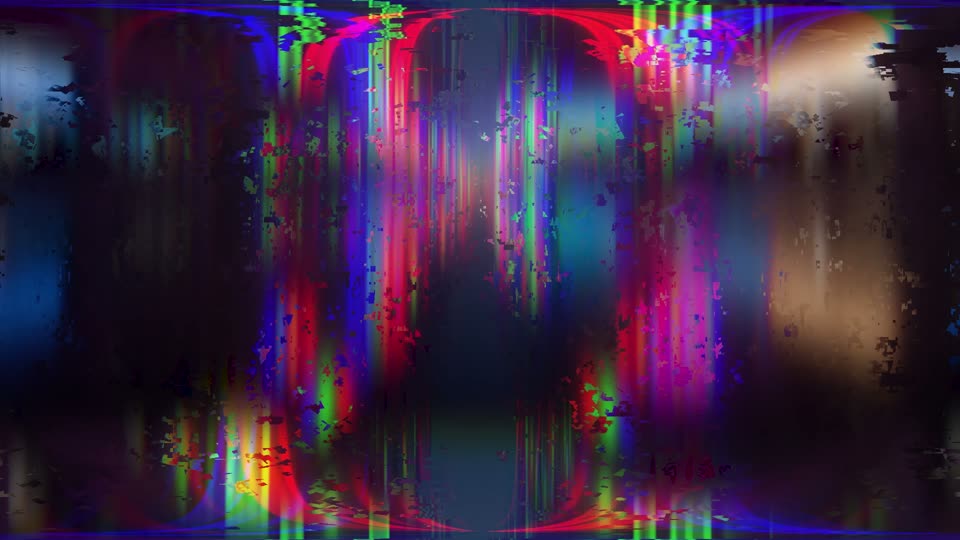
Whip Glitch Up
Whip up with an RGB glitch burst.
-
Whip Slingshot Up
Pulls back, then whips up and settles.
-
Whip Micro Down
Short, snappy whip down.
-
Whip Double Down
Double-speed whip down: the picture passes twice.
-
Whip Flash Down
Whip down with a white flash on the cut.
-
Whip Glitch Down
Whip down with an RGB glitch burst.
-
Whip Slingshot Down
Pulls back, then whips down and settles.
-

Whip Bounce Left
Whips left and bounces to rest.
-
Whip Triple Left
Very fast whip left: the picture passes three times.
-
Whip Dip Left
Whip left through a dip to black.
-
Whip Bounce Right
Whips right and bounces to rest.
-
Whip Triple Right
Very fast whip right: the picture passes three times.
-
Whip Dip Right
Whip right through a dip to black.
-
Whip Shake Right
Whip right that lands with a shake.
-
Whip Analog Right
Whip right with colour fringes and a soft wobble.
-
Zoom Punch
Punches in through the cut.
-
Zoom Punch SoftFree
A gentle push in through the cut.
-
Zoom Punch Hard
A heavy, fast punch in.
-
Zoom Snap
A very quick snap zoom right on the cut.
-
Zoom In
Zooms far into A, B settles from just above full size.
-
Zoom Out
A lifts off, B pulls back from far in.
-
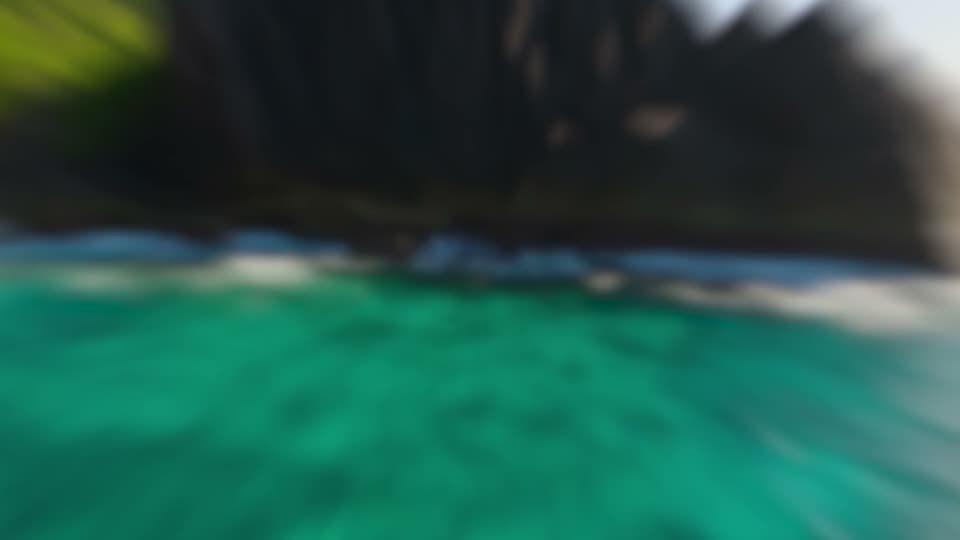
Zoom Blur
Soft blurred push through the cut.
-
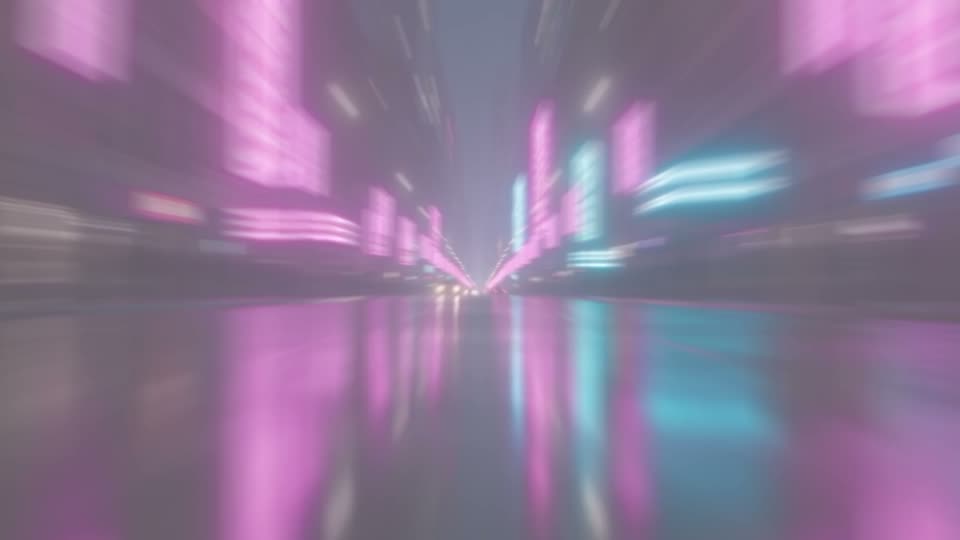
Zoom Flash
Punch in with a white flash.
-
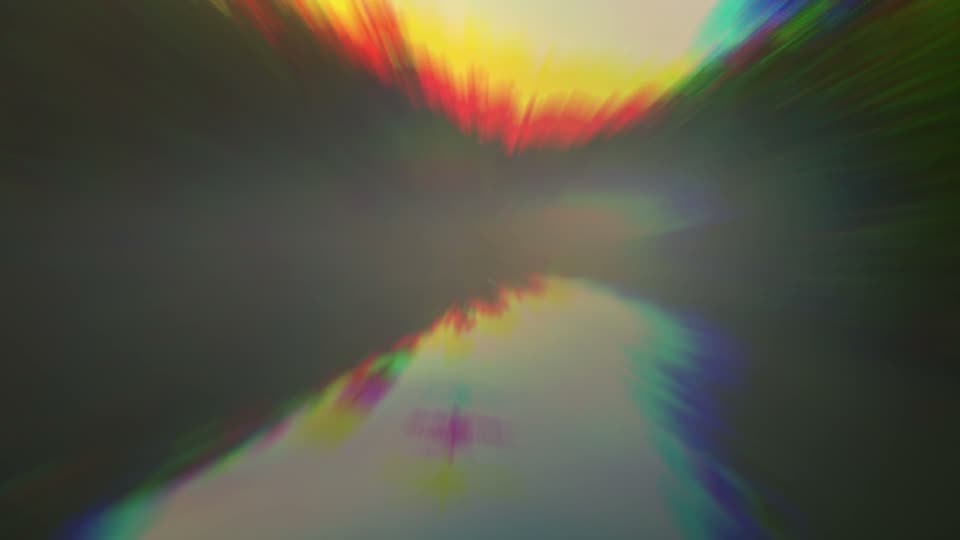
Zoom Chroma Punch
Punch in with RGB colour fringes.
-
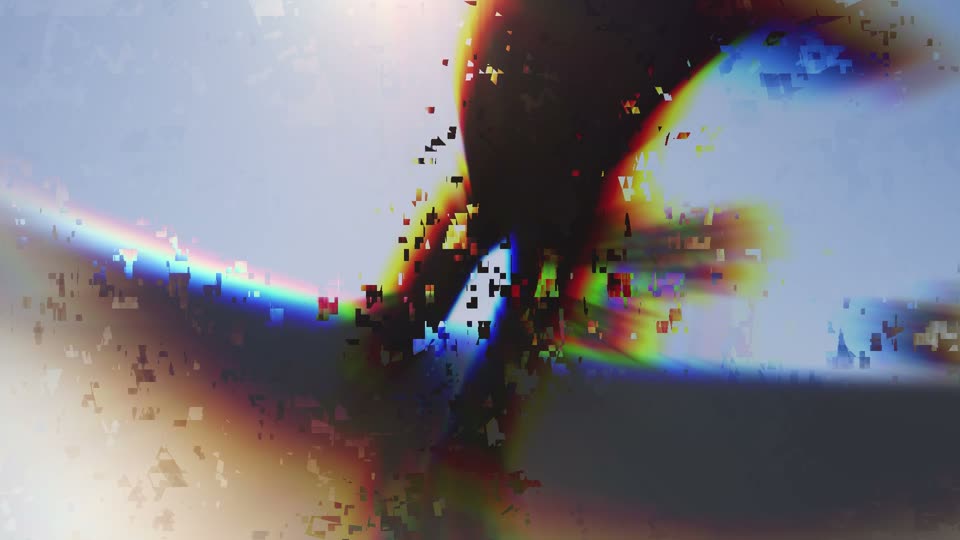
Zoom Glitch
Punch in with a digital glitch burst.
-
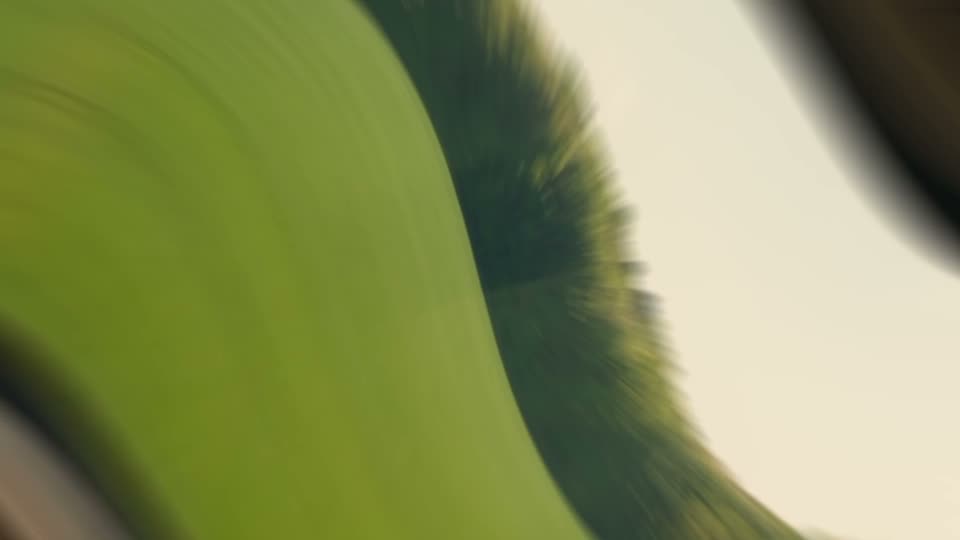
Zoom Twirl
Punch in with a twist.
-
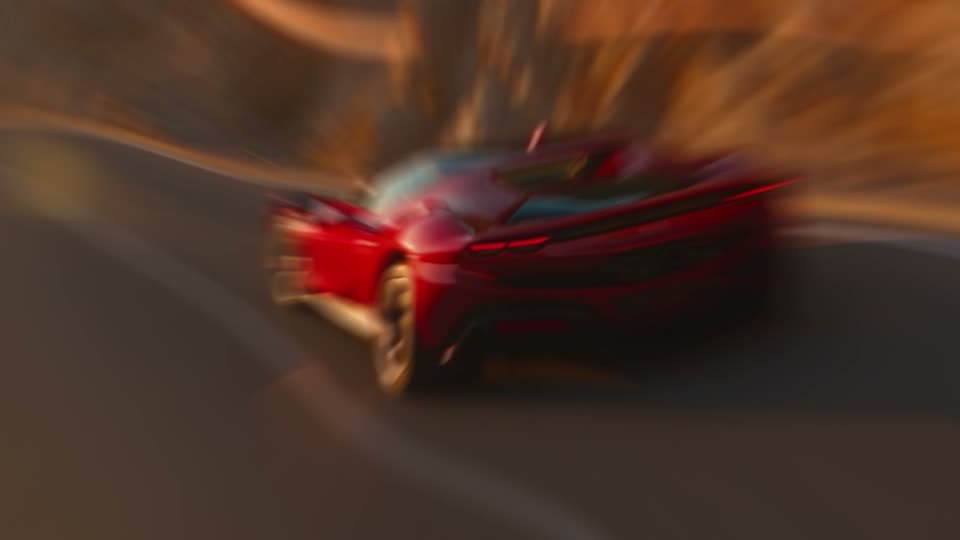
Zoom Warp
Punch in through a warping lens.
-
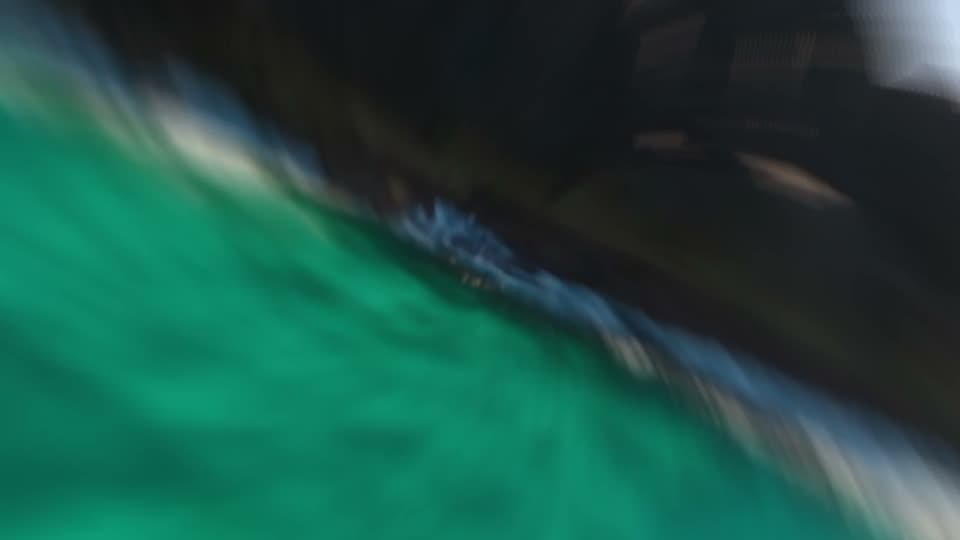
Zoom Spin Left
Punch in while turning left.
-
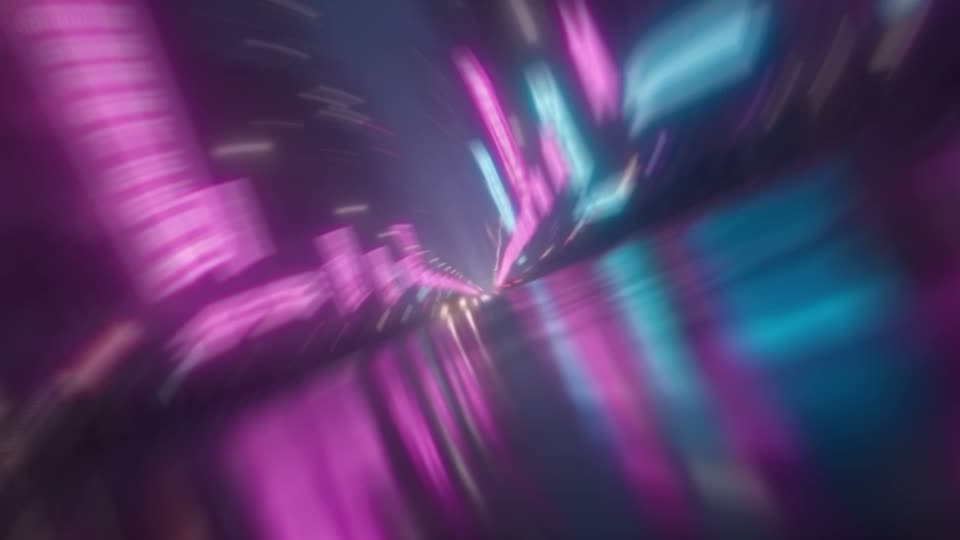
Zoom Spin Right
Punch in while turning right.
-

Zoom Shake Punch
Punch in that lands with a shake.
-
Zoom Double Punch
Two punches: a small one, then the big one on the cut.
-
Zoom Elastic
Punches in and springs back with a bounce.
-
Zoom Heartbeat
Two quick pulses, like a heartbeat.
-
Zoom Corner Top Left
Punches in toward the top left corner.
-
Zoom Corner Top Right
Punches in toward the top right corner.
-
Zoom Corner Bottom Left
Punches in toward the bottom left corner.
-
Zoom Corner Bottom Right
Punches in toward the bottom right corner.
-
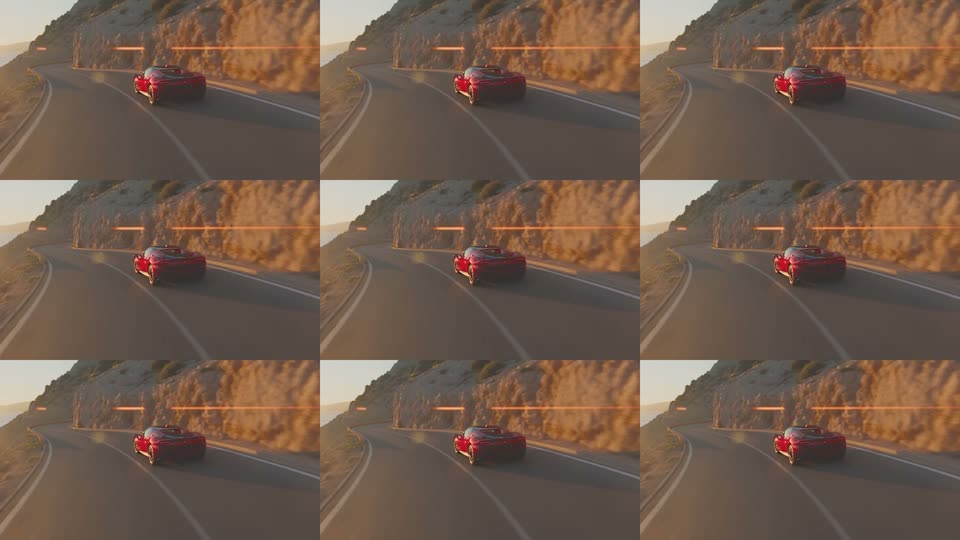
Zoom Tile Out
The picture splits into tiles on the cut.
-
Zoom Mirror
Punch in through a mirrored picture.
-
Zoom In Blur
Zooms far into A through a soft blur.
-
Zoom Out Blur
B pulls back from far in through a soft blur.
-
Zoom In Flash
Zooms far into A with a white flash.
-
Zoom Out Flash
B pulls back from far in with a white flash.
-
Zoom In Spin
Zooms far into A with a turn.
-

Zoom Out Spin
B pulls back from far in with a turn.
-
Zoom Warp Speed
A very fast, very deep punch with colour streaks.
-

Zoom Dip
Punch in through a dip to black.
-
Zoom Neon
Punch in with a pink and blue neon flash.
-
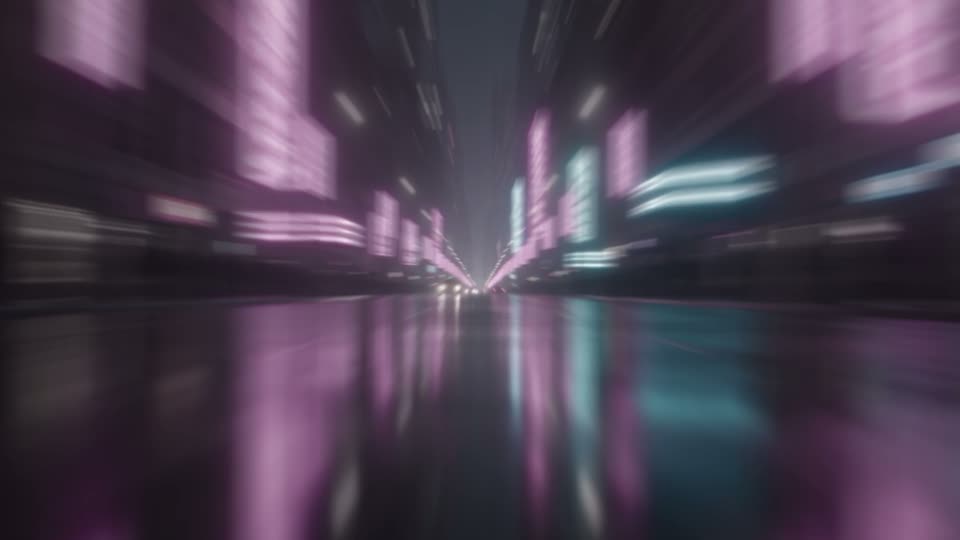
Zoom Mono
Punch in while the colour drains away.
-

Zoom Tilt Left
Punch in with a slight tilt left.
-
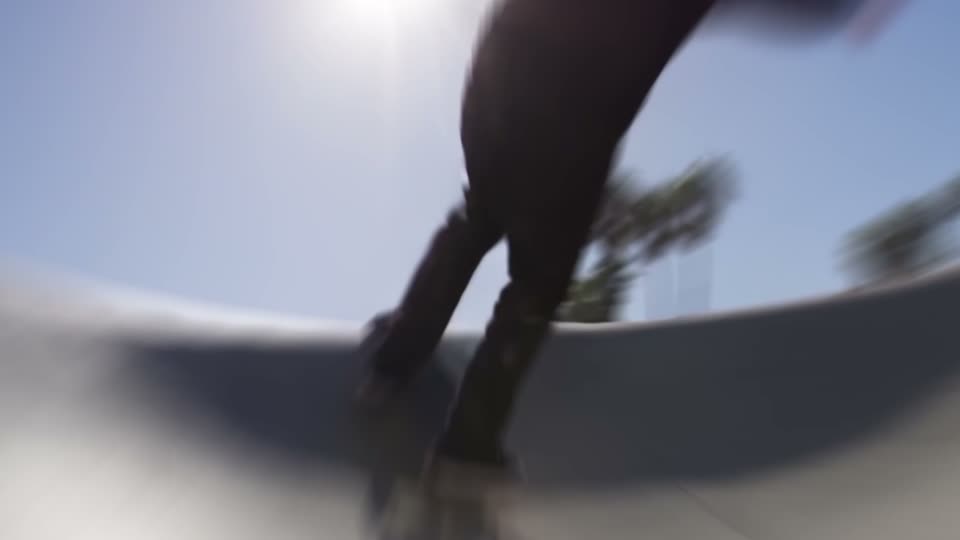
Zoom Skew Left
Punch in with a sideways lean left.
-
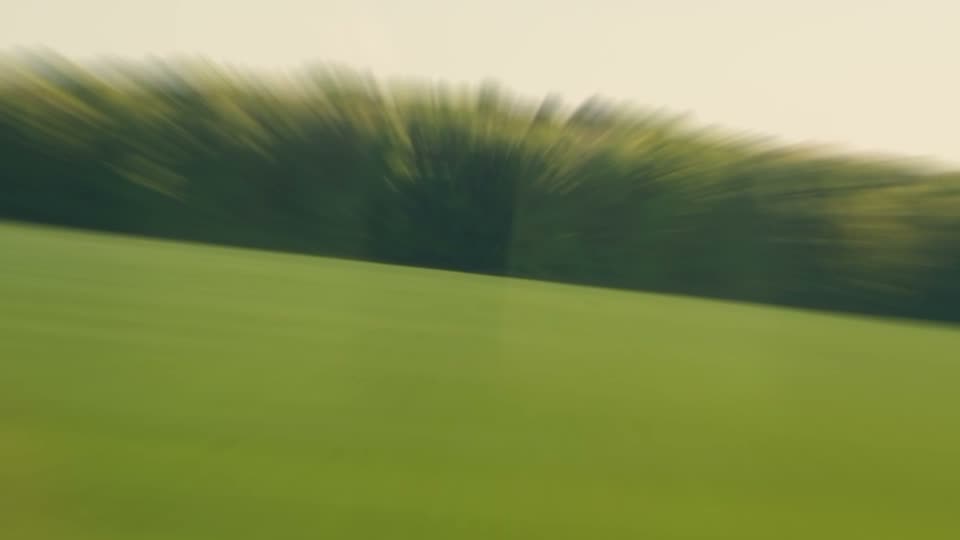
Zoom Tilt Right
Punch in with a slight tilt right.
-
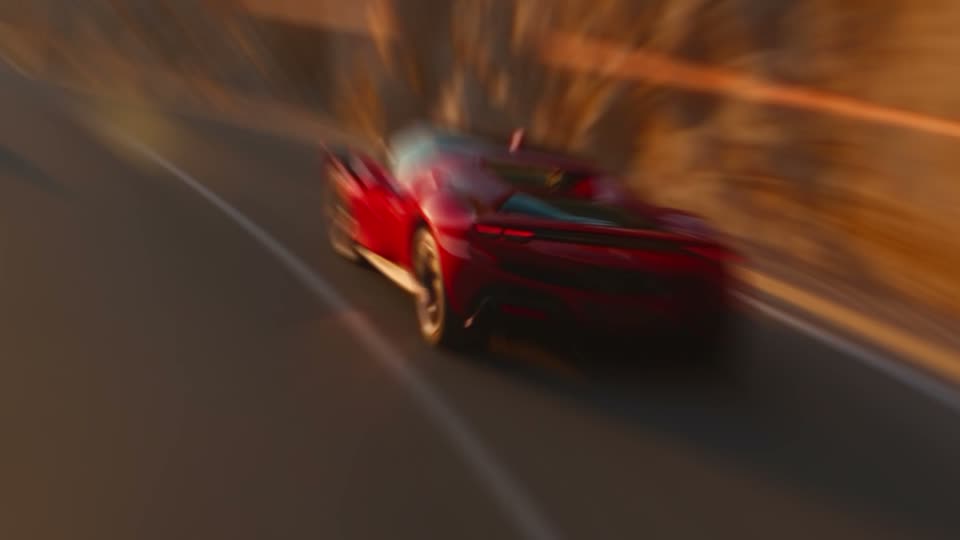
Zoom Skew Right
Punch in with a sideways lean right.
-

Zoom Hyperlapse
Jumps in and back out in quick steps with blur.
-
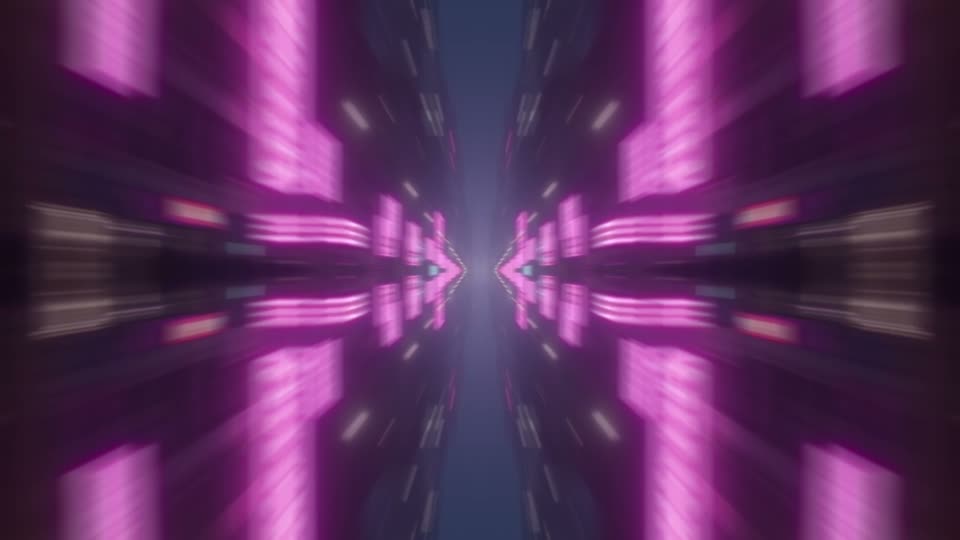
Zoom Kaleido
Punch in through a four-way mirror.
-
Spin Left
Half turn left through the cut.
-
Spin 360 Left
Full roll left through the cut.
-
Spin Micro Left
A small, quick tilt left.
-
Spin Zoom Left
Half turn left with a zoom punch.
-
Spin Right
Half turn right through the cut.
-
Spin 360 Right
Full roll right through the cut.
-

Spin Micro RightFree
A small, quick tilt right.
-
Spin Zoom Right
Half turn right with a zoom punch.
-
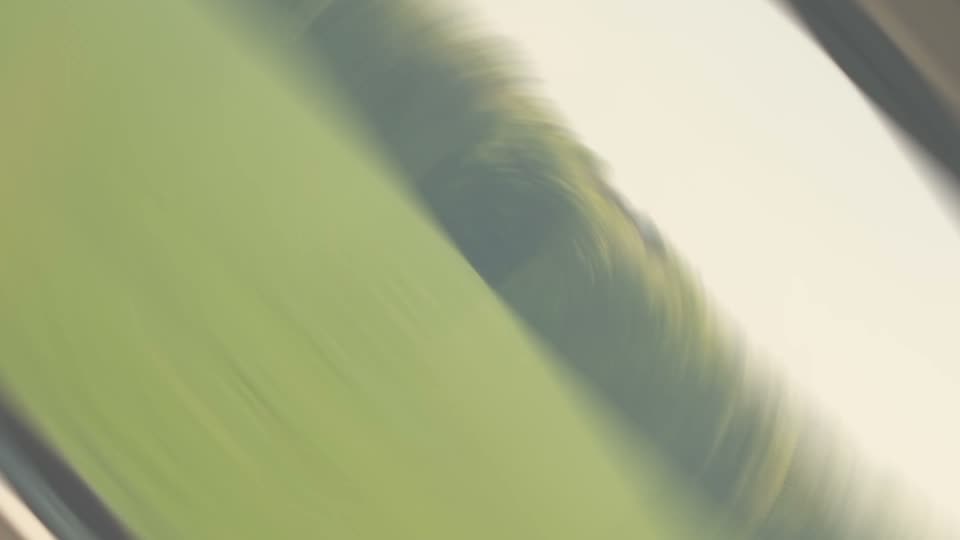
Spin Flash
Half turn with a white flash.
-
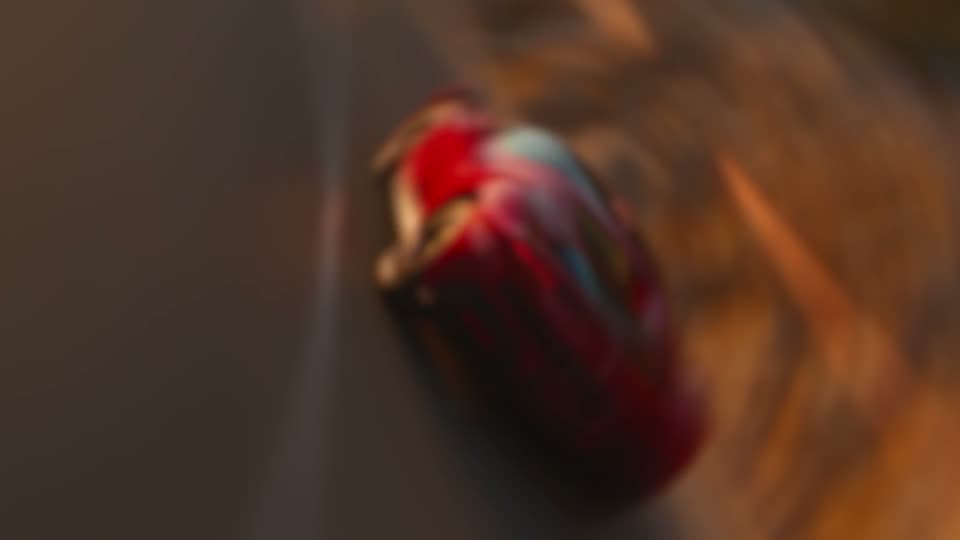
Spin Blur
A soft, blurred half turn.
-
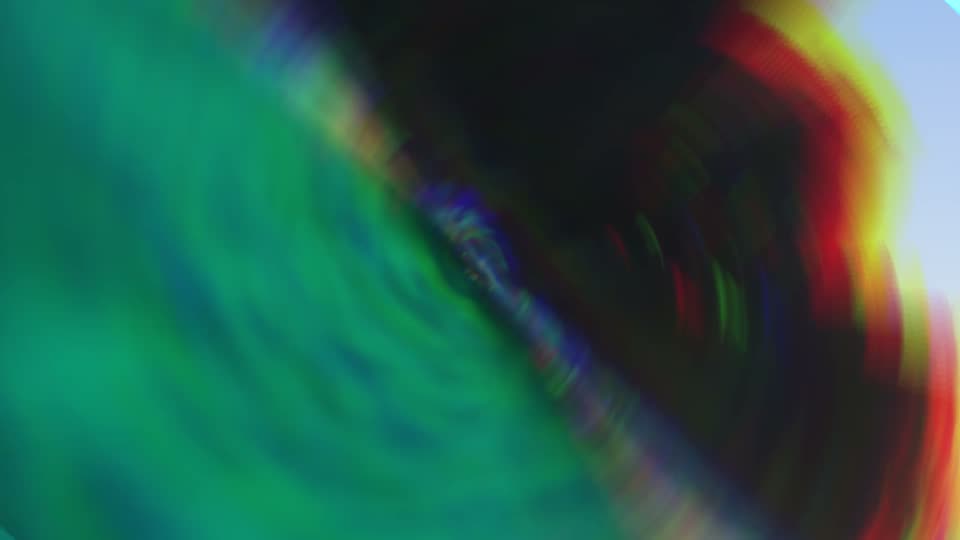
Spin Chroma
Half turn with RGB colour fringes.
-
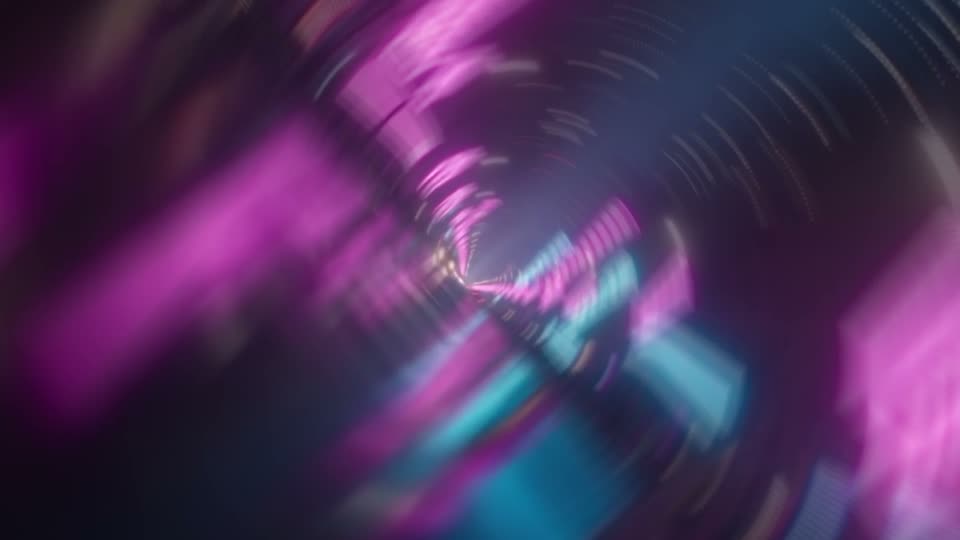
Spin Counter
Turns one way, then comes back.
-
Spin Quarter Left
Quarter turn left through the cut.
-
Spin Twirl Left
Half turn left with a twist in the middle.
-
Spin Quarter Right
Quarter turn right through the cut.
-
Spin Twirl Right
Half turn right with a twist in the middle.
-
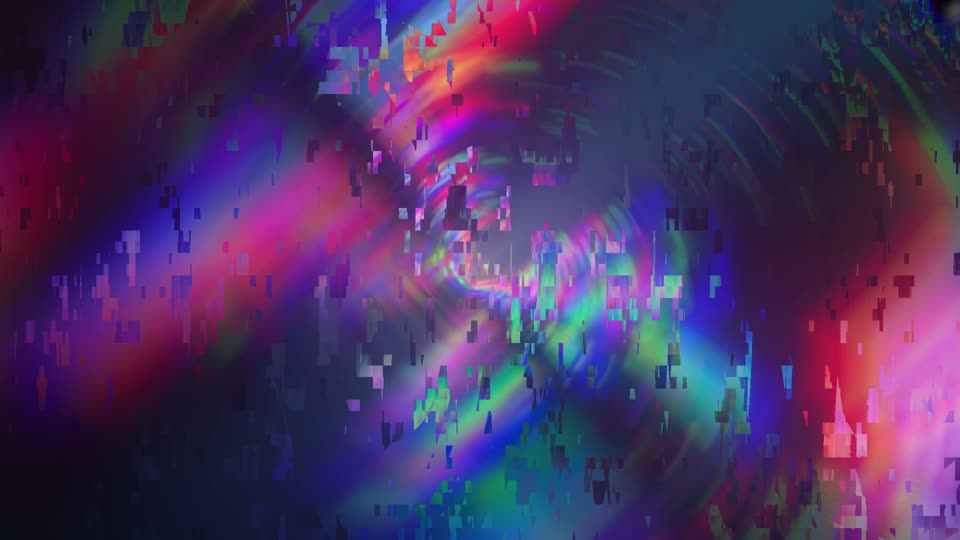
Spin Glitch
Half turn with a digital glitch burst.
-
Spin Dip
Half turn through a dip to black.
-
Spin 360 Zoom
Full roll with a zoom punch.
-
Spin 360 Flash
Full roll with a white flash.
-
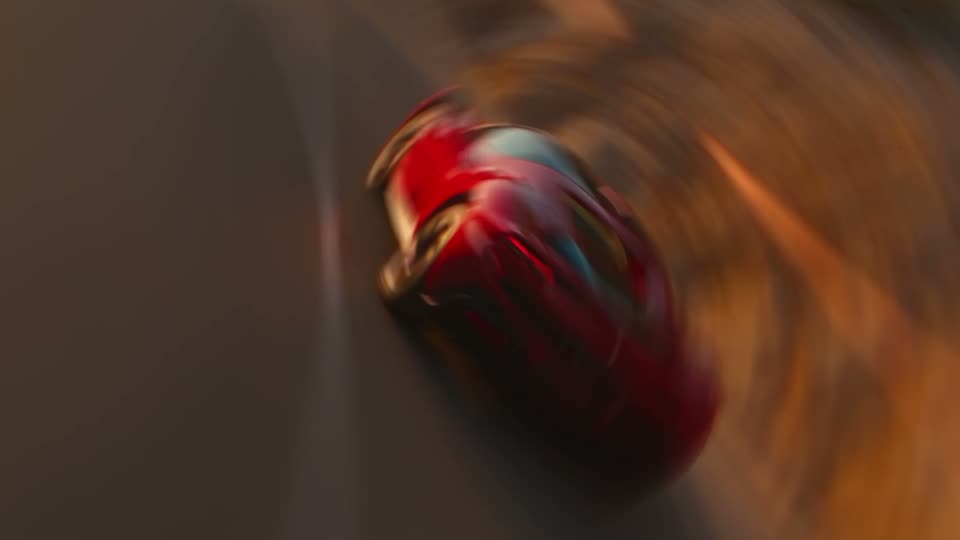
Spin Shake
Half turn that lands with a shake.
-
Spin Wobble
Rocks hard from side to side through the cut.
-
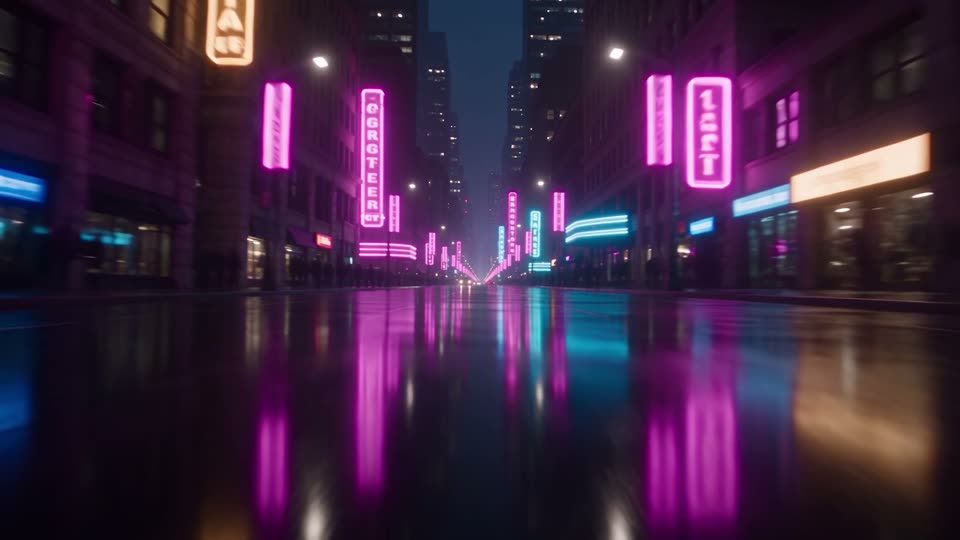
Shake Impact
Hard camera shake on the cut.
-

Shake MicroFree
A small, quick shake on the cut.
-
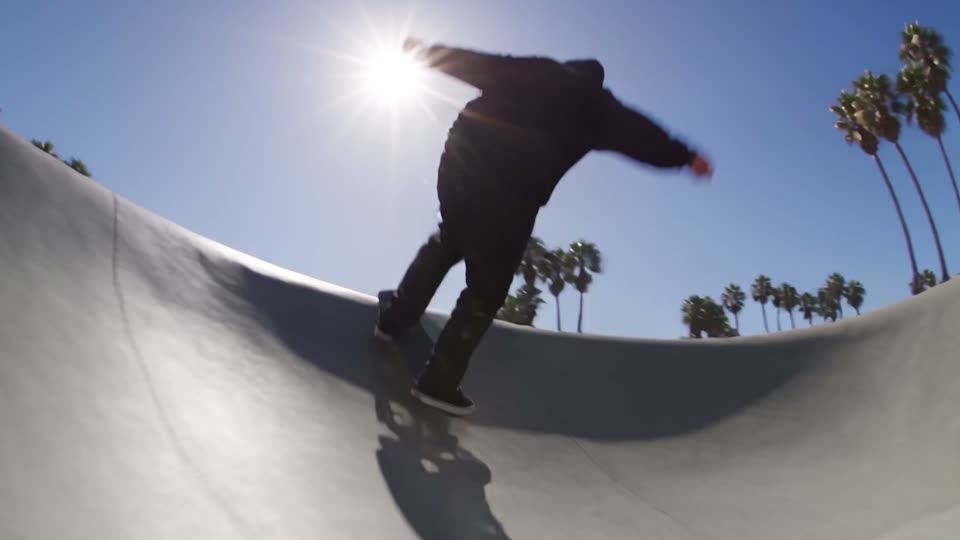
Shake Earthquake
Long, heavy shake with roll.
-
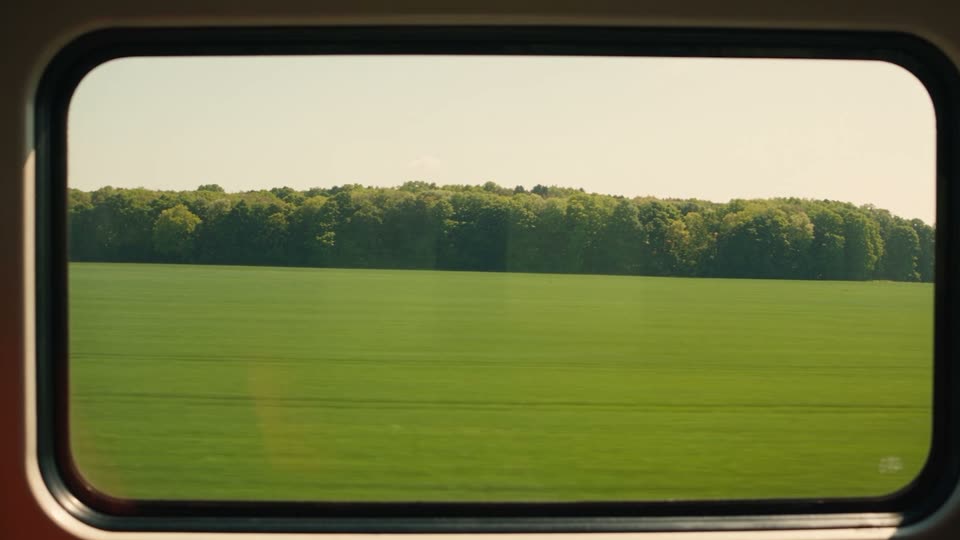
Shake Horizontal
Side to side shake.
-
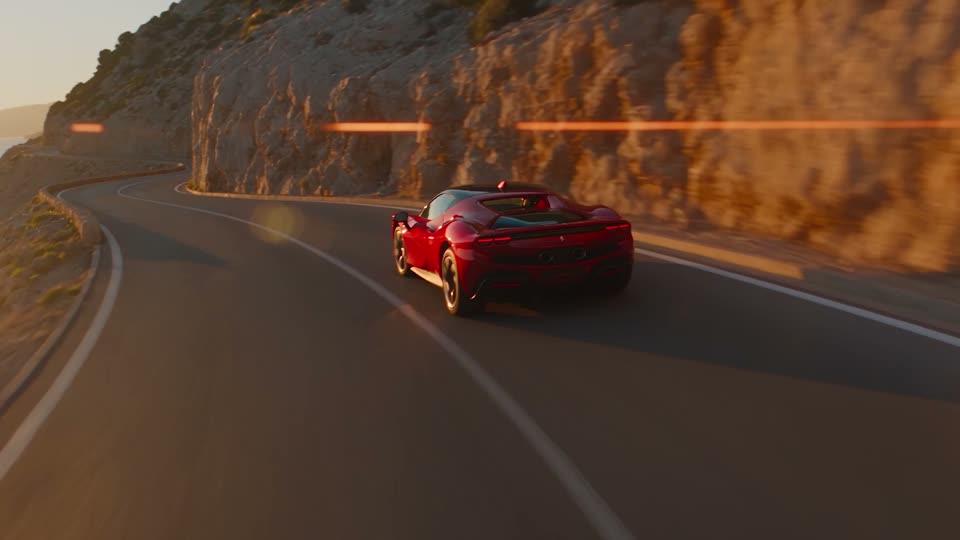
Shake Vertical
Up and down shake.
-
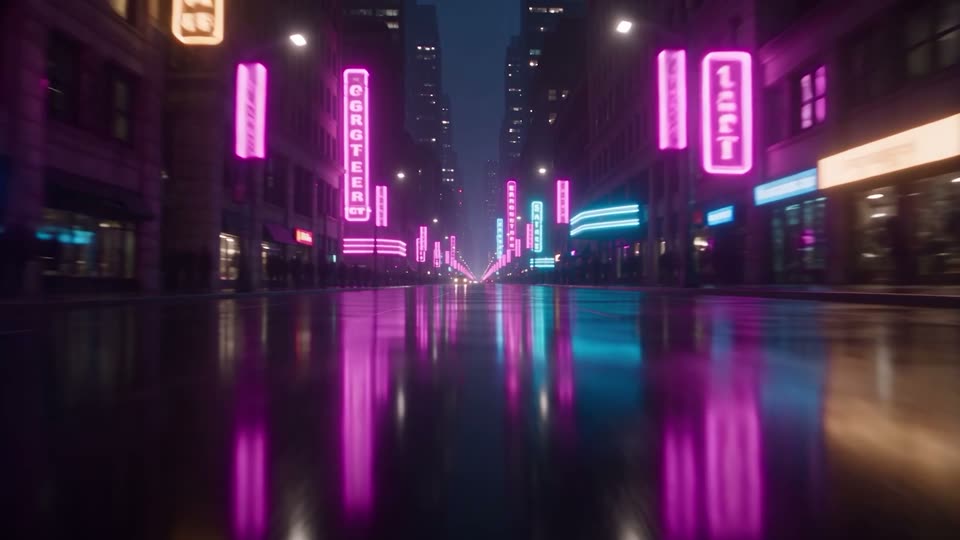
Shake Roll
Rolling, twisting shake.
-

Shake Bass Drop
Zoom hit with a heavy shake.
-
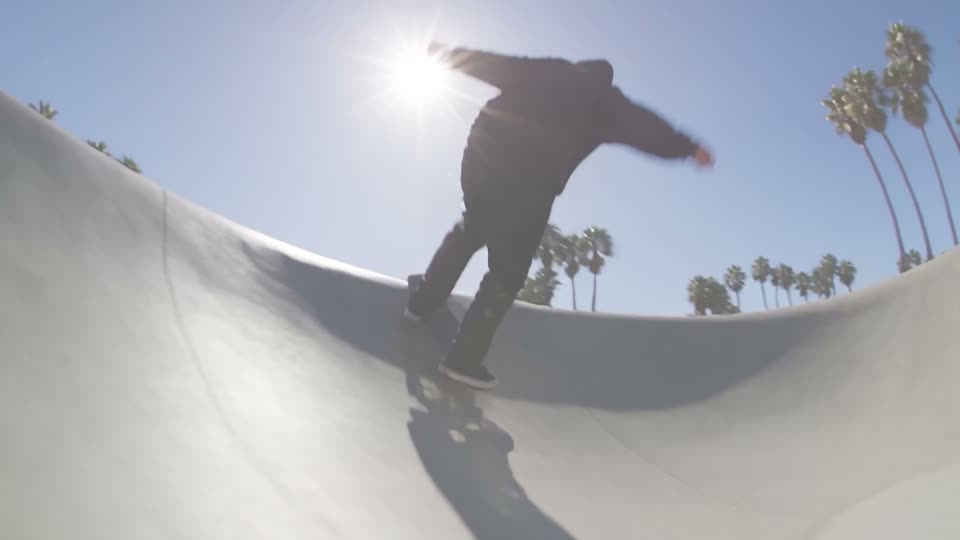
Shake Flash
Shake with a white flash.
-
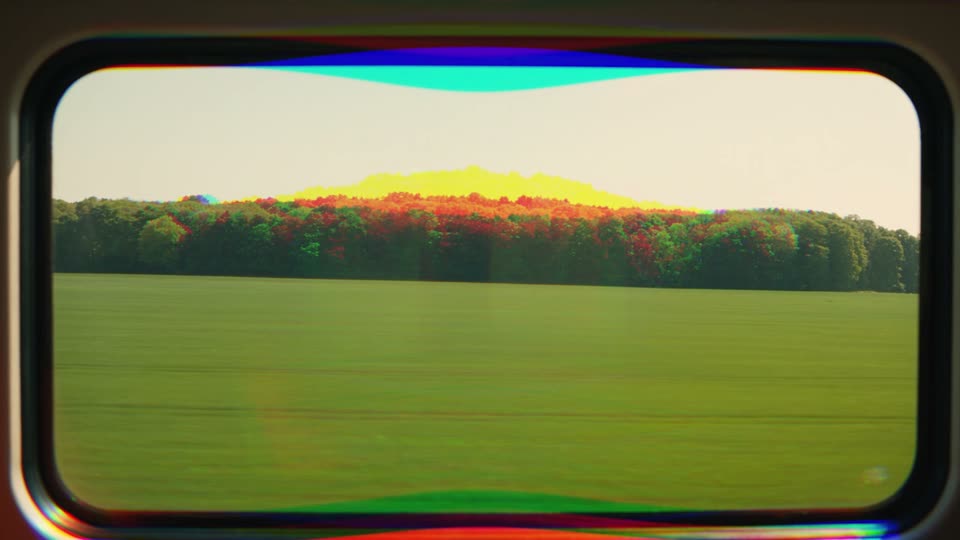
Shake Glitch
Shake with RGB colour fringes.
-
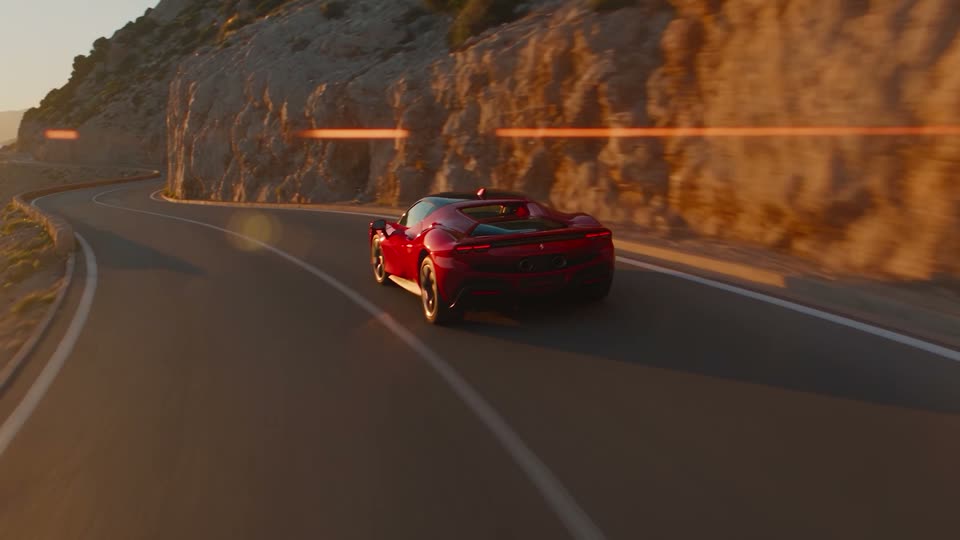
Shake Double Hit
Two hits: one before the cut, one after.
-
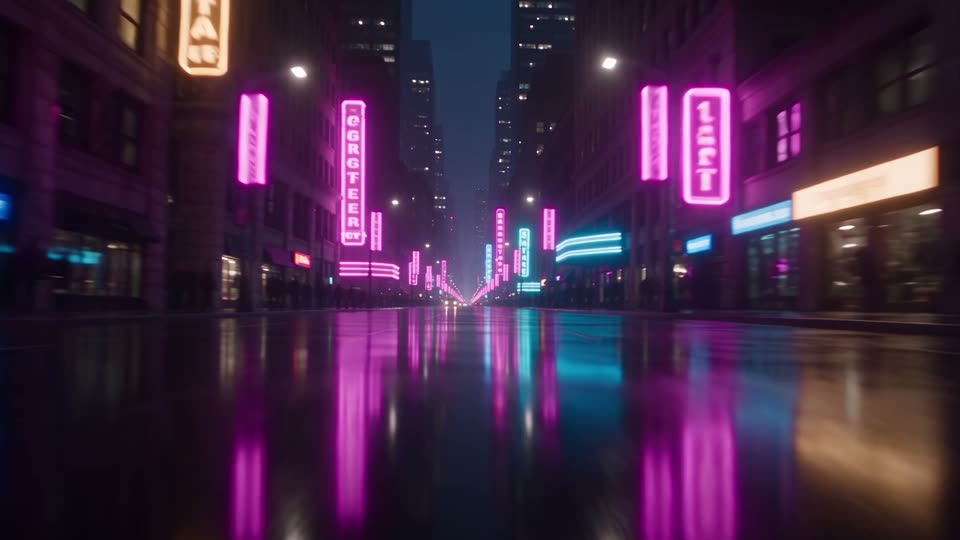
Shake Heavy
A very hard, wide shake.
-

Shake Blur
Shake with a soft blur.
-
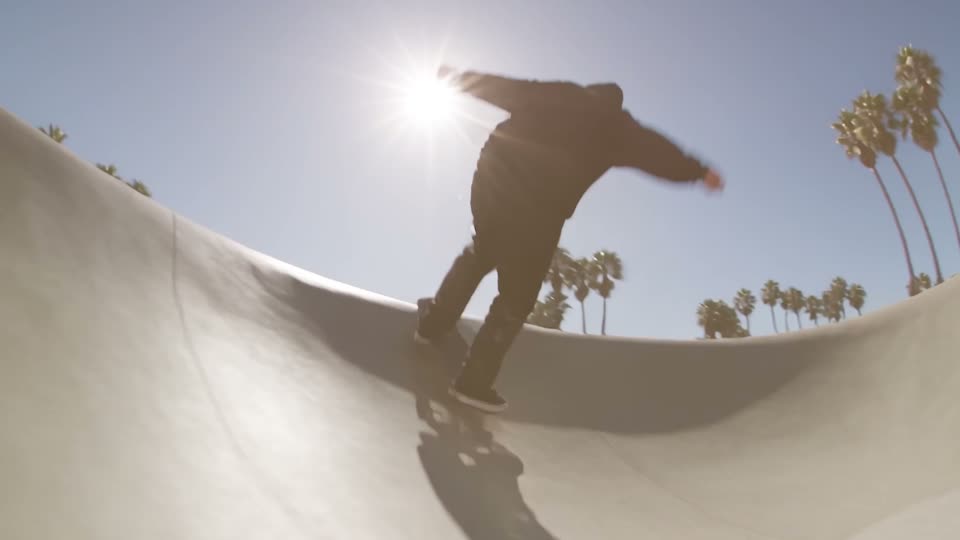
Shake Warm Flash
Shake with a warm flash.
-
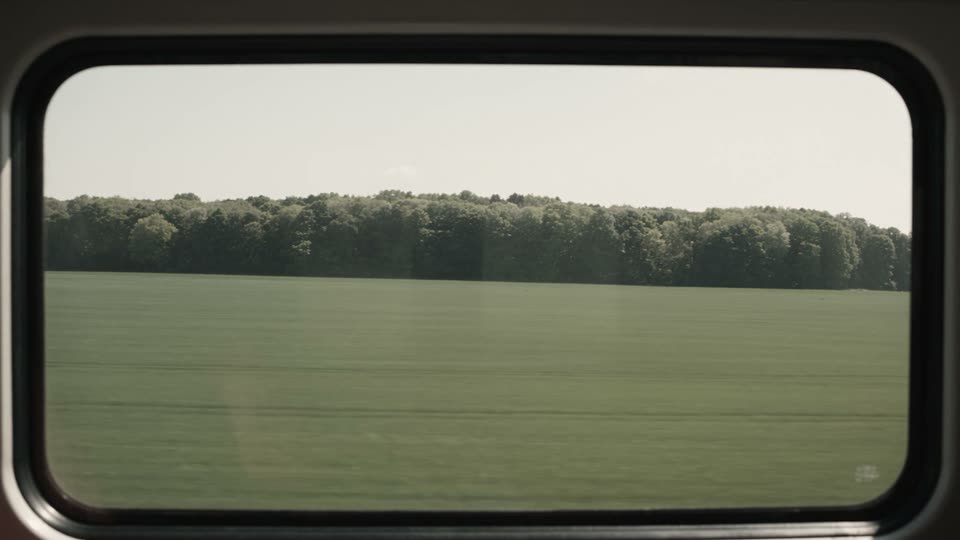
Shake Mono
Shake while the colour drains away.
-
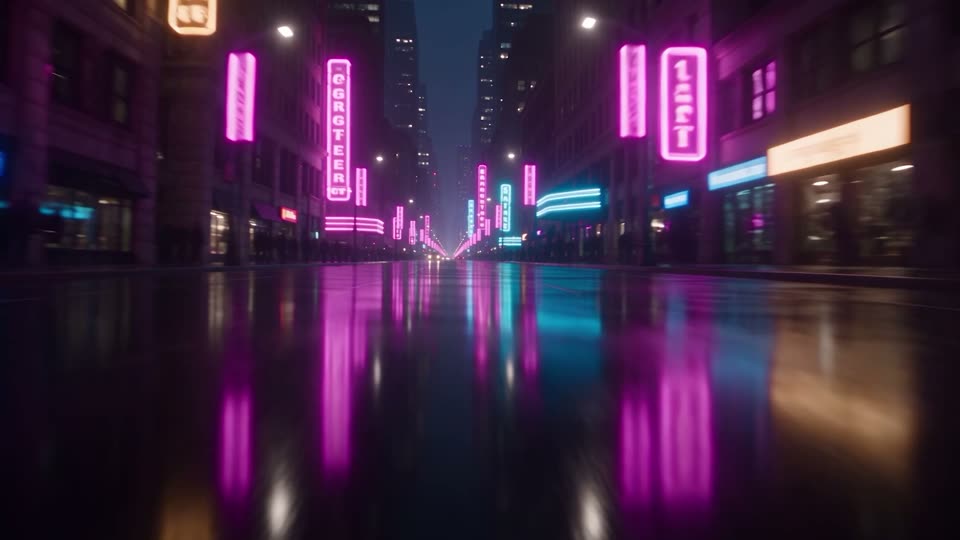
Shake Diagonal
Shakes along one diagonal line.
-

Shake Dip
Shake with black flickers.
-
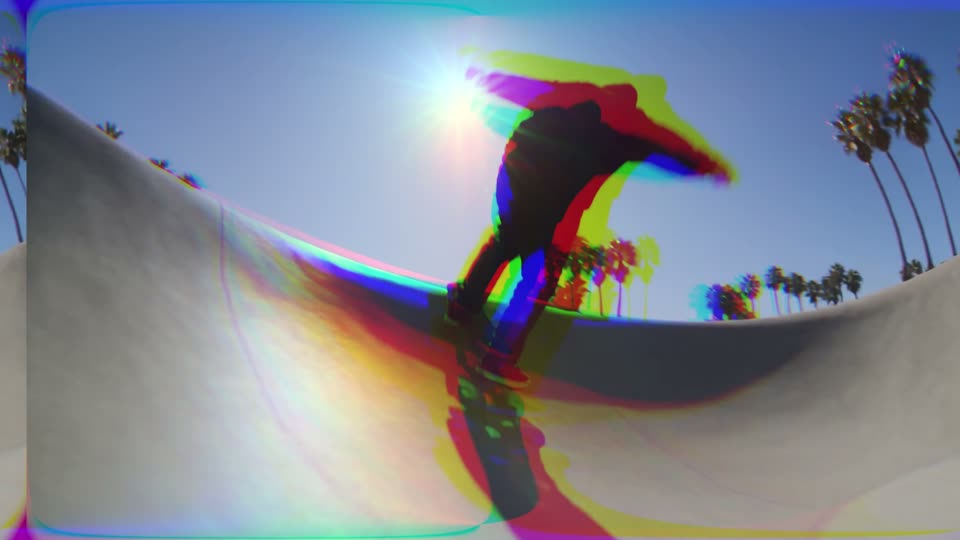
Glitch RGB Split
RGB split glitch on the cut.
-
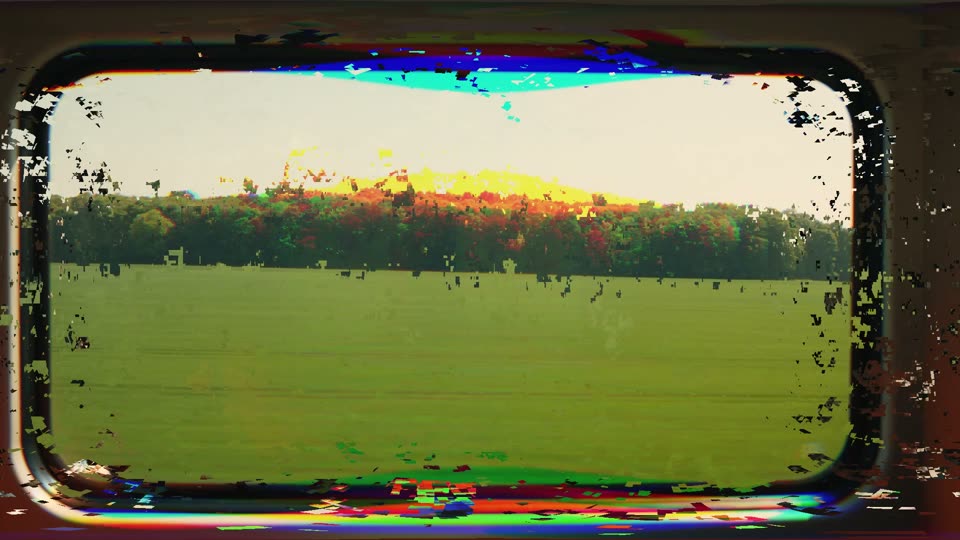
Glitch Digital
Digital distortion burst.
-
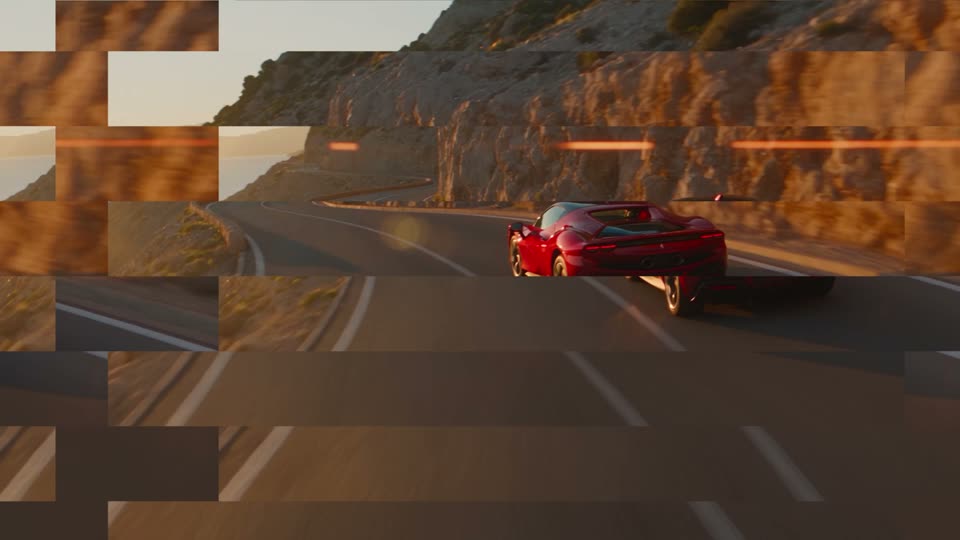
Glitch Slice
The picture breaks into shifted slices.
-
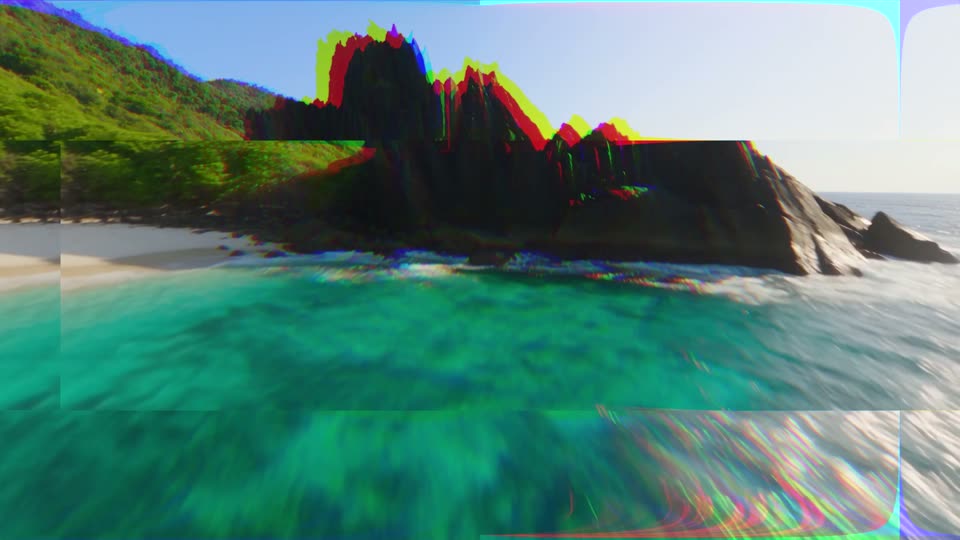
Glitch Block Shift
Big blocks jump sideways.
-
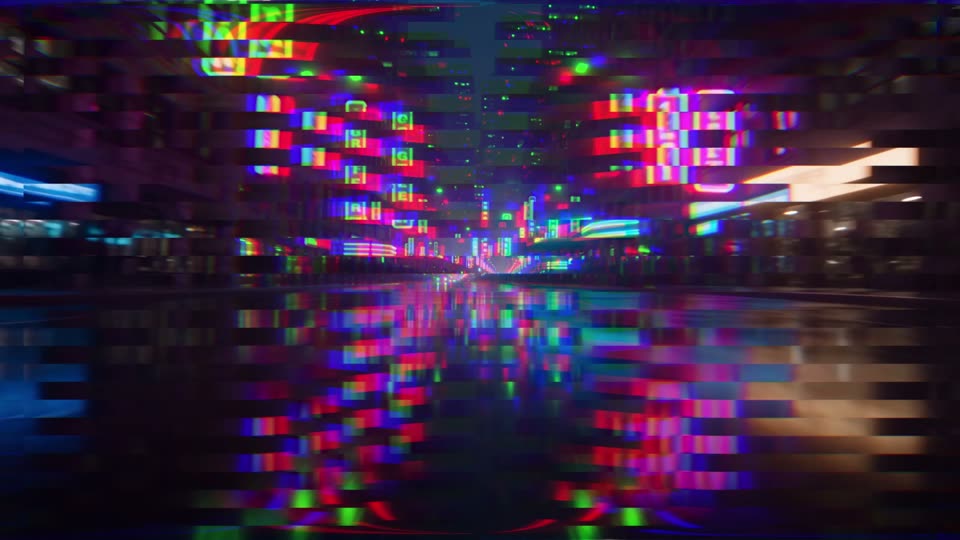
Glitch Scan Tear
Thin scan lines tear sideways.
-

Glitch Wave
Wavy signal distortion.
-
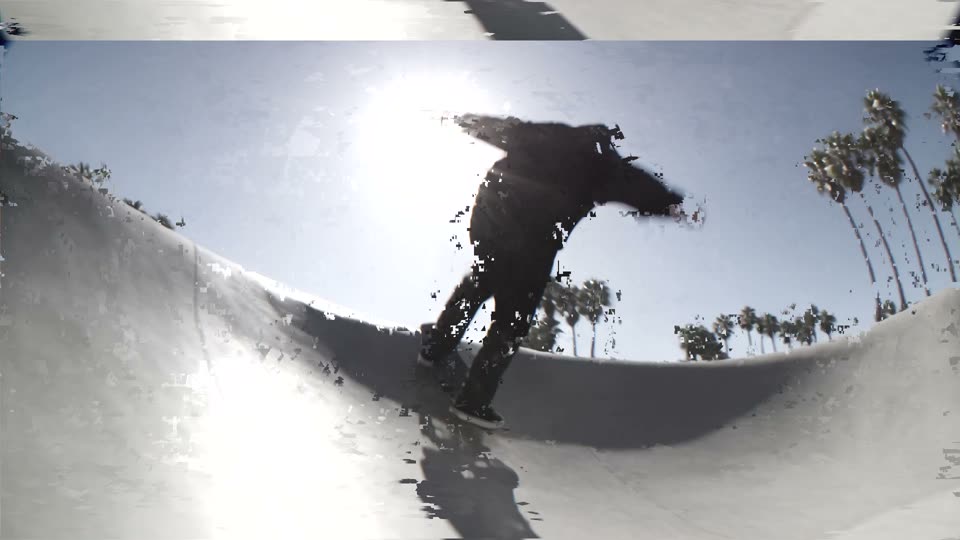
Glitch Signal Loss
The signal drops: rolling, grey and broken.
-
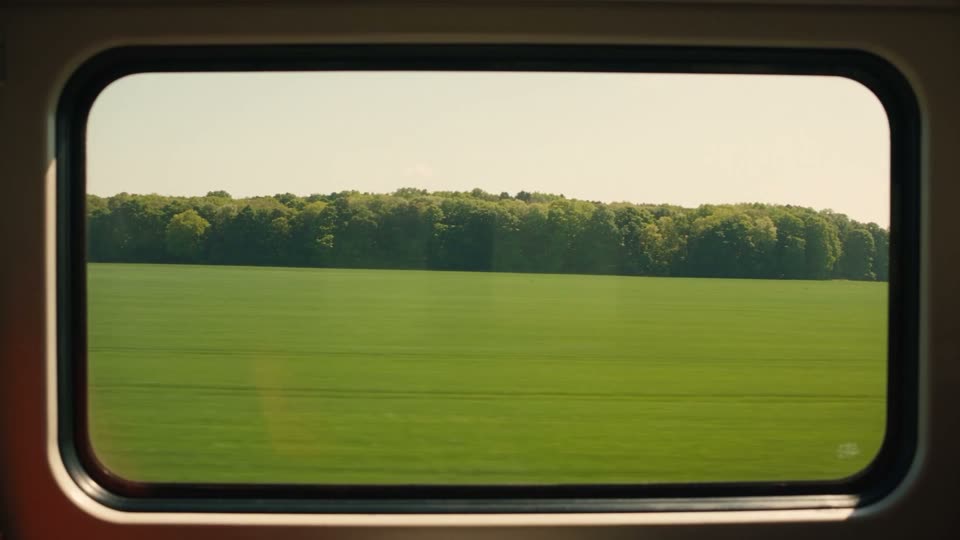
Glitch Flicker Cut
Flickers to black around the cut.
-
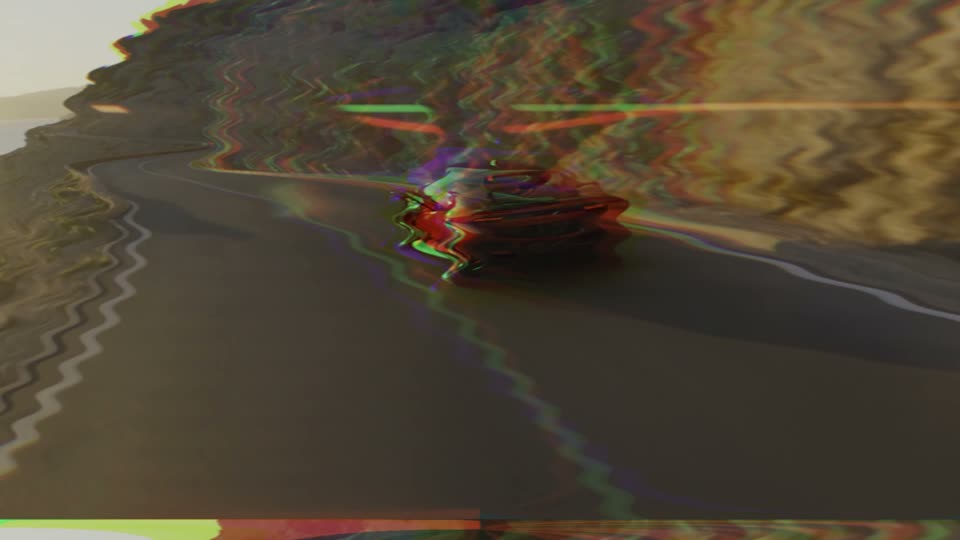
Glitch VHS
Old tape wobble with colour bleed.
-
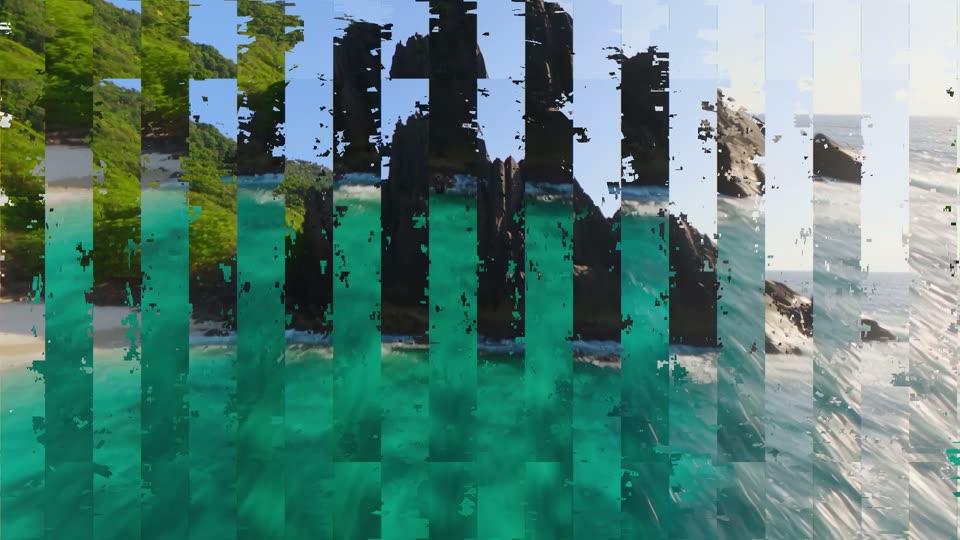
Glitch Data Stream
Columns of the picture stream up and down.
-
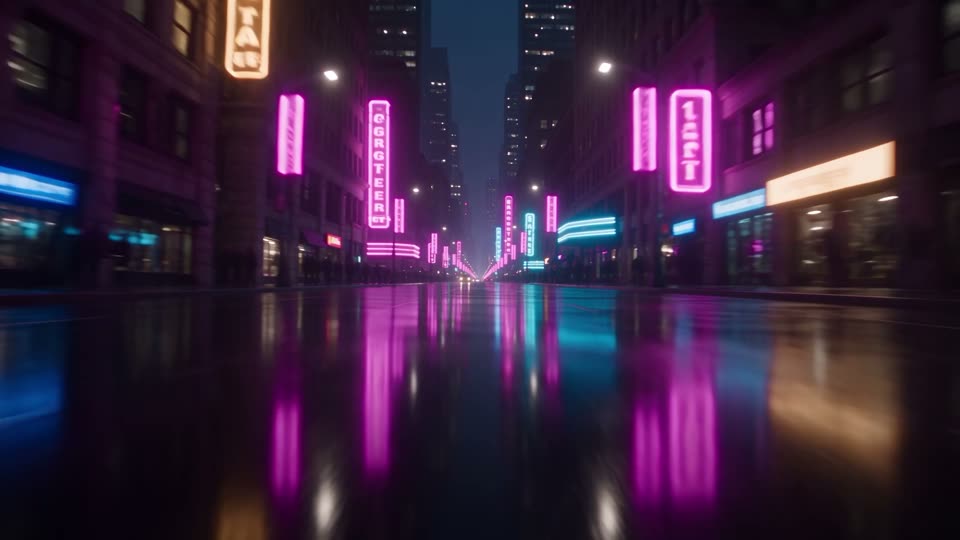
Glitch Hard Cut
A three-frame burst of noise right on the cut.
-
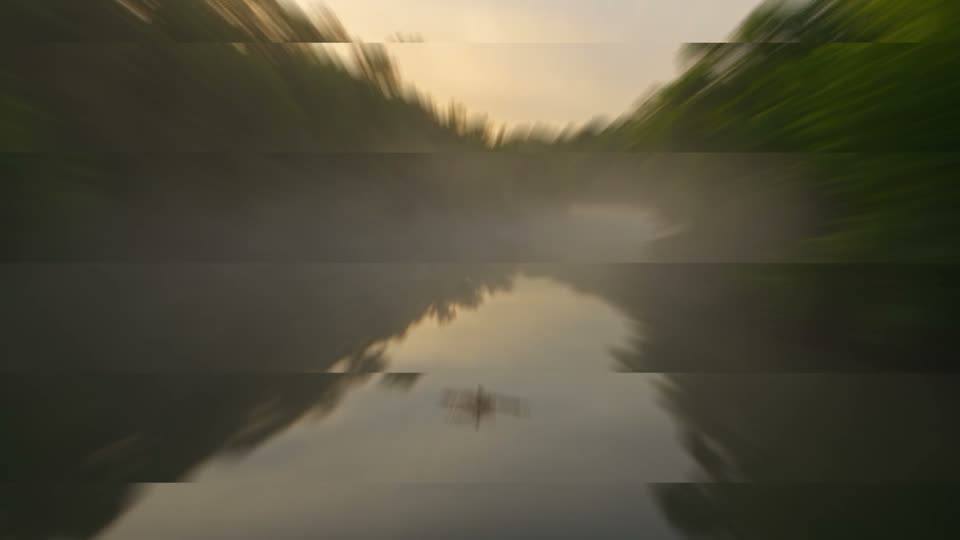
Glitch Zoom Tear
Punch in while the picture tears.
-
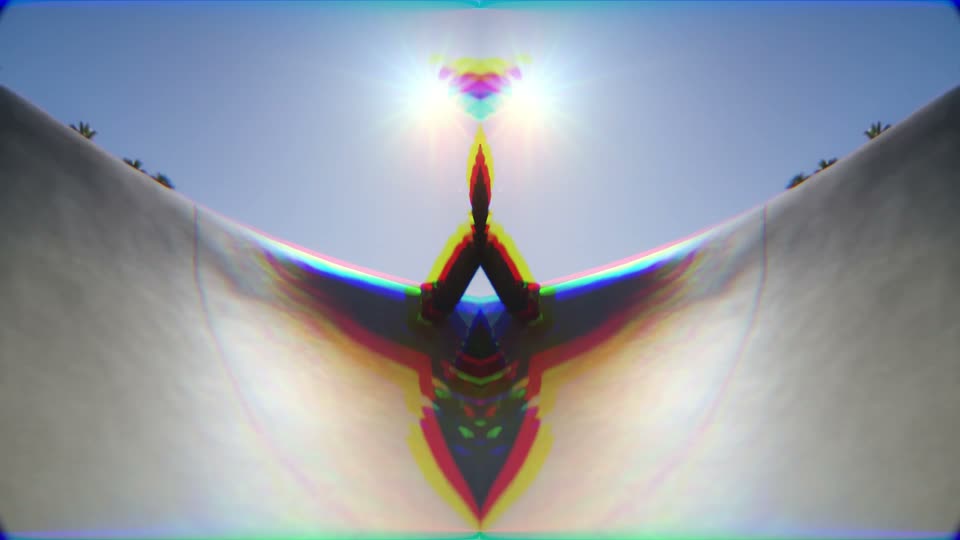
Glitch Mirror Split
The picture mirrors itself on the cut.
-
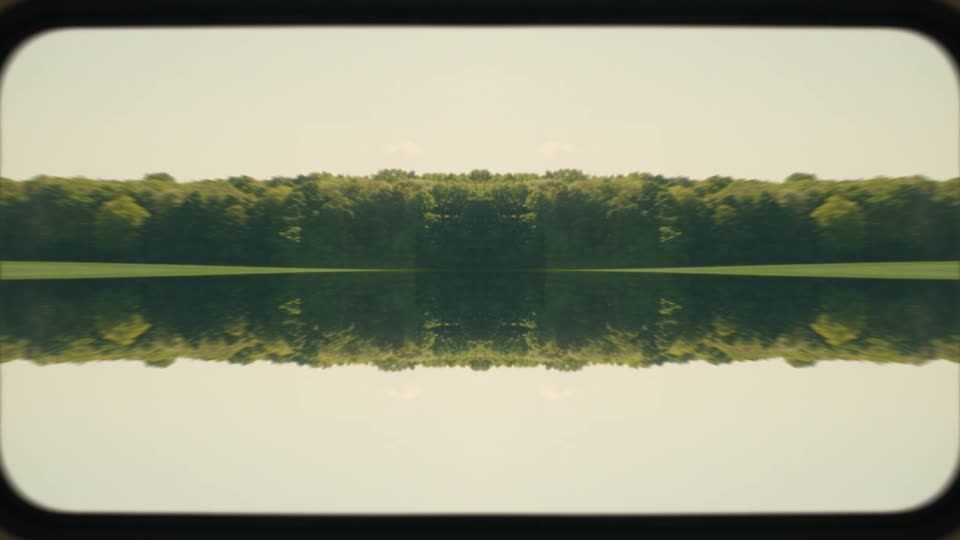
Glitch Kaleido
Four-way mirror on the cut.
-
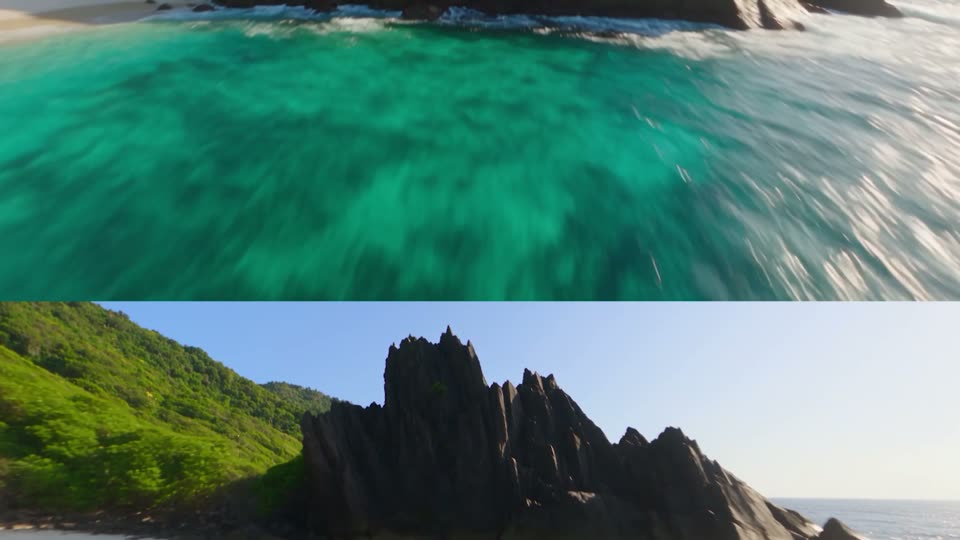
Glitch TV Roll
The picture rolls like an old TV.
-
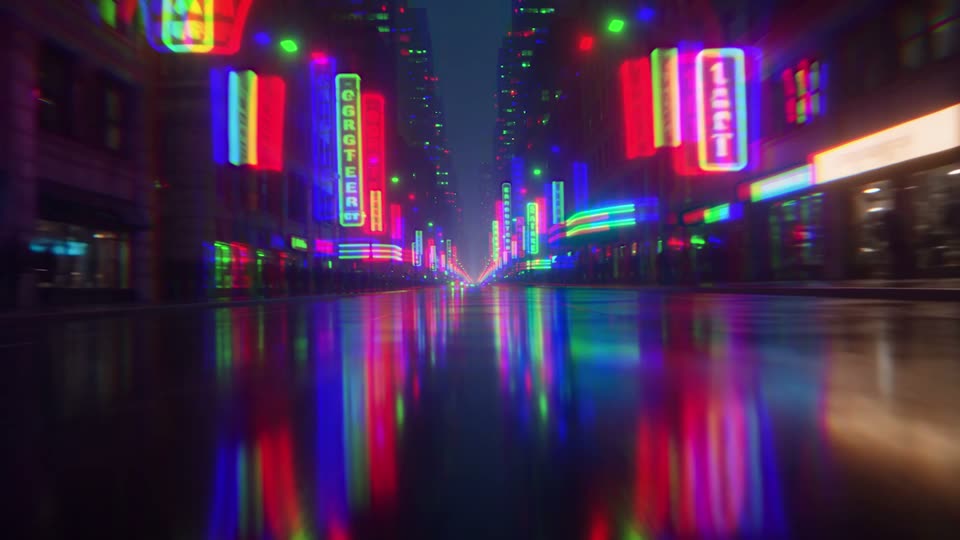
Glitch Twitch
Nervous tilt twitches with colour fringes.
-

Glitch Color Burst
Colours jump through the rainbow.
-
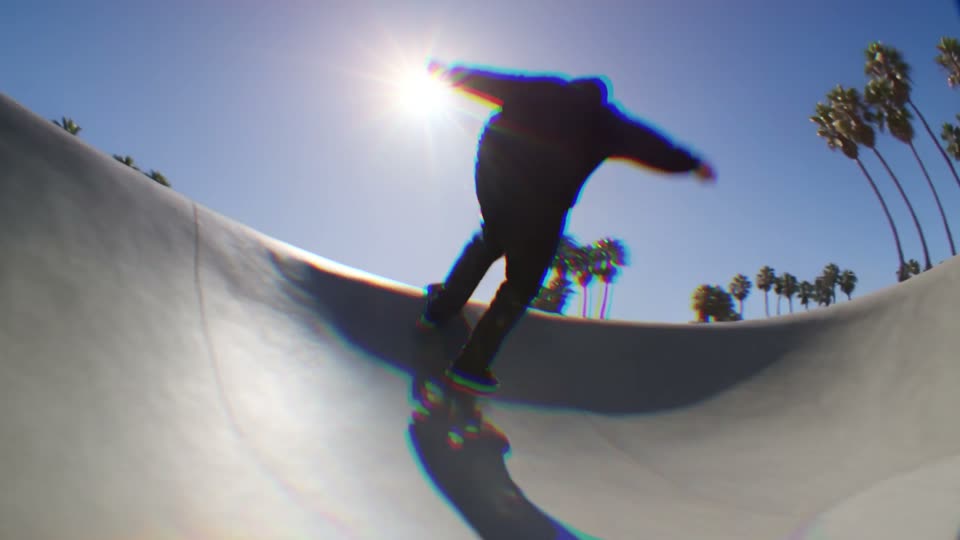
Glitch Chroma Wave
Colour fringes swing back and forth on a wave.
-
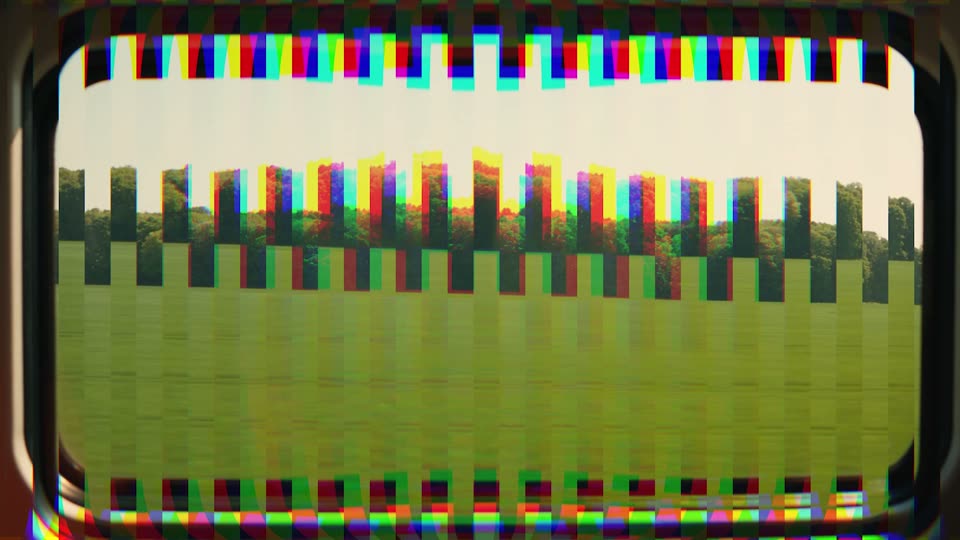
Glitch Vertical Tear
Thin columns tear up and down.
-
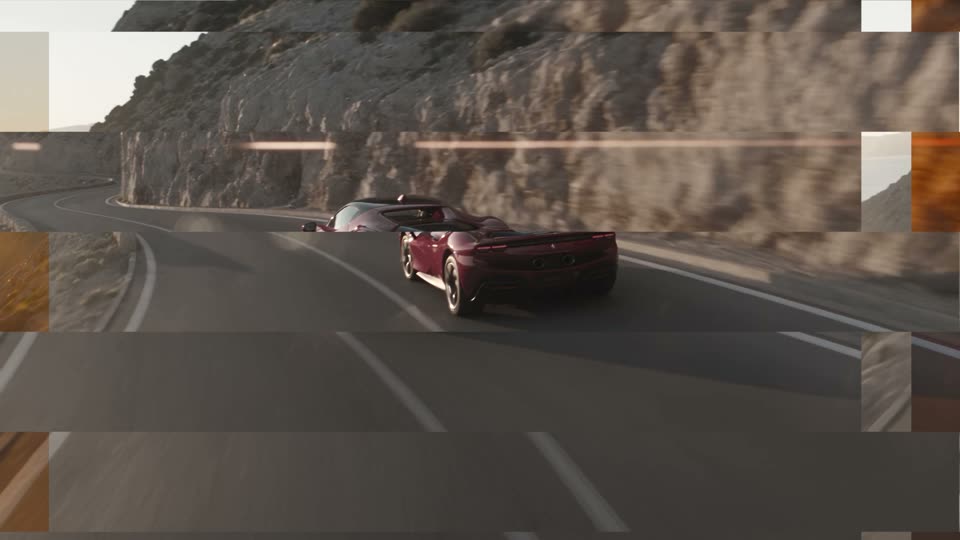
Glitch Mono Break
Breaks into grey, shifted slices.
-
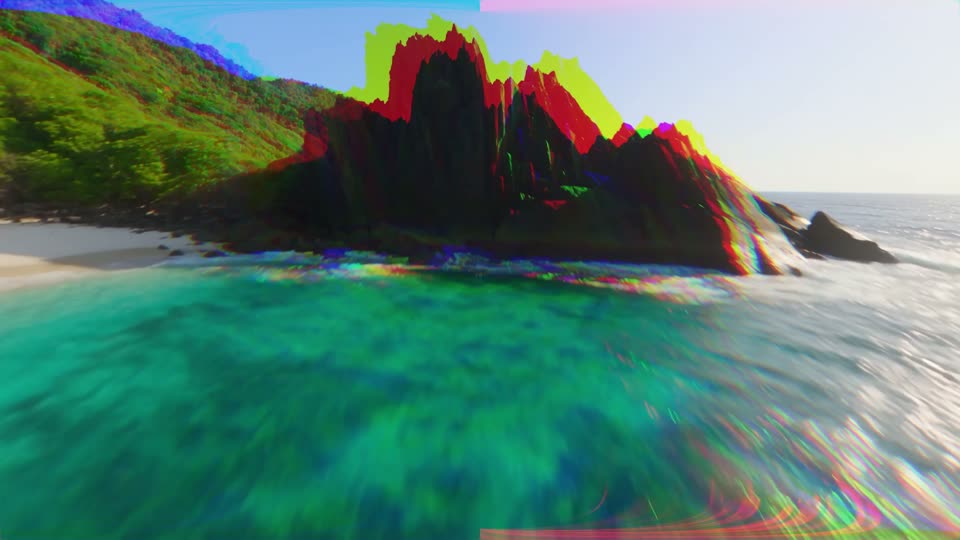
Glitch Neon
Neon colour flickers with colour fringes.
-
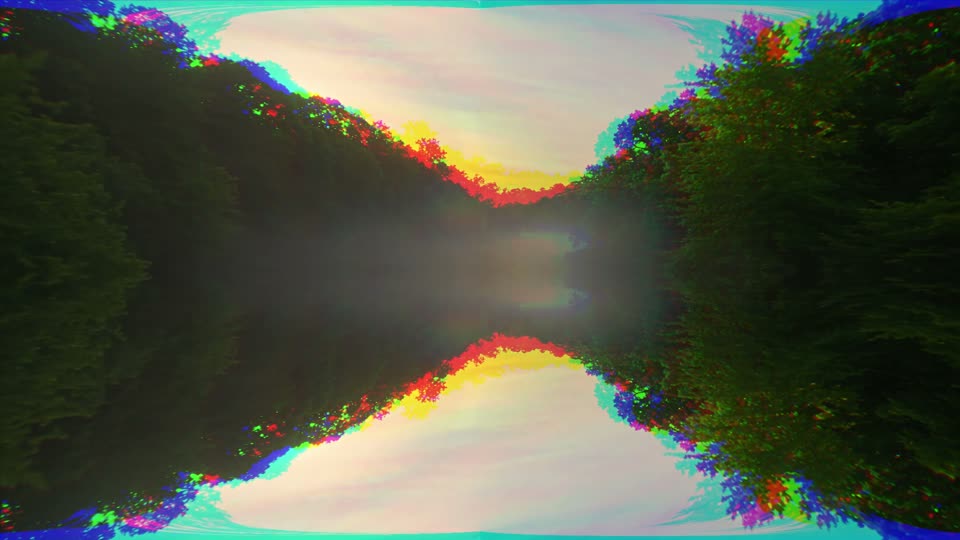
Glitch Mirror Flip
The picture mirrors top to bottom on the cut.
-
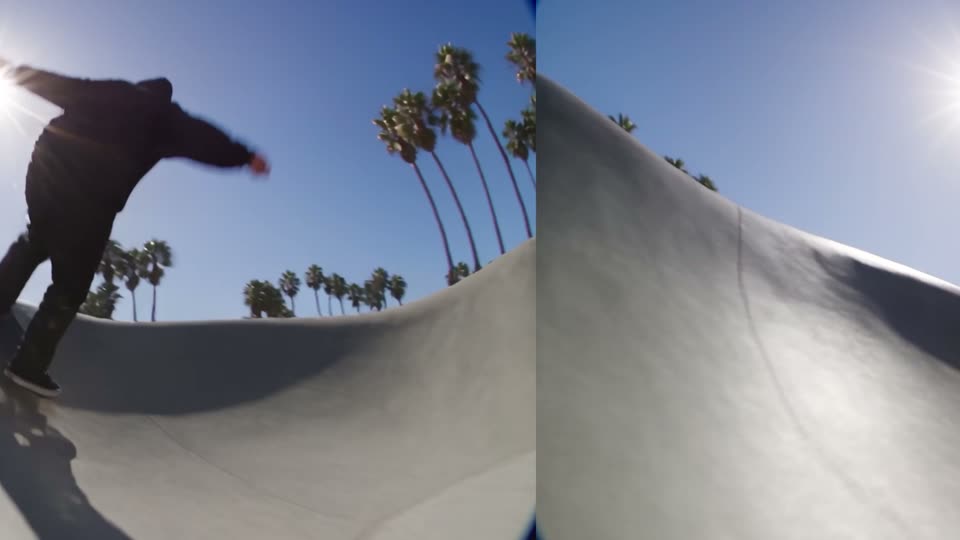
Glitch Roll Left
The picture rolls sideways in steps.
-
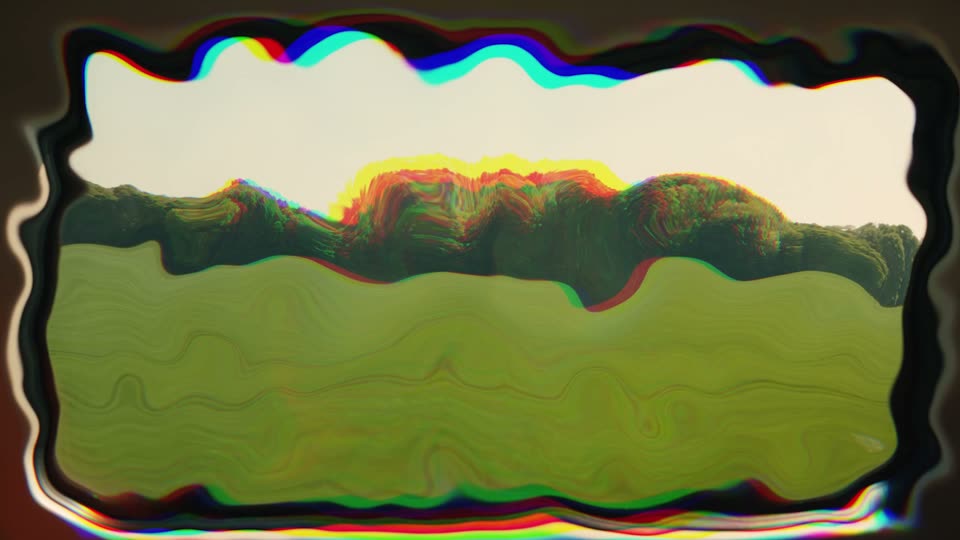
Glitch Warp
The picture warps in jumps.
-
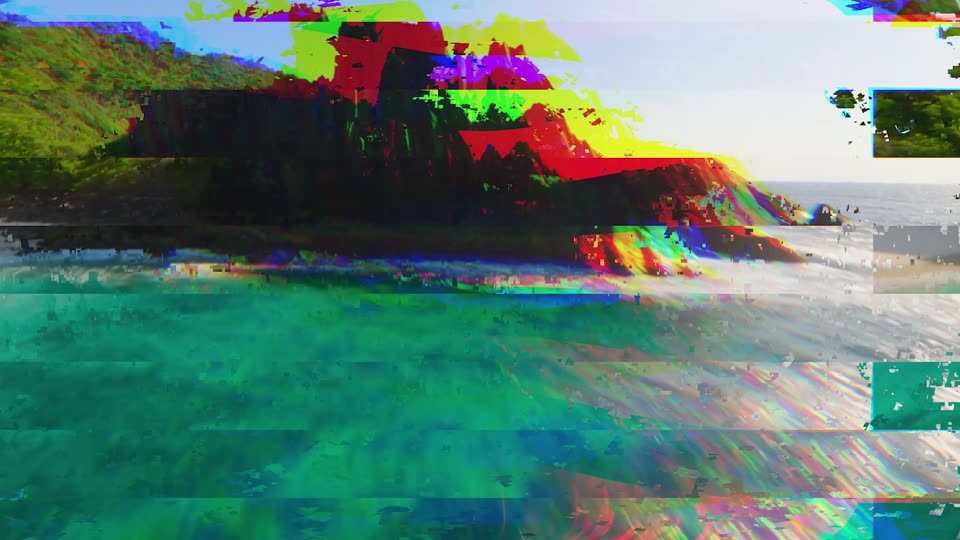
Glitch Overload
Everything breaks at once.
-
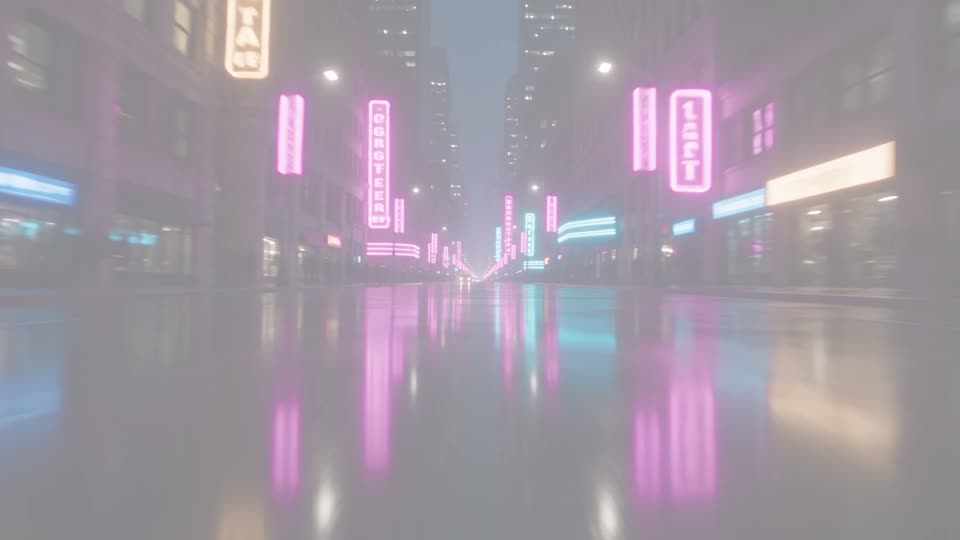
Light Flash WhiteFree
Flashes to white on the cut.
-

Light Warm Flash
A warm, golden flash.
-
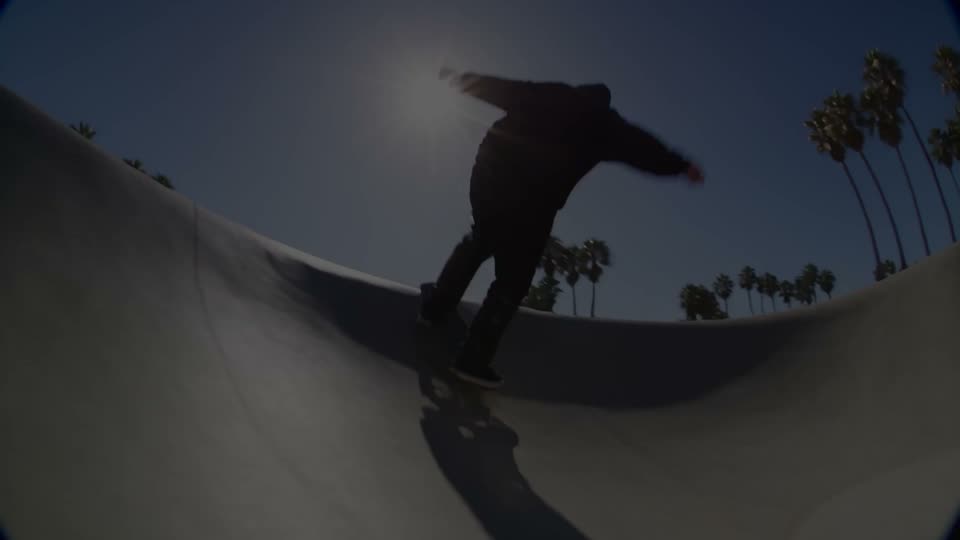
Light Dip To BlackFree
Dips to black on the cut.
-
Light Dip Blur
Blurs and dips to black.
-
Light Exposure Blowout
The exposure blows out to white.
-
Light Glow Dissolve
A soft glowing dissolve.
-
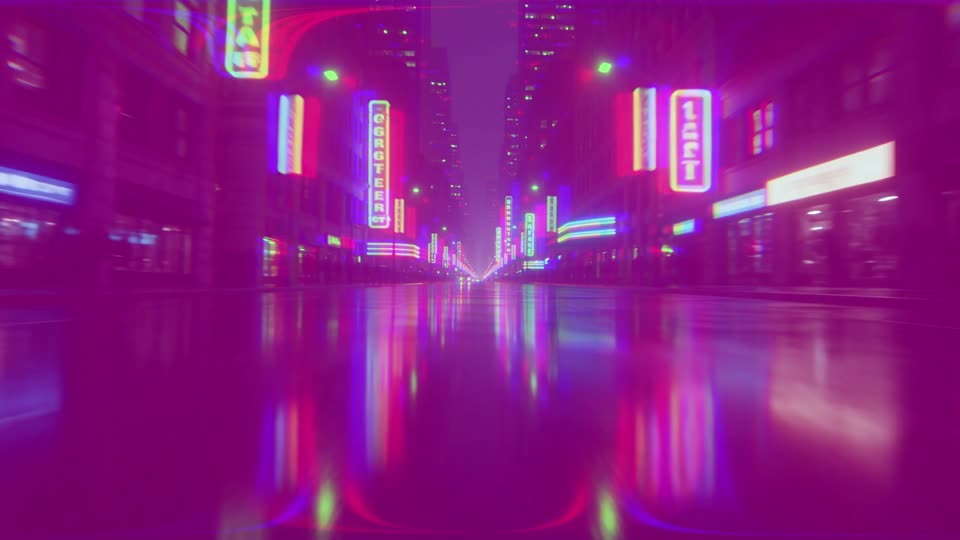
Light Neon Flash
A pink and blue neon flash.
-

Light Color Pop
Colours surge on the cut.
-
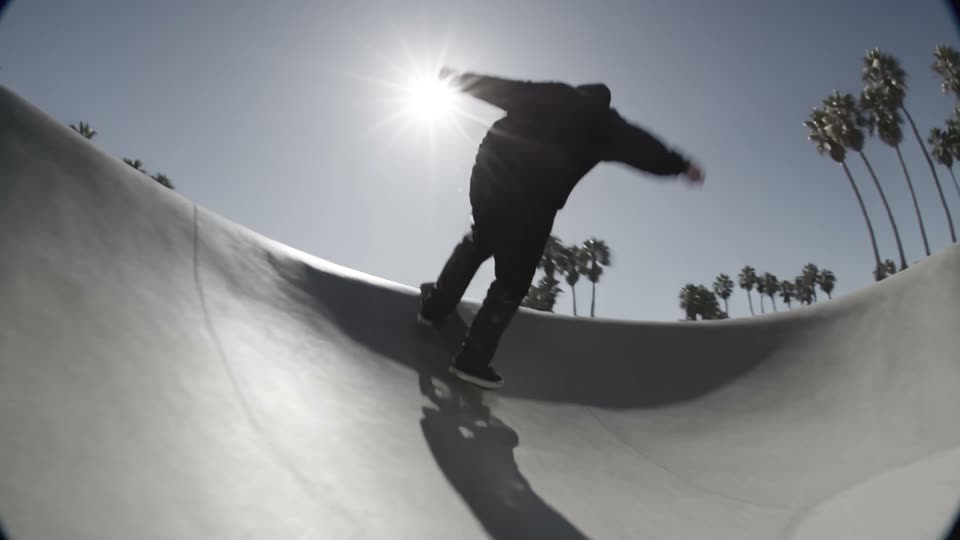
Light Mono DipFree
Drains to black and white on the cut.
-
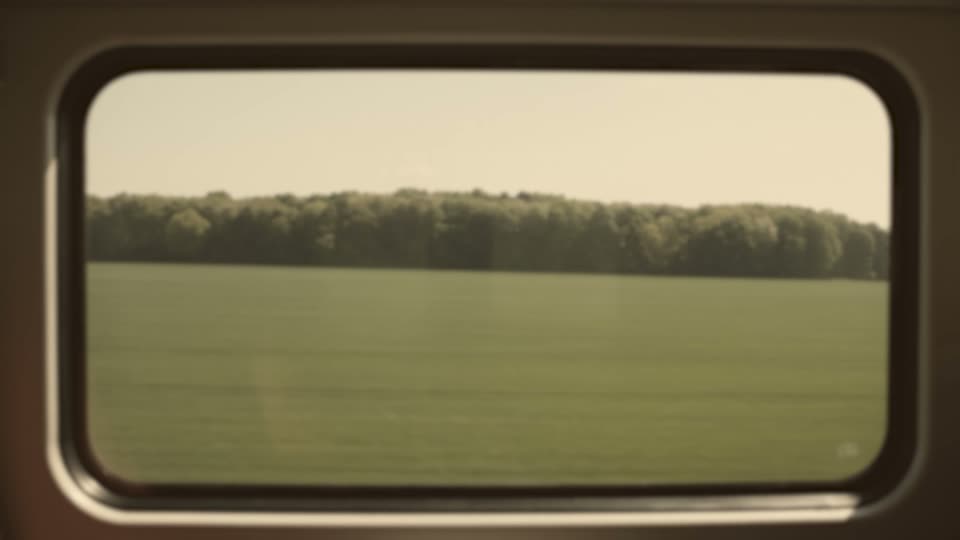
Light Sepia Fade
Fades through warm sepia.
-
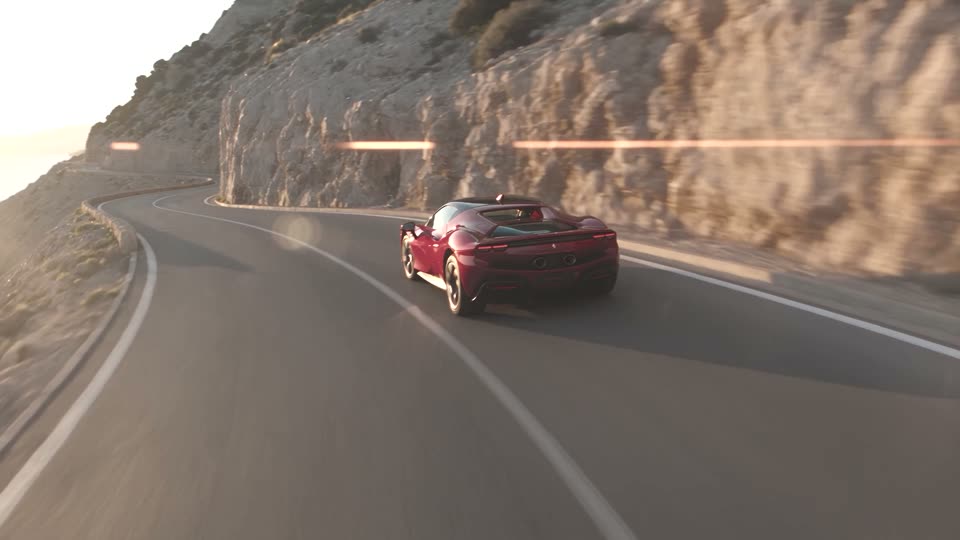
Light Bleach Dip
Bleached, high-contrast dip.
-
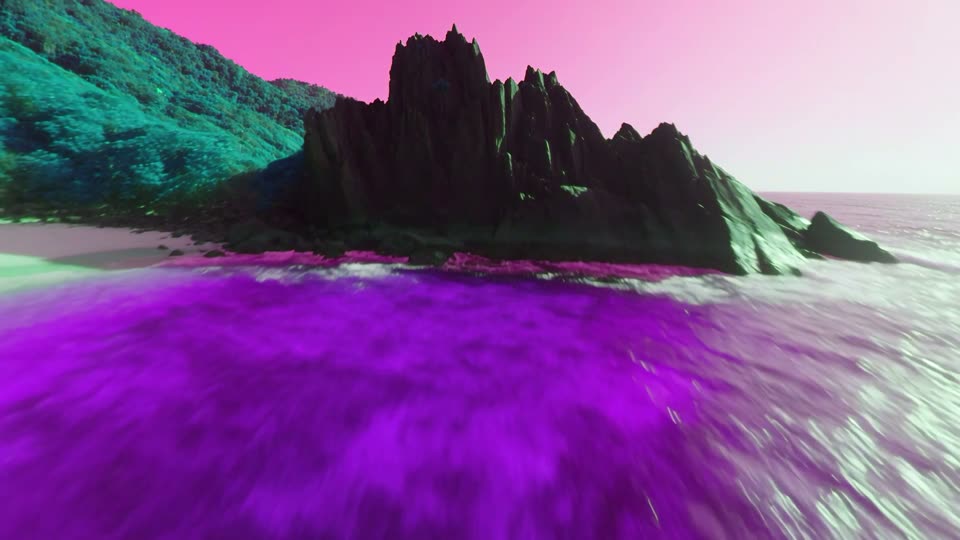
Light Hue Spin
The colours turn all the way round.
-
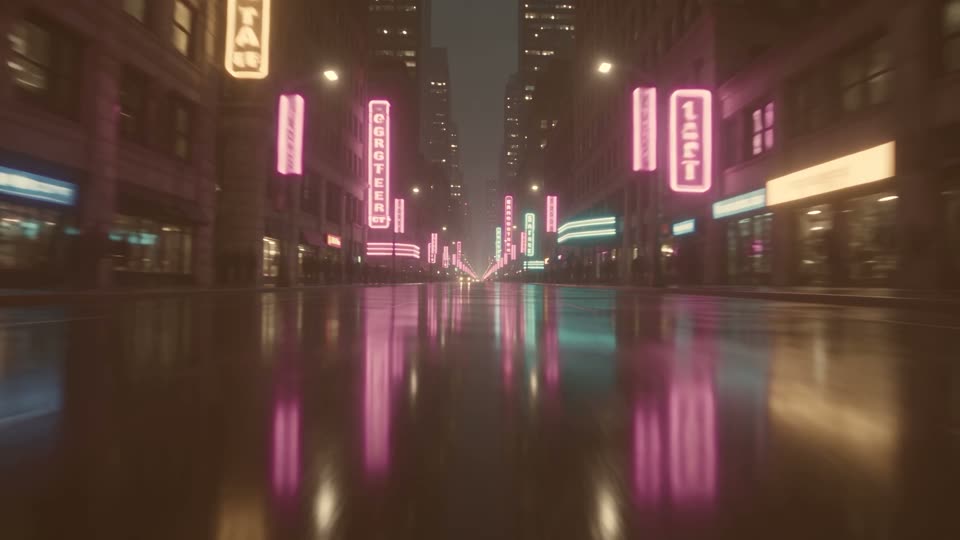
Light Golden Hour
Washes through golden light.
-

Light Night Fall
Drops into cold blue night.
-
Light Film Burn
A hot orange film burn.
-
Light Camera Flash
A double camera flash.
-
Light Strobe
White strobe flashes around the cut.
-
Light Exposure Pump
The exposure pumps up and down.
-

Light Flash Red
A red flash on the cut.
-
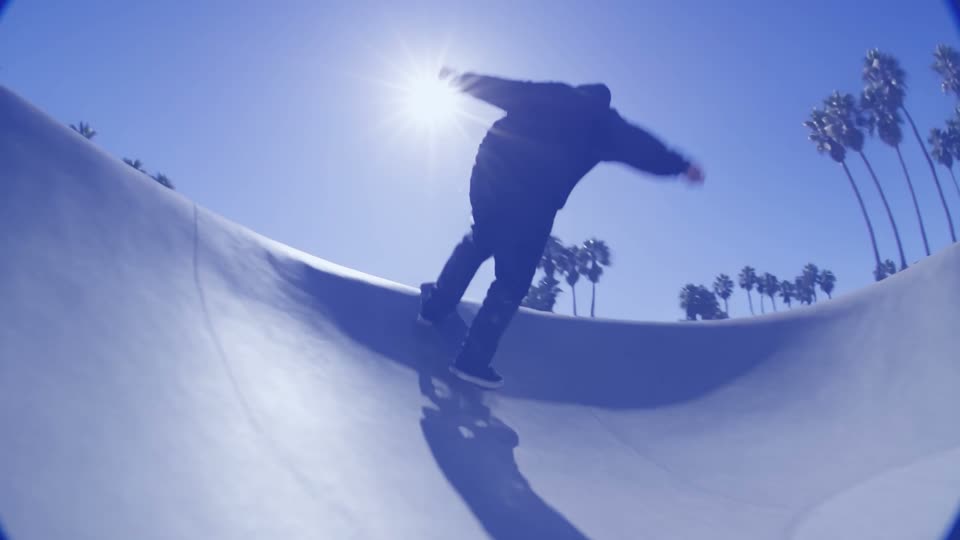
Light Flash Blue
A blue flash on the cut.
-
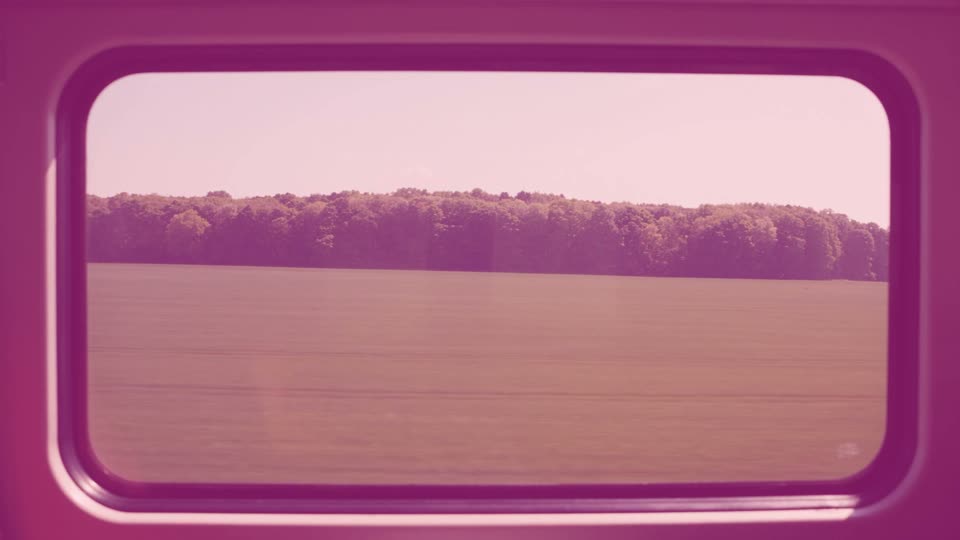
Light Flash Pink
A pink flash on the cut.
-
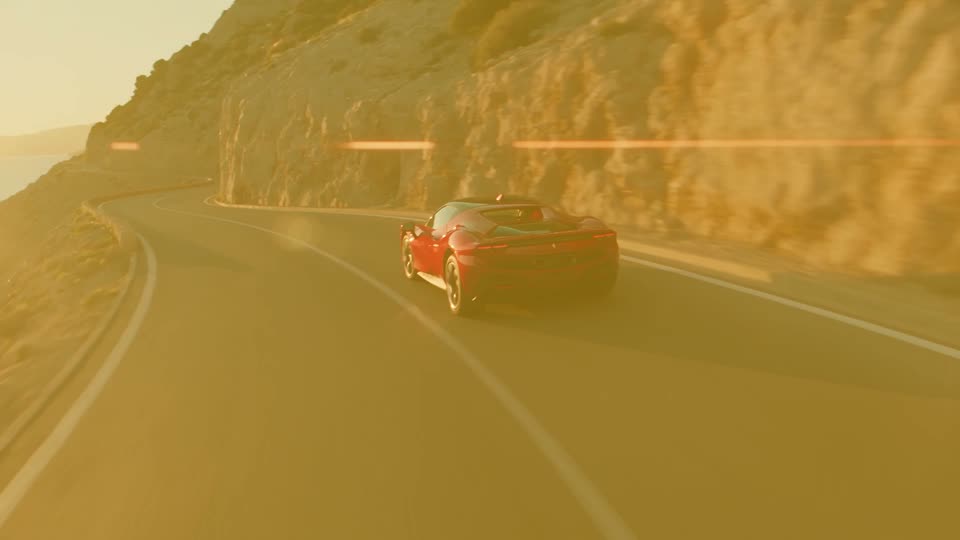
Light Flash Gold
A gold flash on the cut.
-
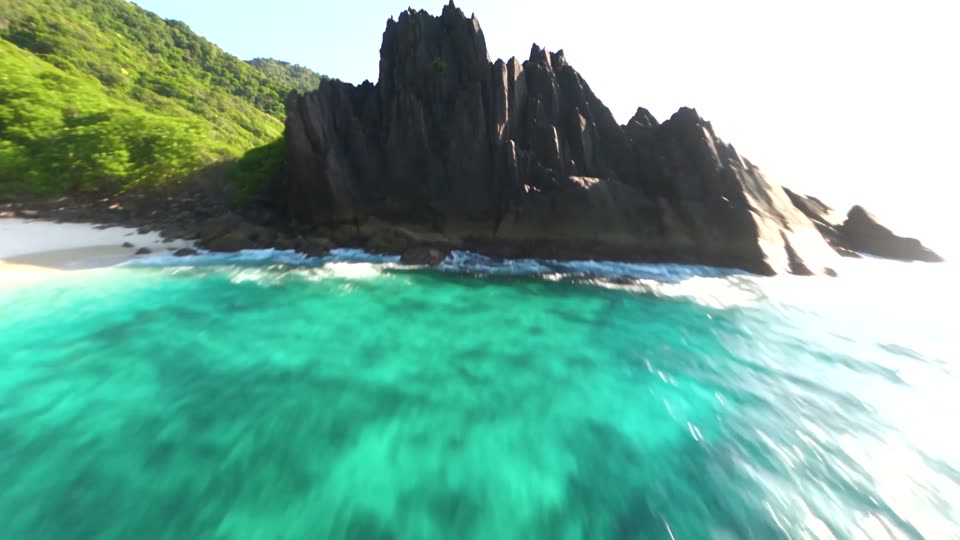
Light Contrast Punch
Contrast and colour slam up on the cut.
-
Light Flash Blur
A white flash through a blur.
-

Light Sunset
Washes through pink and orange.
-
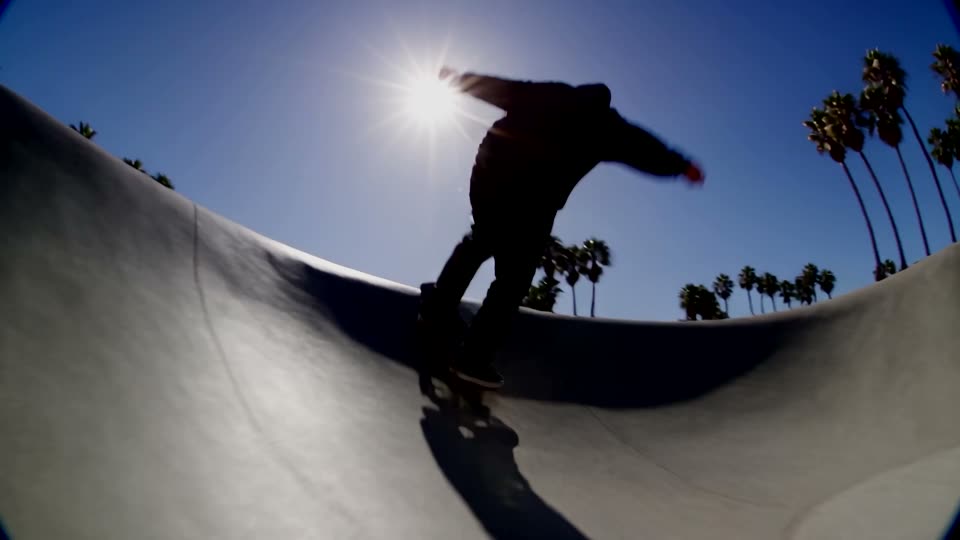
Light Dark Pulse
The picture pulses dark around the cut.
-
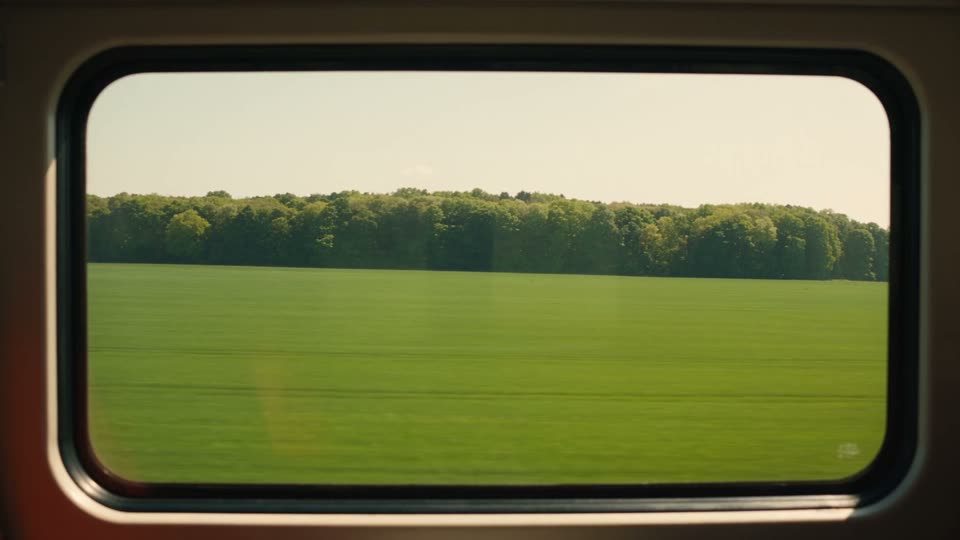
Light Lightning
Irregular white flashes, like lightning.
-
Blur DissolveFree
Blurs out and back in.
-
Blur Focus Pull
Loses focus and finds it again, with a slow push.
-
Blur Dream Fade
A bright, dreamy blur.
-
Blur Push Left
A soft, blurred push left.
-
Blur Push Right
A soft, blurred push right.
-
Blur Push Up
A soft, blurred push up.
-
Blur Push Down
A soft, blurred push down.
-
Liquid Wave
A rolling liquid wave.
-
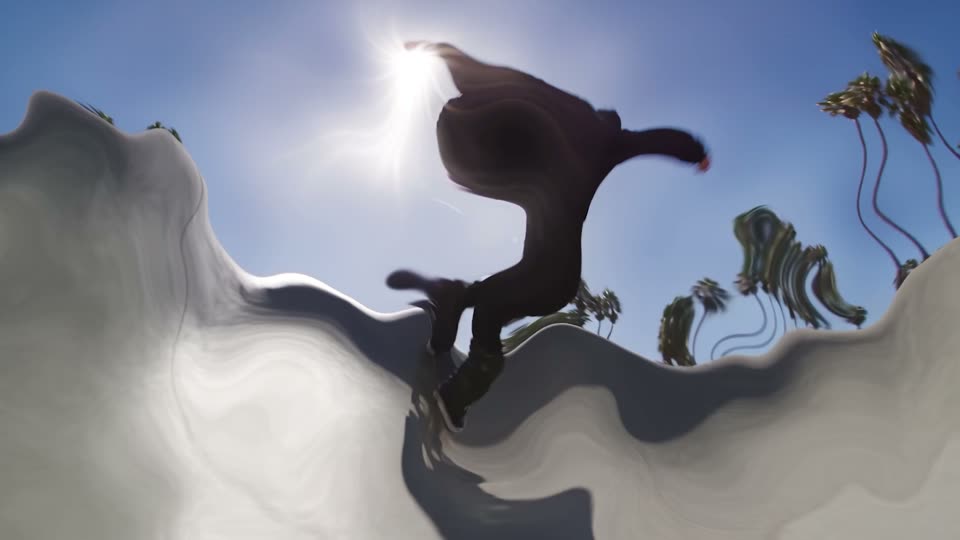
Liquid Heat Haze
Melts through rippling heat.
-
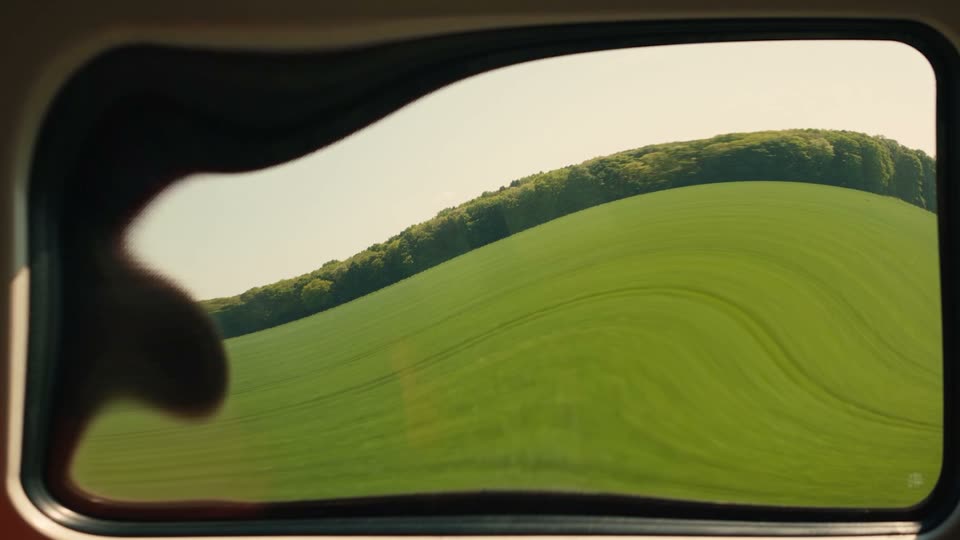
Liquid Jelly
Wobbles like jelly.
-
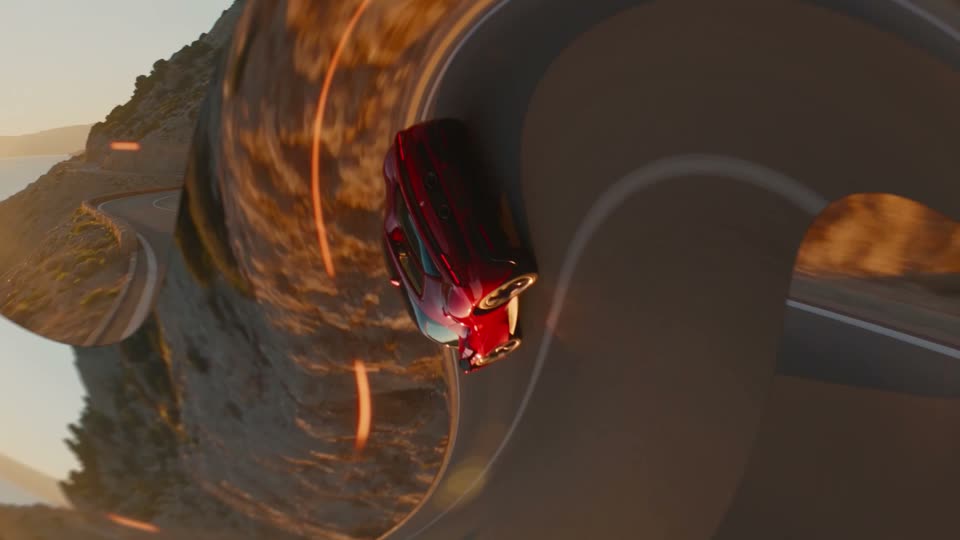
Liquid Twirl Left
Twirls left through the cut.
-
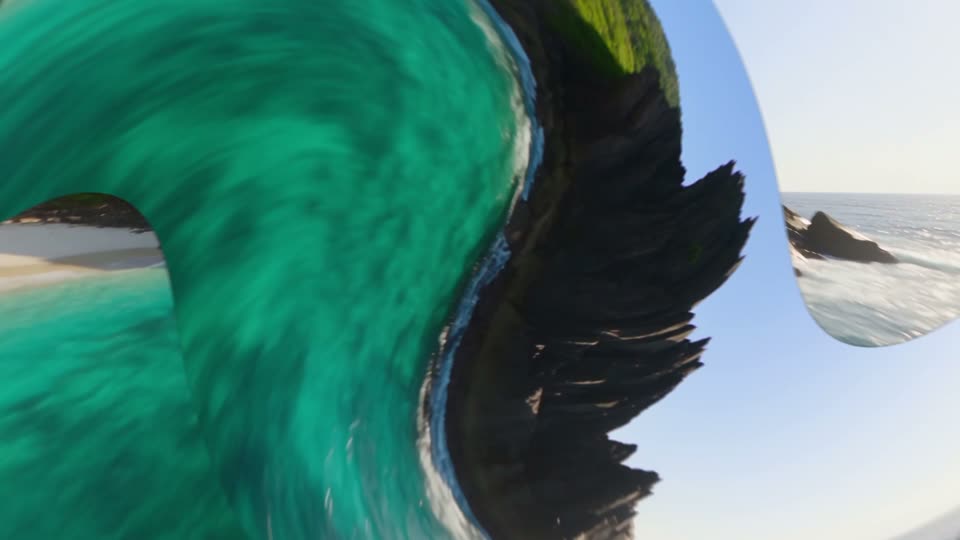
Liquid Twirl Right
Twirls right through the cut.
-
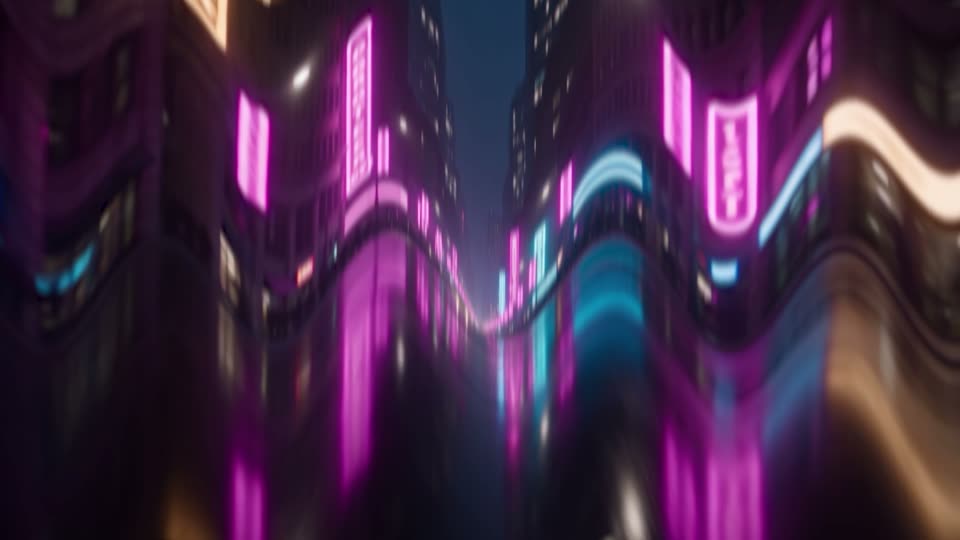
Liquid Melt
The picture melts downward.
-
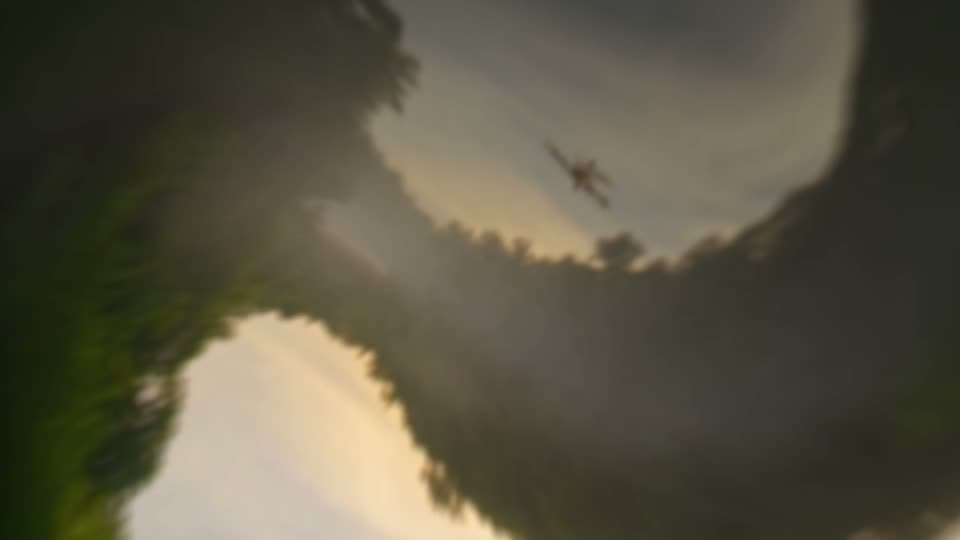
Liquid Drain
Swirls down the drain into the next shot.
-
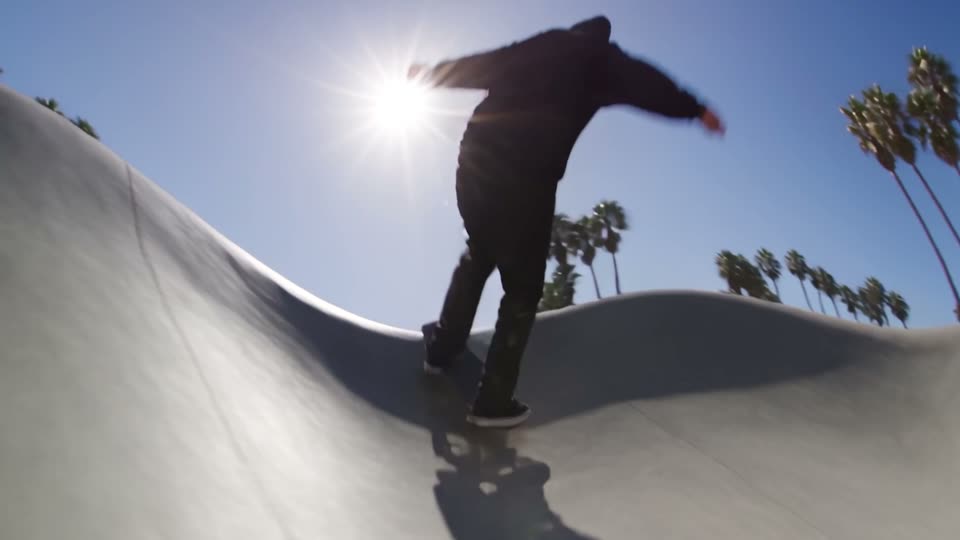
Liquid Flag
Ripples like a flag in the wind.
-
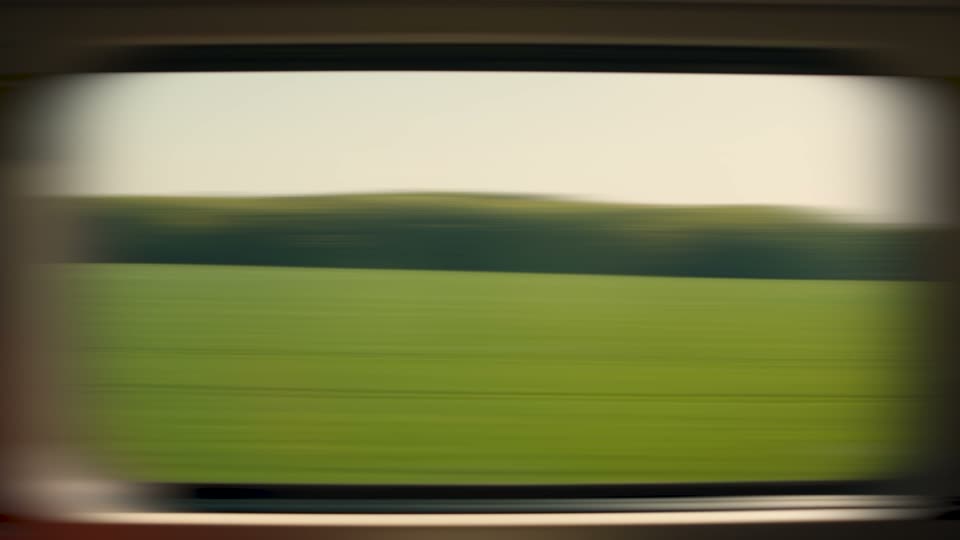
Blur Smear Side
Smears sideways into streaks.
-
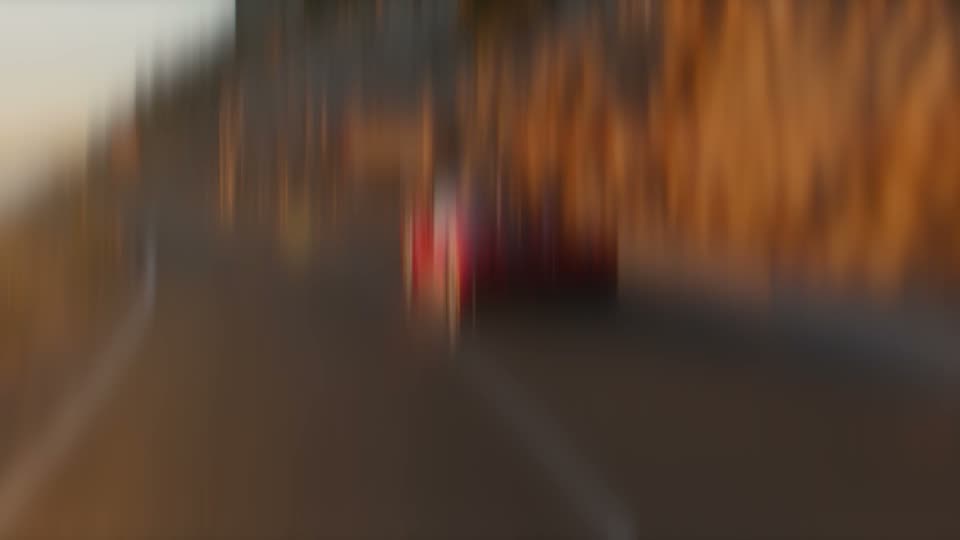
Blur Smear Up
Smears up and down into streaks.
-
Blur Spin Dissolve
A blurred dissolve with a slight turn.
-
Blur Color Dissolve
A blurred dissolve with rich colour.
-
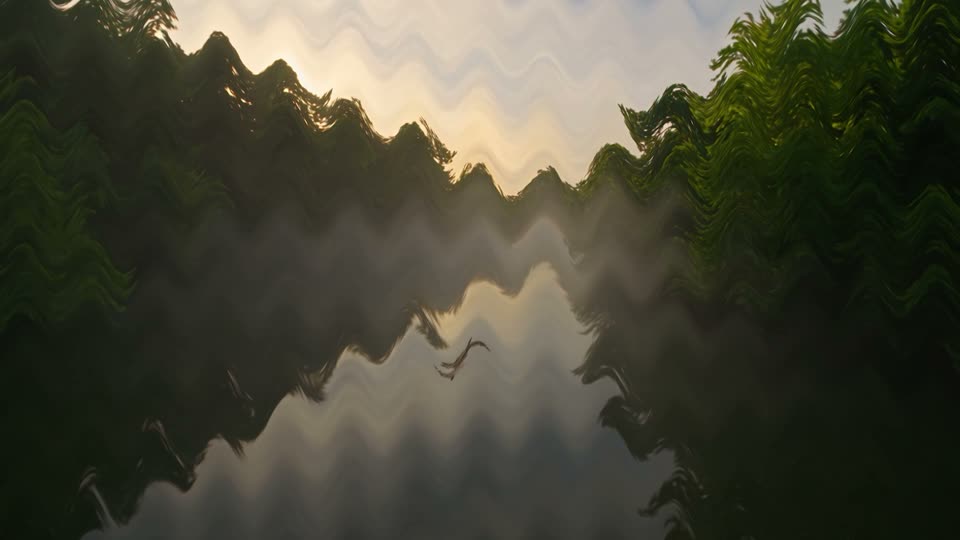
Liquid Ripple
Fine ripples in both directions.
-
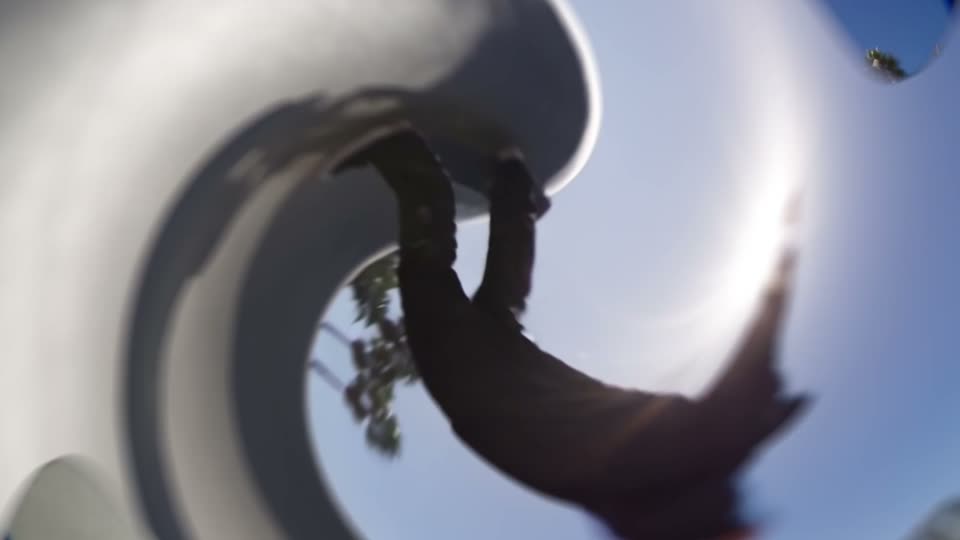
Liquid Swirl Zoom
A tight swirl with a zoom punch.
-
Liquid Dissolve
Melts into soft, slow liquid and back.
-
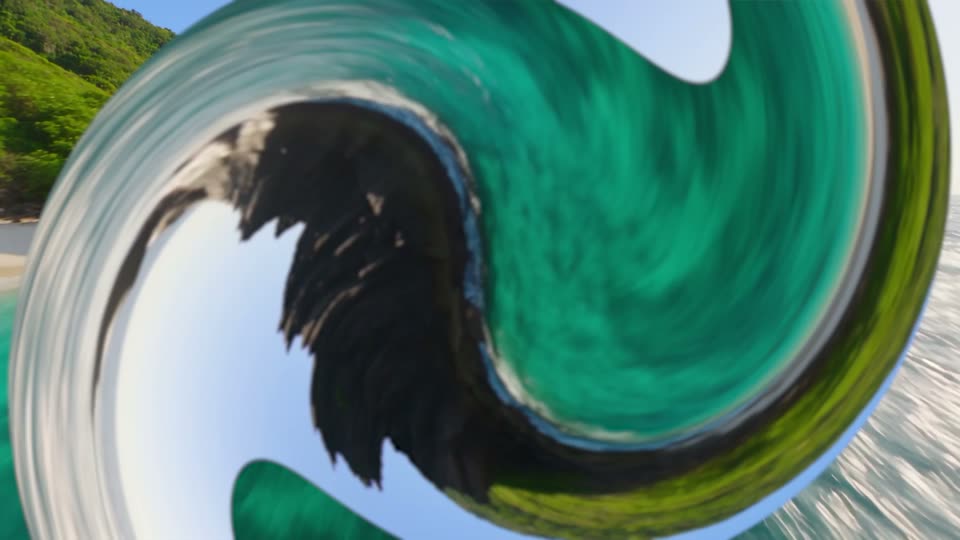
Liquid Twist
The whole picture twists up and unwinds.