
Home / Premiere Pro / DUKE Glitch for Premiere Pro
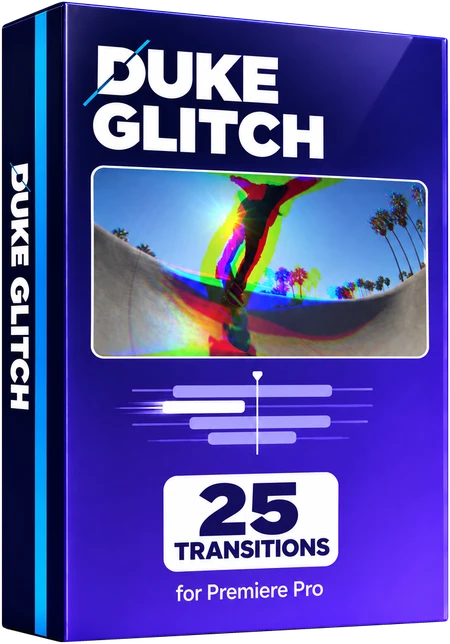
DUKE Glitch for Premiere Pro
25 transitions for Adobe Premiere Pro, from the full pack of 200. RGB splits, tears, VHS, signal loss and digital breakups. Built and tested in Premiere Pro 2026 on a Mac.
Want to try first? Try 10 free
Watch all 25 below before you decide. Hover a tile on desktop, or scroll on your phone.
How it works
These are Premiere Pro presets. Each one goes on an adjustment layer over a cut.
- Install it once. Unzip the download. In Premiere Pro, right-click Presets in the Effects panel, choose Import Presets and pick DUKE Glitch for Premiere.prfpset. It takes about one minute. The 25 transitions appear under Presets in the folder DUKE Glitch.
- Put an adjustment layer over the cut. Choose File > New > Adjustment Layer, then place it over the cut, centred on the cut and 1 second long, which is 24 frames at 24 frames a second (12 before the cut, 12 after). Shortest 12 frames, longest 48.
- Drag a DUKE transition onto it. That is it.
- Shorter is faster, longer is slower. The transition stretches to the length of the adjustment layer.
Full guide: install, use and how many frames
- One preset eachOne preset per transition. No nesting, no extra clips, no keyframing.
- Nothing else to installBuilt only with effects that come with Premiere Pro.
- Change anythingEvery transition can be changed in Effect Controls. Its effects and keyframes are listed by name.
- Frame sizeMade at 1920 x 1080 in 16:9. Moves, zooms and spins scale with any frame size. Blur and wave amounts are set in pixels.
The better deal
All 200 transitions in one pack for $39.99 $59.99
The six packs bought one by one come to 6 x $10.00 = $60.00. This pack's 25 transitions are part of the full pack.
Glitch
25 transitions-
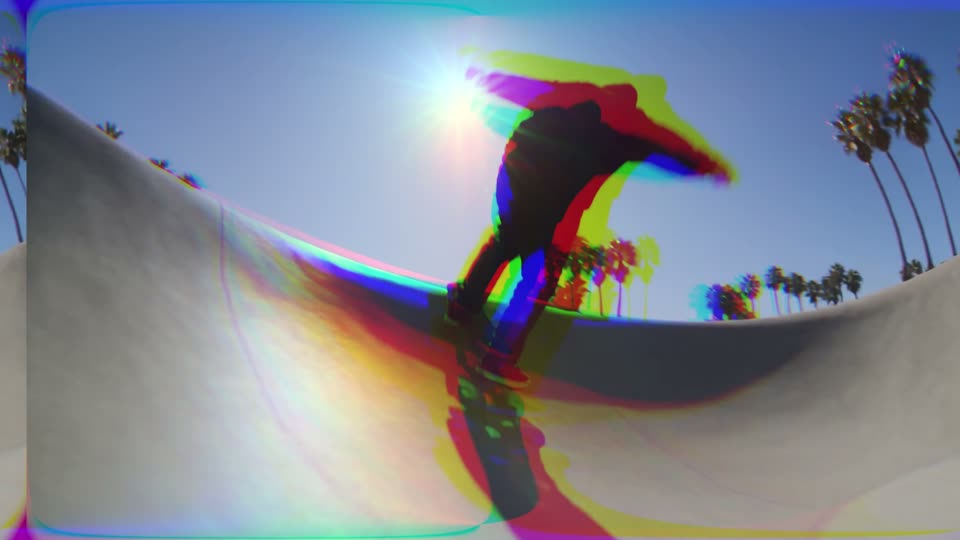
Glitch RGB Split
RGB split glitch on the cut.
-
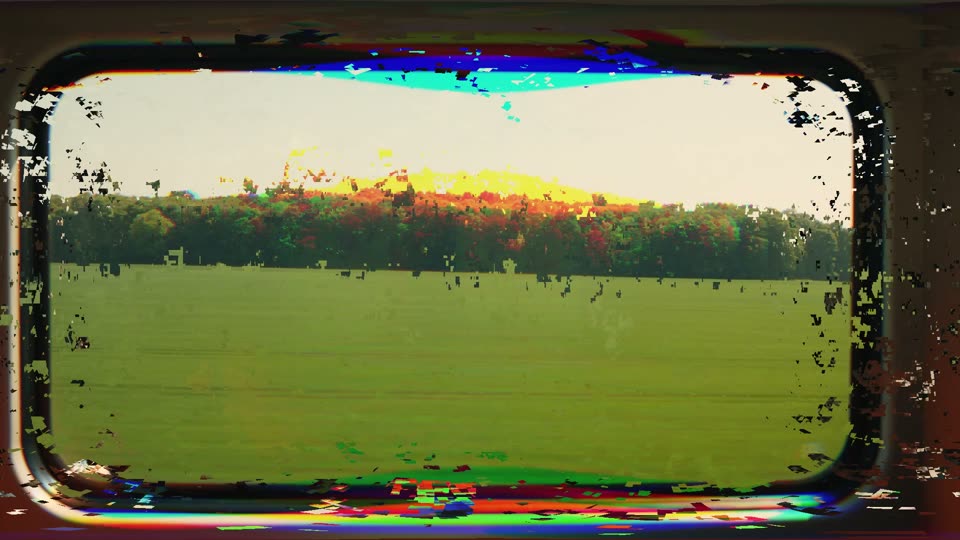
Glitch Digital
Digital distortion burst.
-
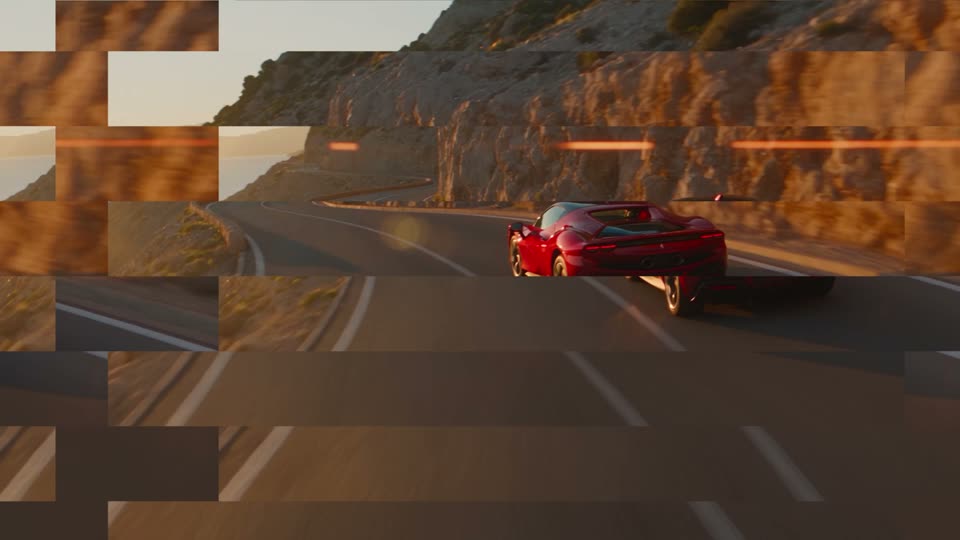
Glitch Slice
The picture breaks into shifted slices.
-
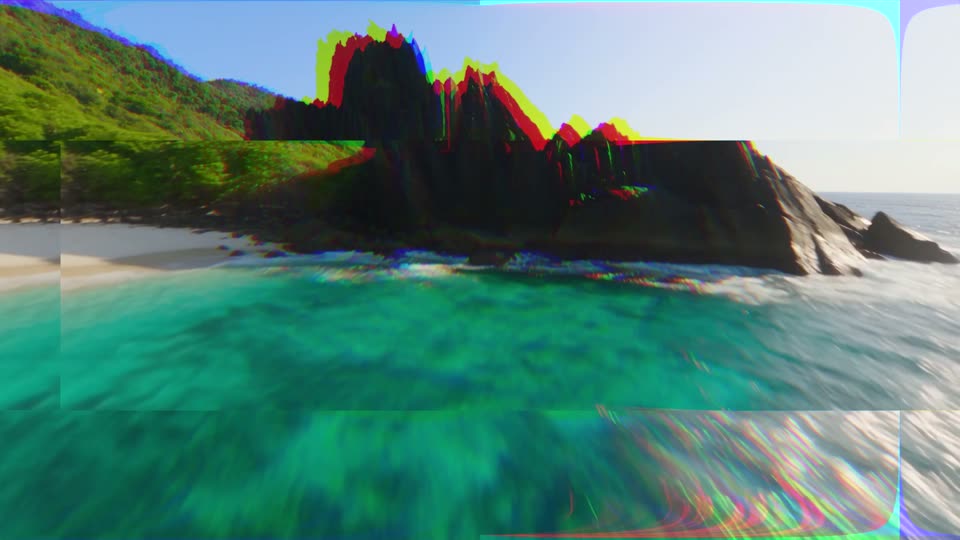
Glitch Block Shift
Big blocks jump sideways.
-
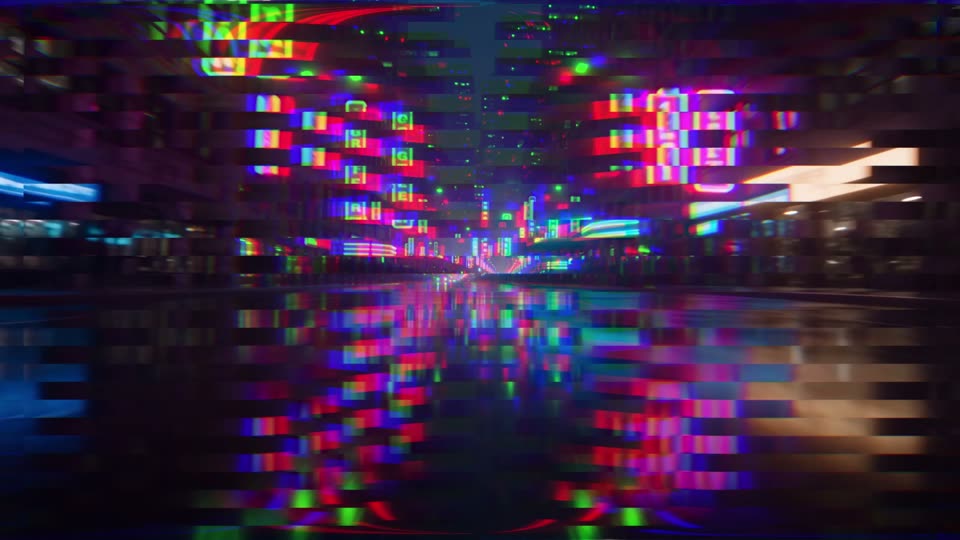
Glitch Scan Tear
Thin scan lines tear sideways.
-

Glitch Wave
Wavy signal distortion.
-
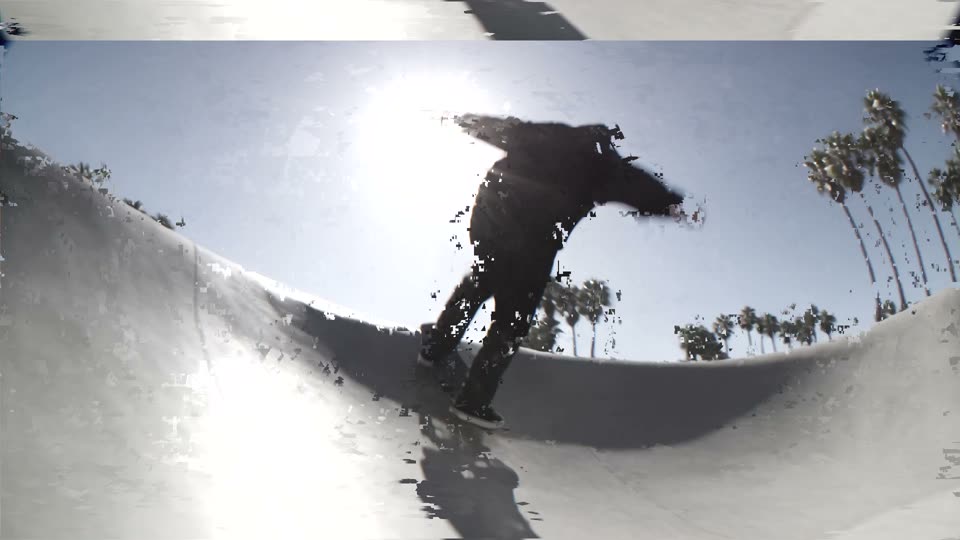
Glitch Signal Loss
The signal drops: rolling, grey and broken.
-
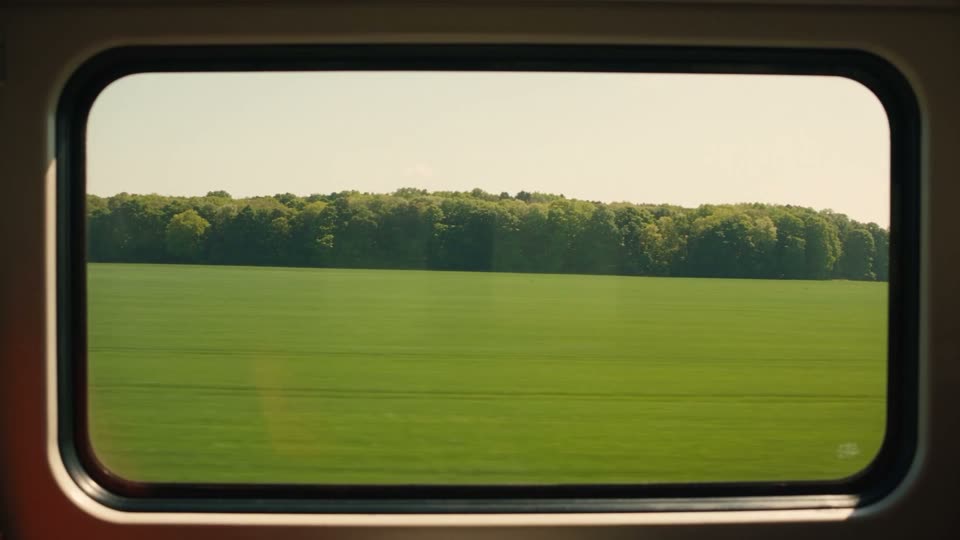
Glitch Flicker Cut
Flickers to black around the cut.
-
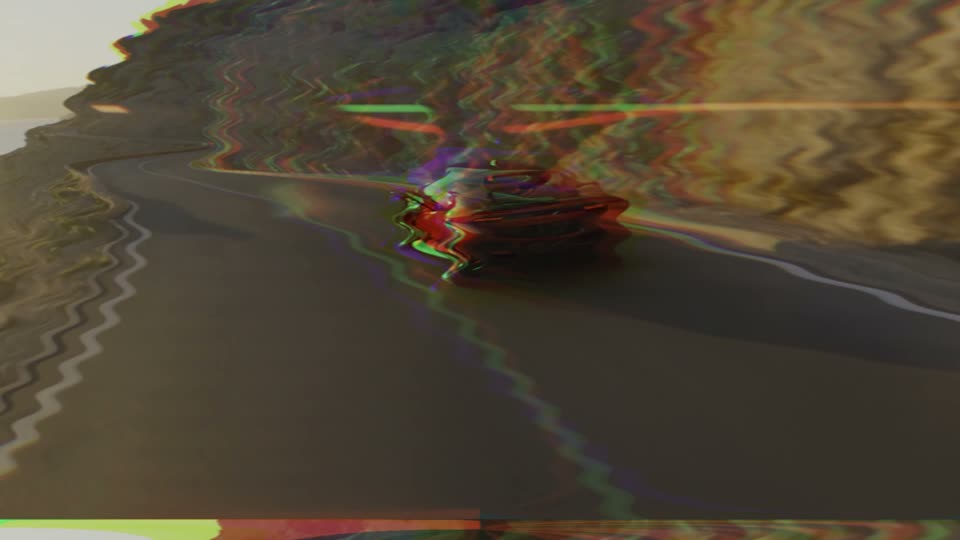
Glitch VHS
Old tape wobble with colour bleed.
-
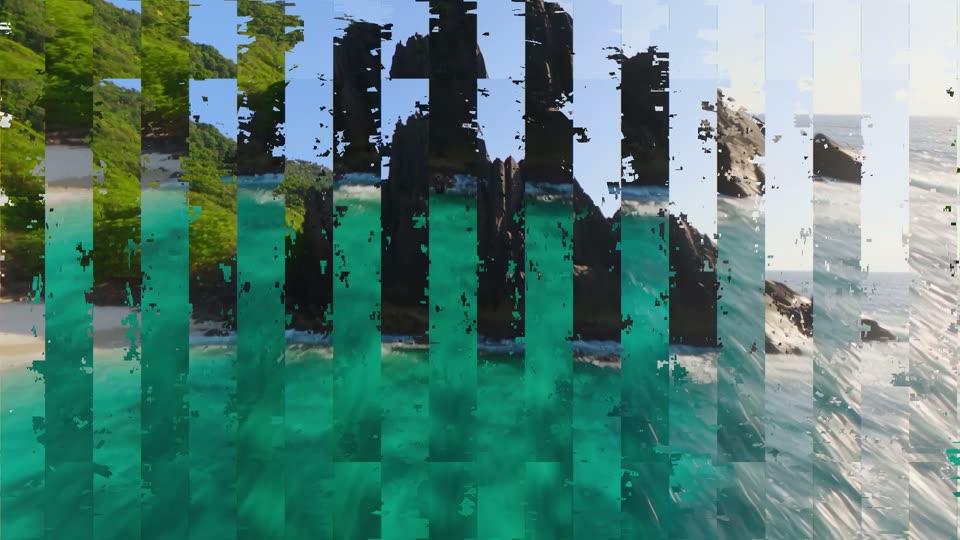
Glitch Data Stream
Columns of the picture stream up and down.
-
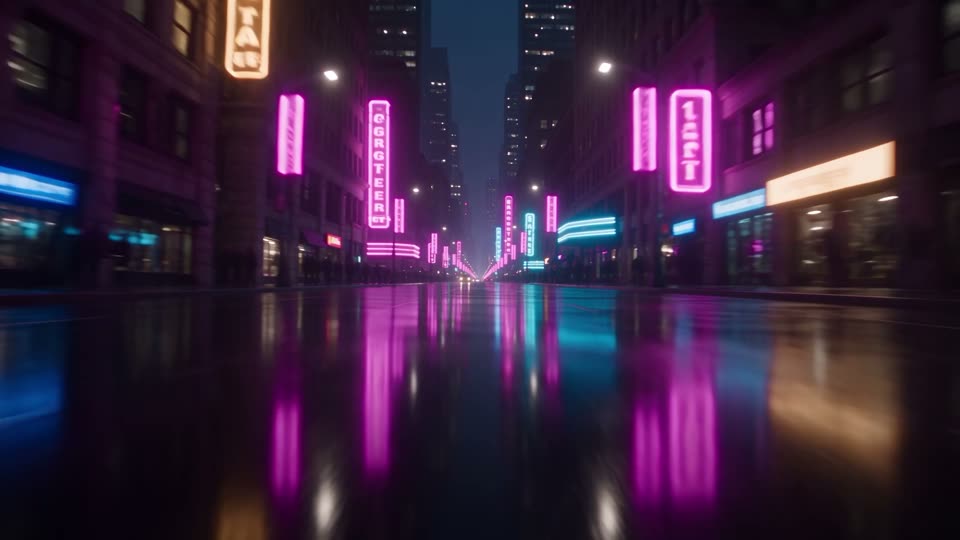
Glitch Hard Cut
A three-frame burst of noise right on the cut.
-

Glitch Zoom Tear
Punch in while the picture tears.
-
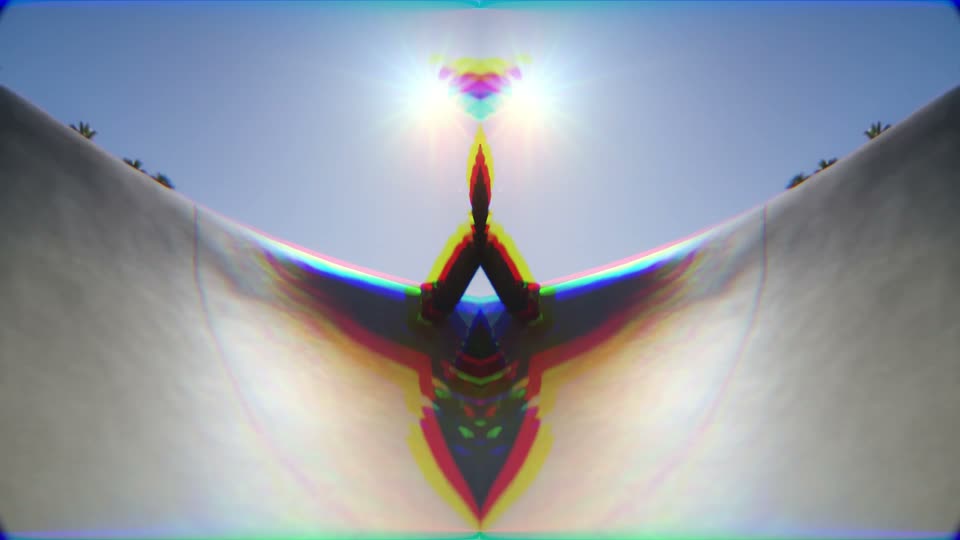
Glitch Mirror Split
The picture mirrors itself on the cut.
-
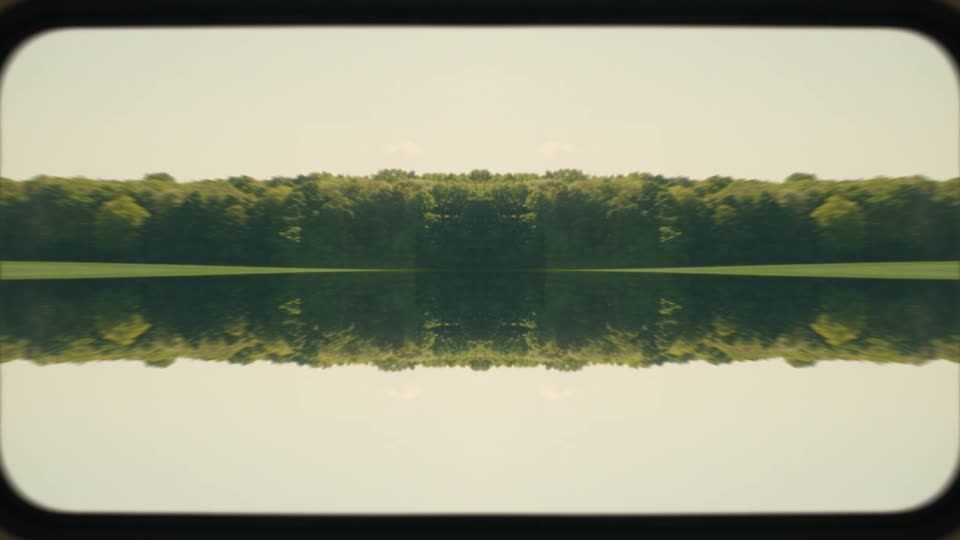
Glitch Kaleido
Four-way mirror on the cut.
-

Glitch TV Roll
The picture rolls like an old TV.
-
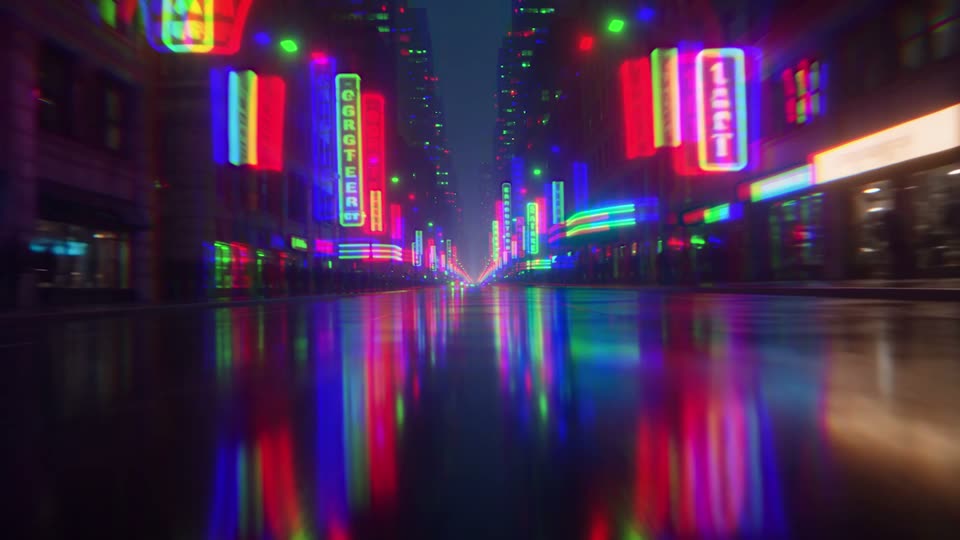
Glitch Twitch
Nervous tilt twitches with colour fringes.
-

Glitch Color Burst
Colours jump through the rainbow.
-
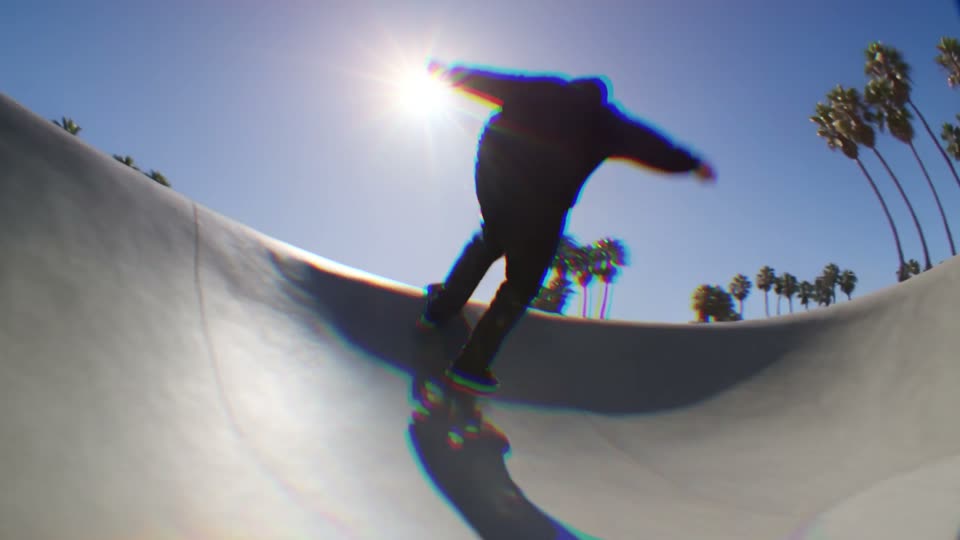
Glitch Chroma Wave
Colour fringes swing back and forth on a wave.
-
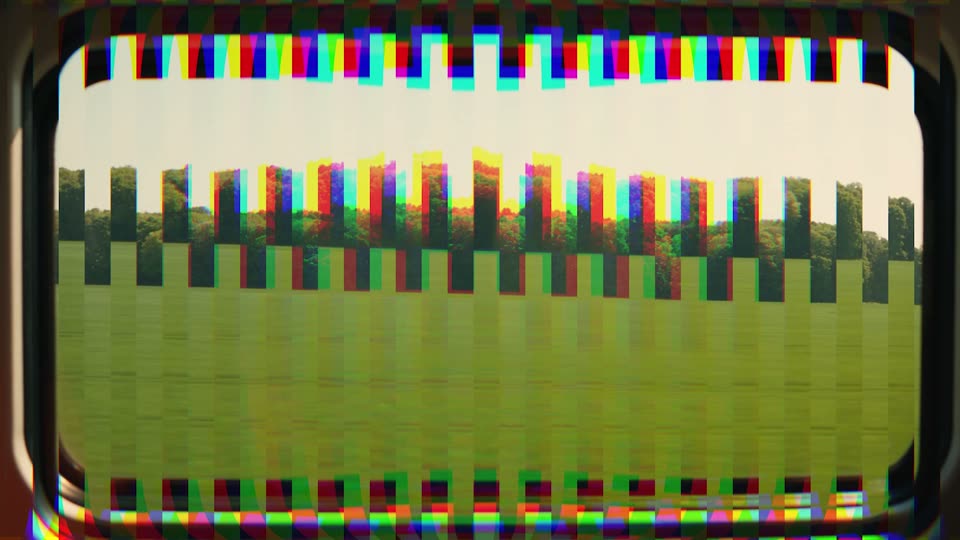
Glitch Vertical Tear
Thin columns tear up and down.
-
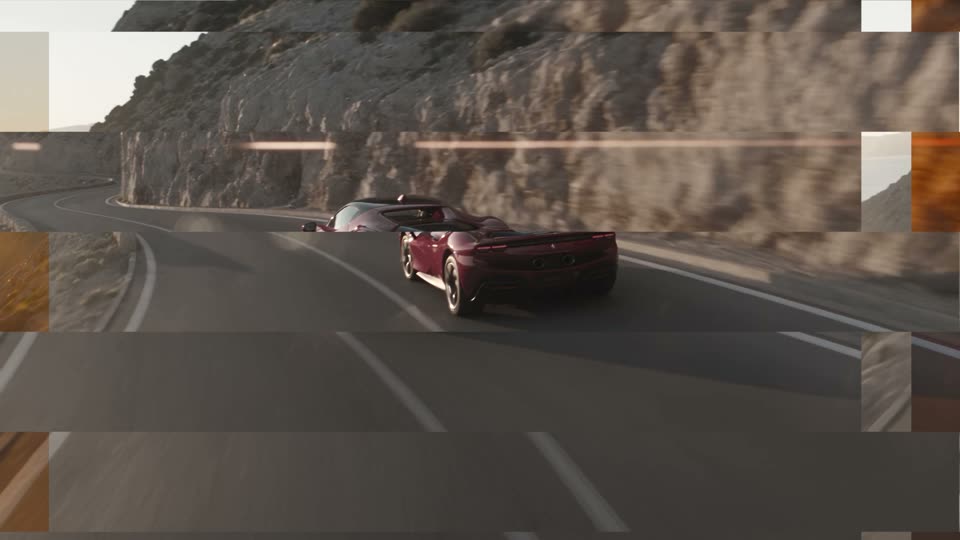
Glitch Mono Break
Breaks into grey, shifted slices.
-
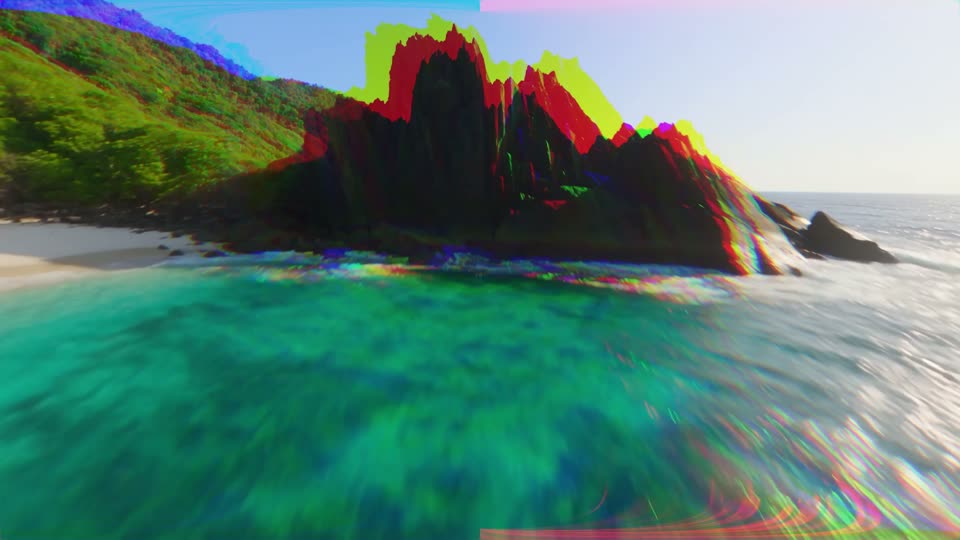
Glitch Neon
Neon colour flickers with colour fringes.
-
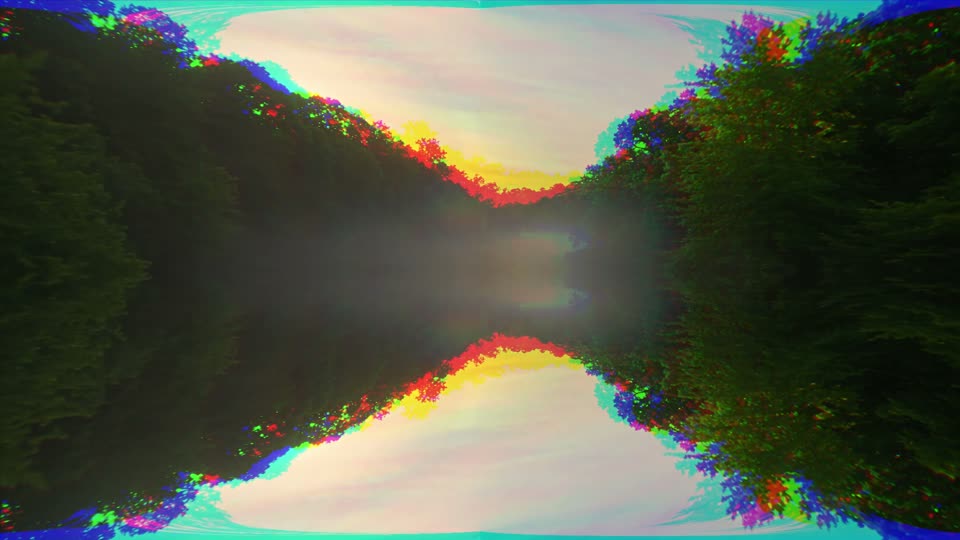
Glitch Mirror Flip
The picture mirrors top to bottom on the cut.
-
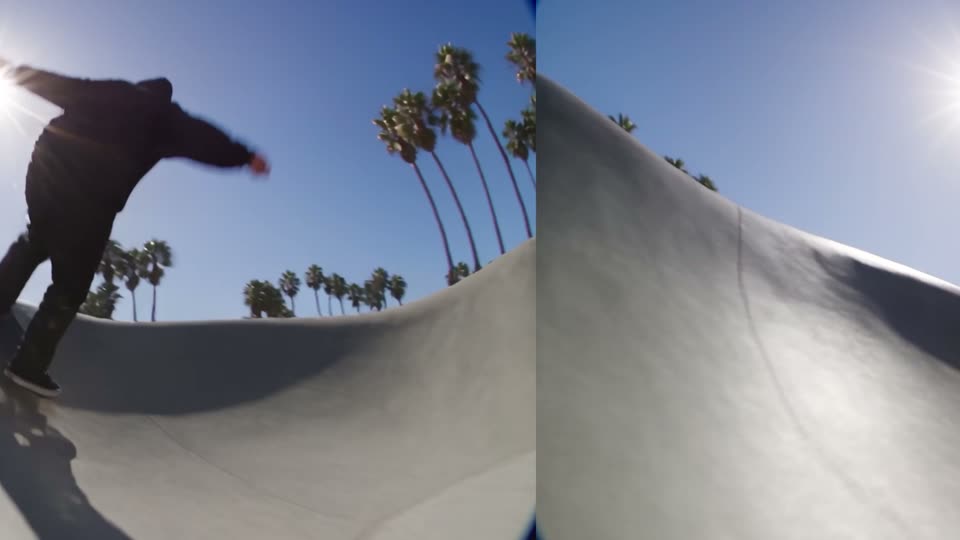
Glitch Roll Left
The picture rolls sideways in steps.
-
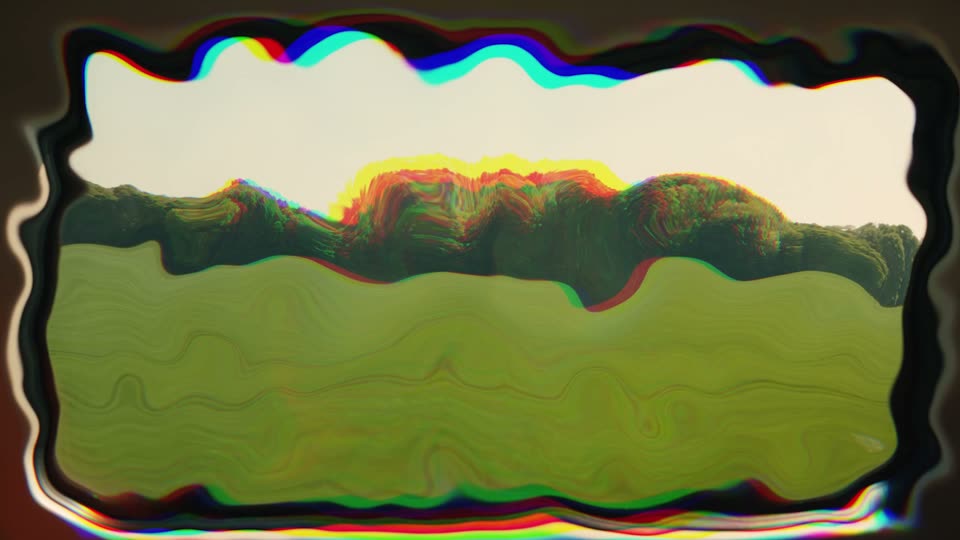
Glitch Warp
The picture warps in jumps.
-
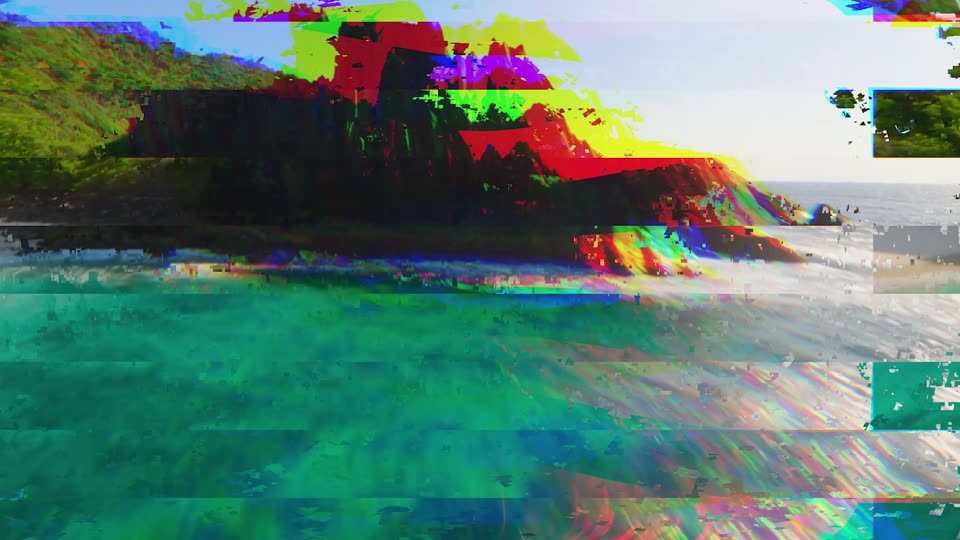
Glitch Overload
Everything breaks at once.
The better deal
All 200 transitions in one pack for $39.99 $59.99
The six packs bought one by one come to 6 x $10.00 = $60.00. This pack's 25 transitions are part of the full pack.