
Home / Premiere Pro / DUKE Light for Premiere Pro
DUKE Light for Premiere Pro
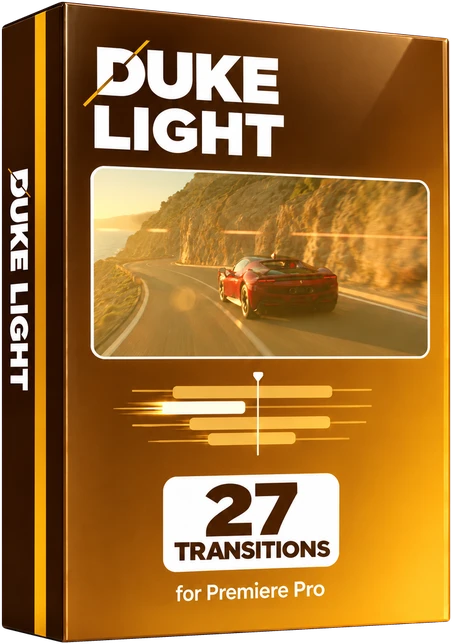
27 transitions for Adobe Premiere Pro, from the full pack of 200. Flashes, dips to black, film burns, strobes and red, blue, pink and gold flashes. Built and tested in Premiere Pro 2026 on a Mac.
Want to try first? Try 10 free
Watch all 27 below before you decide. Hover a tile on desktop, or scroll on your phone.
How it works
These are Premiere Pro presets. Each one goes on an adjustment layer over a cut.
- Install it once. Unzip the download. In Premiere Pro, right-click Presets in the Effects panel, choose Import Presets and pick DUKE Light for Premiere.prfpset. It takes about one minute. The 27 transitions appear under Presets in the folder DUKE Light.
- Put an adjustment layer over the cut. Choose File > New > Adjustment Layer, then place it over the cut, centred on the cut and 1 second long, which is 24 frames at 24 frames a second (12 before the cut, 12 after). Shortest 12 frames, longest 48.
- Drag a DUKE transition onto it. That is it.
- Shorter is faster, longer is slower. The transition stretches to the length of the adjustment layer.
Full guide: install, use and how many frames
- One preset eachOne preset per transition. No nesting, no extra clips, no keyframing.
- Nothing else to installBuilt only with effects that come with Premiere Pro.
- Change anythingEvery transition can be changed in Effect Controls. Its effects and keyframes are listed by name.
- Frame sizeMade at 1920 x 1080 in 16:9. Moves, zooms and spins scale with any frame size. Blur and wave amounts are set in pixels.
The better deal
All 200 transitions in one pack for $39.99 $59.99
The six packs bought one by one come to 6 x $10.00 = $60.00. This pack's 27 transitions are part of the full pack.
Light
27 transitions-
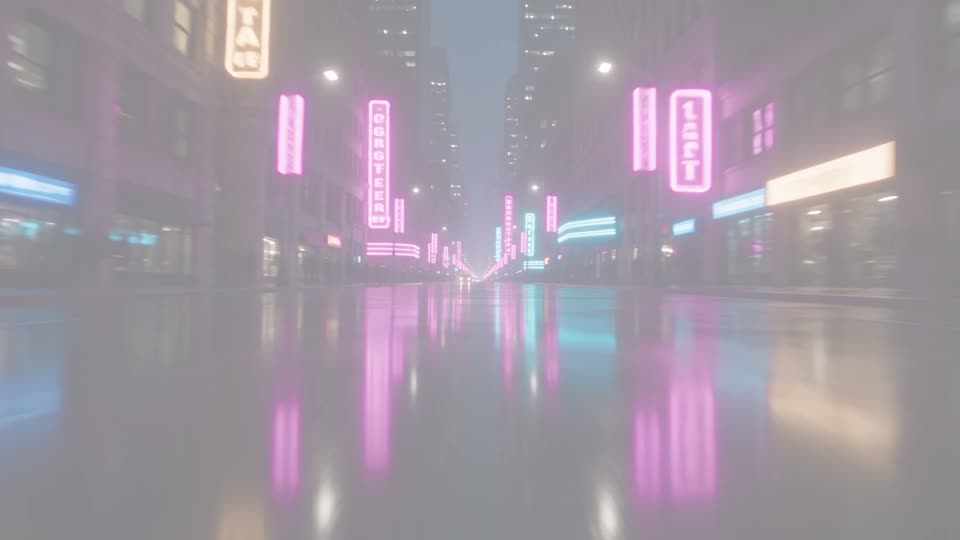
Light Flash WhiteFree
Flashes to white on the cut.
-

Light Warm Flash
A warm, golden flash.
-
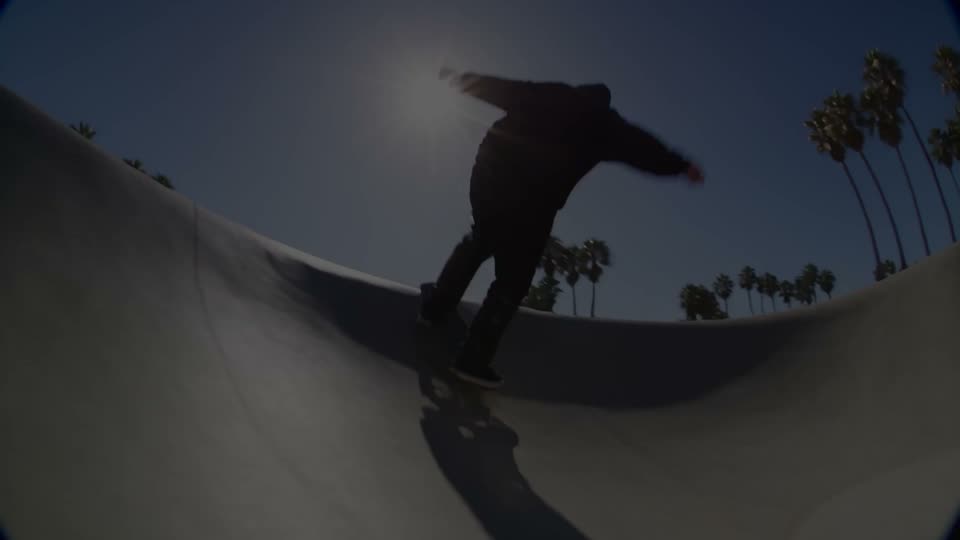
Light Dip To BlackFree
Dips to black on the cut.
-
Light Dip Blur
Blurs and dips to black.
-
Light Exposure Blowout
The exposure blows out to white.
-
Light Glow Dissolve
A soft glowing dissolve.
-
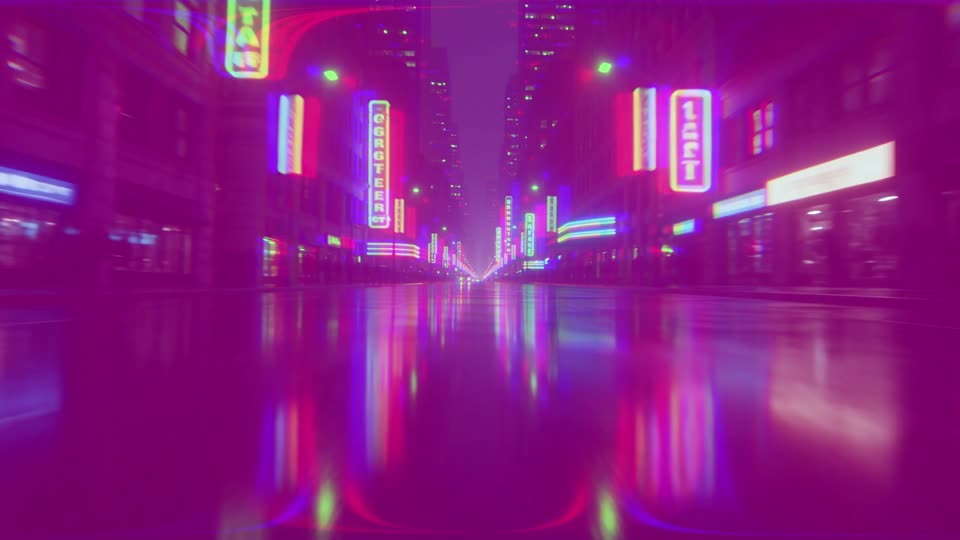
Light Neon Flash
A pink and blue neon flash.
-

Light Color Pop
Colours surge on the cut.
-
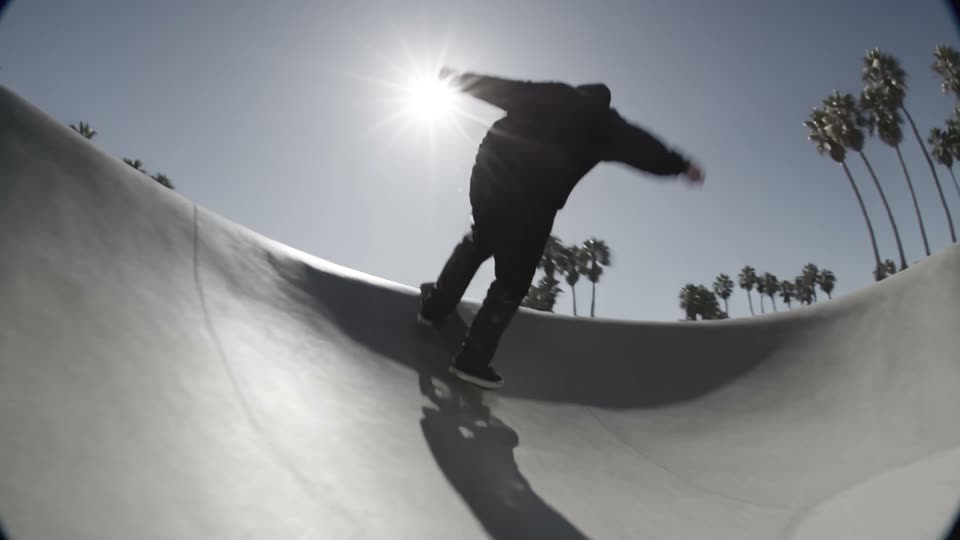
Light Mono DipFree
Drains to black and white on the cut.
-
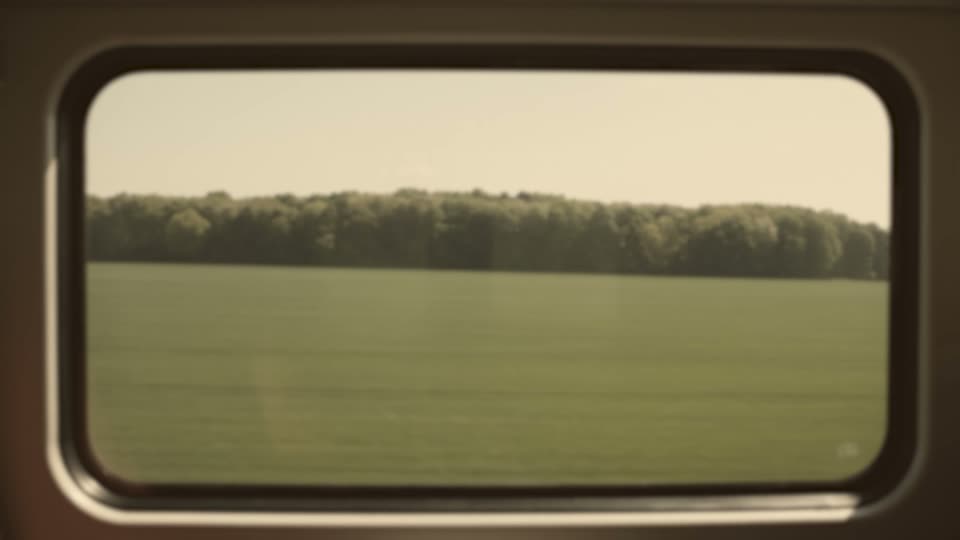
Light Sepia Fade
Fades through warm sepia.
-
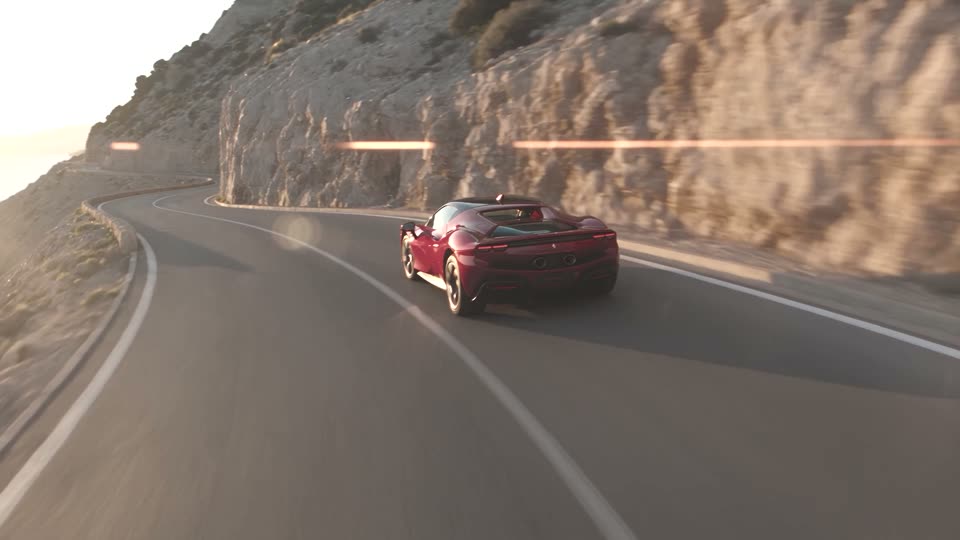
Light Bleach Dip
Bleached, high-contrast dip.
-
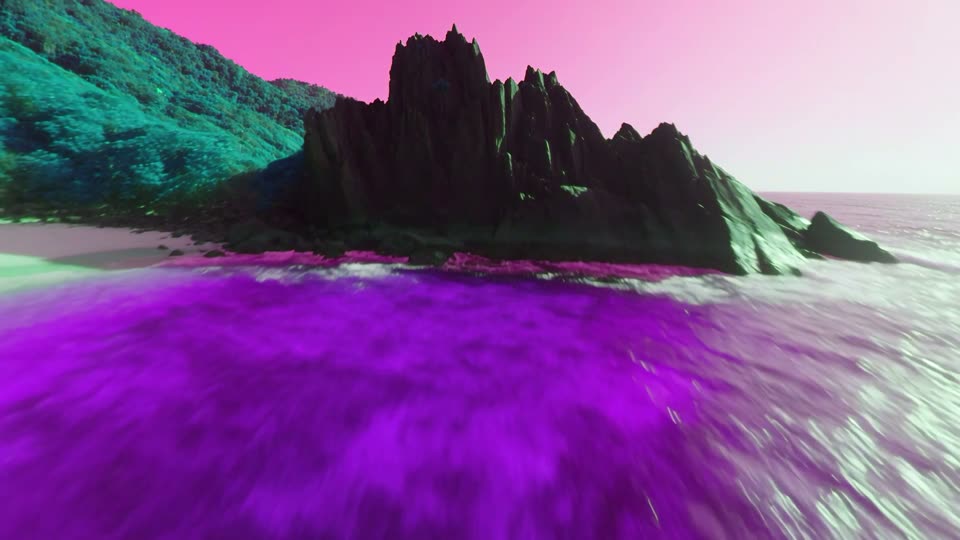
Light Hue Spin
The colours turn all the way round.
-
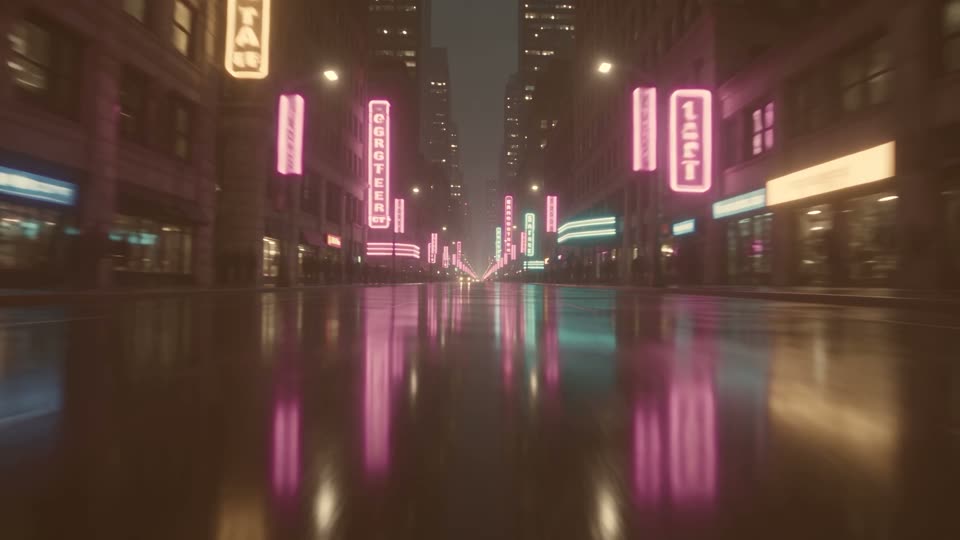
Light Golden Hour
Washes through golden light.
-
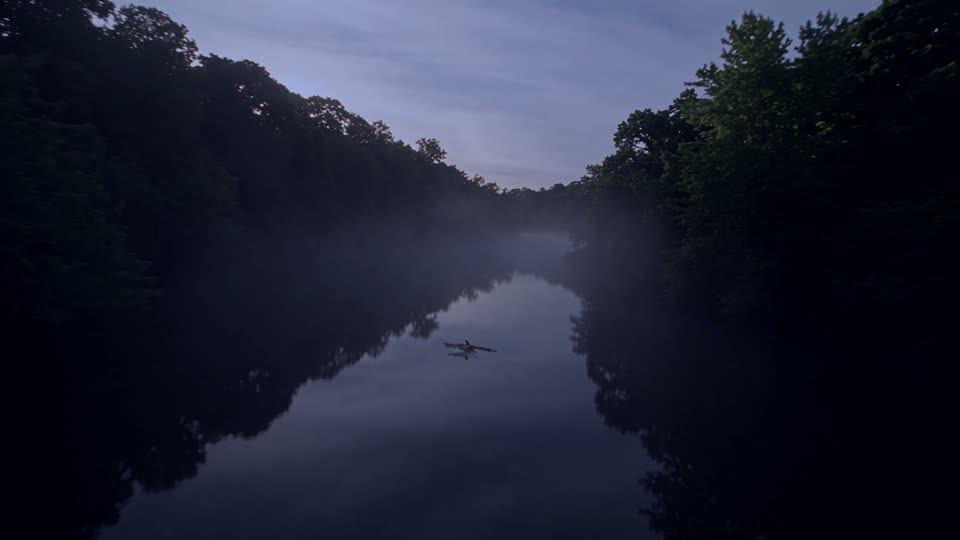
Light Night Fall
Drops into cold blue night.
-
Light Film Burn
A hot orange film burn.
-

Light Camera Flash
A double camera flash.
-
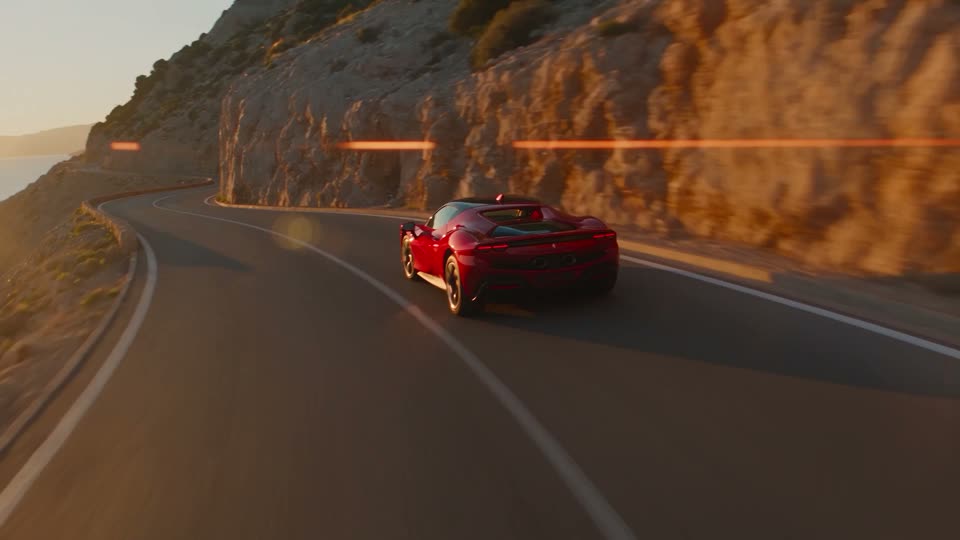
Light Strobe
White strobe flashes around the cut.
-
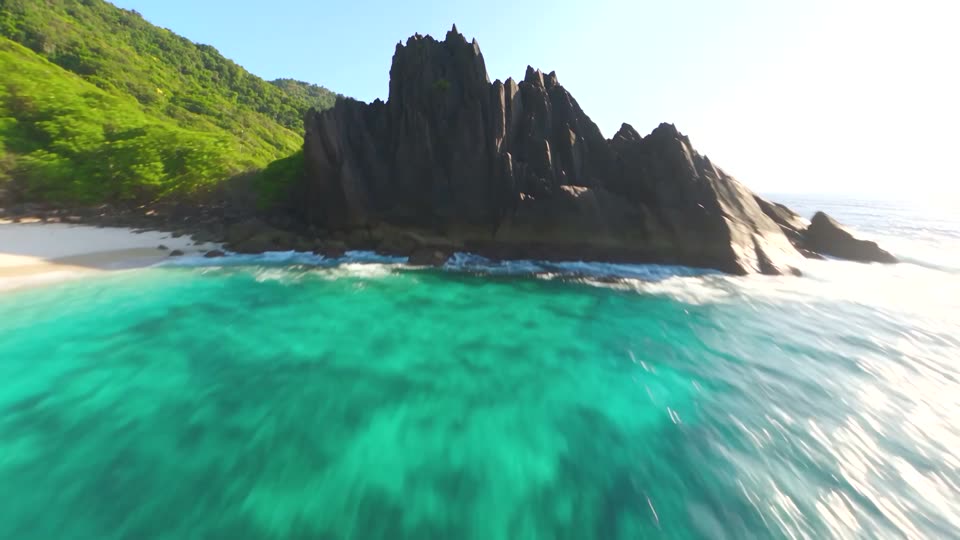
Light Exposure Pump
The exposure pumps up and down.
-
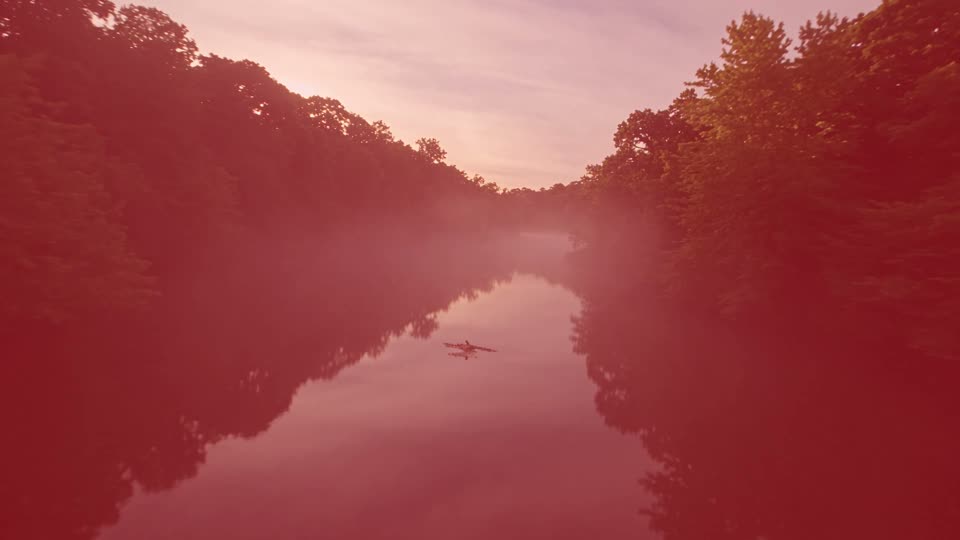
Light Flash Red
A red flash on the cut.
-
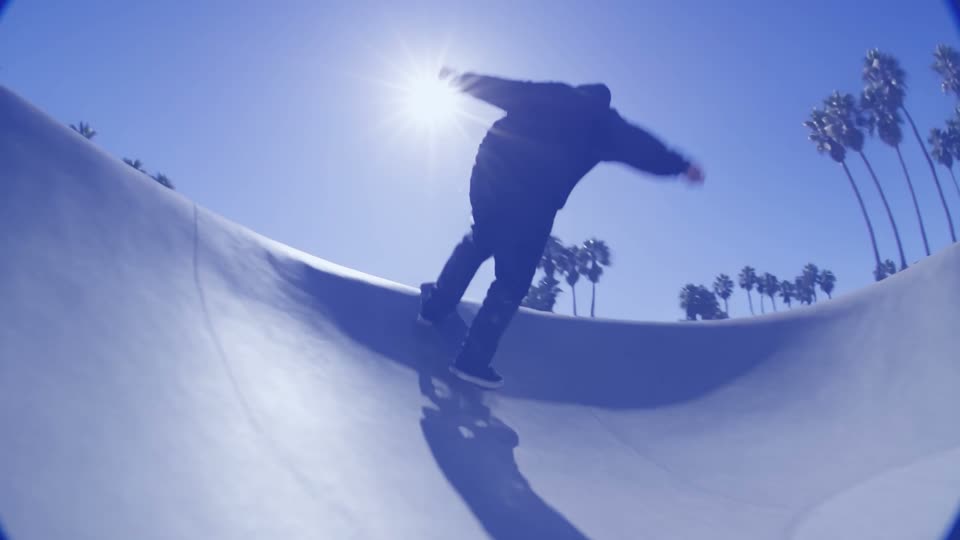
Light Flash Blue
A blue flash on the cut.
-
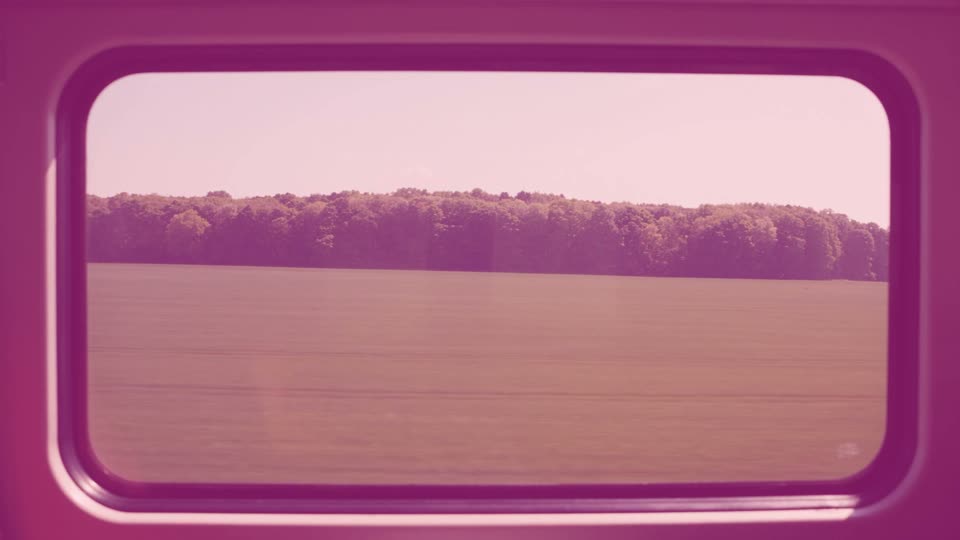
Light Flash Pink
A pink flash on the cut.
-
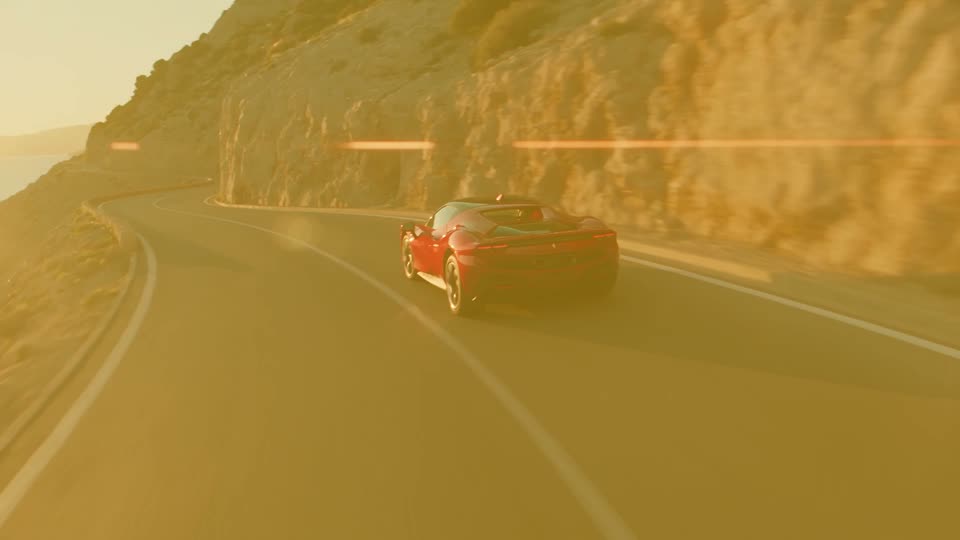
Light Flash Gold
A gold flash on the cut.
-
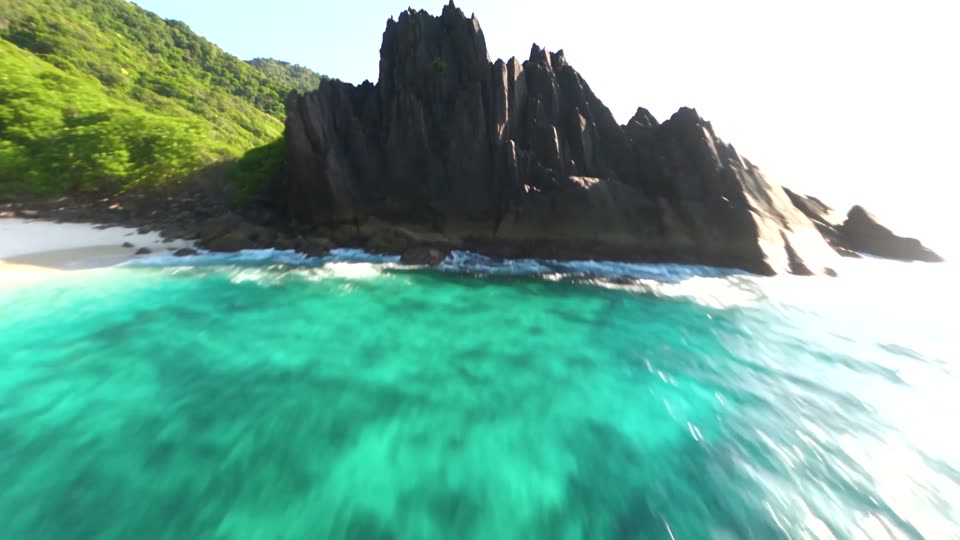
Light Contrast Punch
Contrast and colour slam up on the cut.
-
Light Flash Blur
A white flash through a blur.
-

Light Sunset
Washes through pink and orange.
-
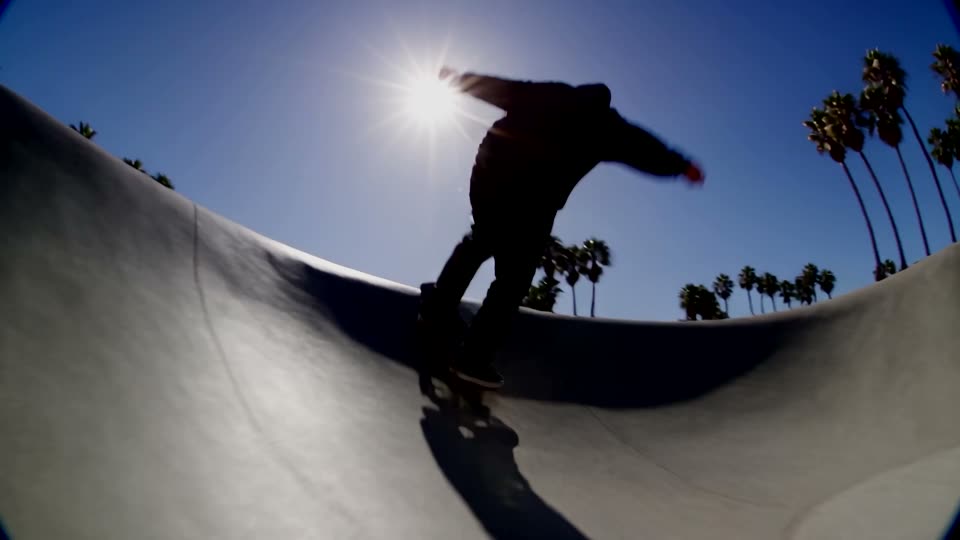
Light Dark Pulse
The picture pulses dark around the cut.
-
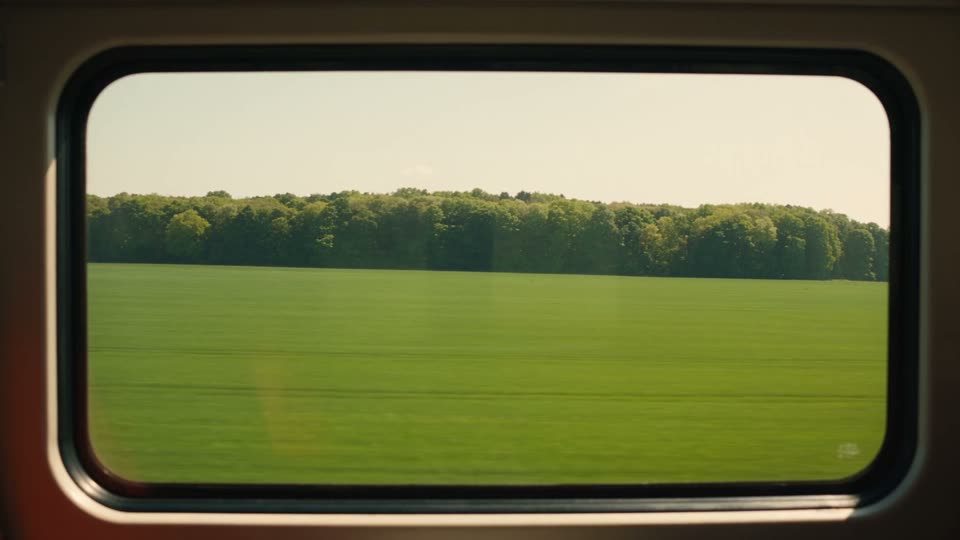
Light Lightning
Irregular white flashes, like lightning.
The better deal
All 200 transitions in one pack for $39.99 $59.99
The six packs bought one by one come to 6 x $10.00 = $60.00. This pack's 27 transitions are part of the full pack.